Starting the Game
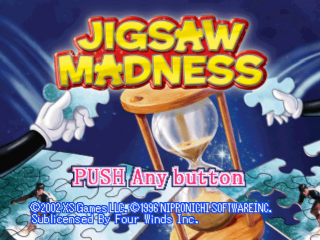
On the title screen, press the button. You will then see the Game Mode screen.
Select the game mode you want to play and press the button to choose and start the game.
Regular Jigsaw Mode
Puzzle Select Screen
Choosing Your Puzzle
With the controller, you can choose from 5 puzzles that are shown on the screen. Alternatively, press the arrow button to see 5 different puzzles.
If you have completed one of the puzzles, you will see a red check mark on the bottom of the puzzle display. Current Rules
Displays the game setting that is selected.
Game Setting
If you select this button, you will see the "Game Setting" Screen.
•
You can choose the puzzle piece amount (24P, 96P, 150P). •
Turn on or off the puzzle piece outline. •
Turn on or off the puzzle piece rotation. When you are done selecting, press the "ACCEPT" button to return to the main title screen.
Back to the Title
Returns back to the title screen.
.png)