GETTING STARTED
Important! Do not insert or remove peripherals or Memory Cards once power is turned on. You will need a Memory Card to save your games.
•
Set up your PlayStation® game console according to the instructions in its Instruction Manual. •
Make sure the power is OFF before inserting or removing a compact disc.
•
Insert the Nicktoons™ Racing disc and close the disc cover. •
Insert the game controllers (and Memory Card if you have one).
•
Turn ON the PlayStation® game console. The introductory sequence will begin. To skip this sequence and go directly to the Main menu, press the START button. You will not be able to save your progress or game information if you don't use a Memory Card. Make sure there is at least one free block on your Memory Card before beginning your game in order to save games, player information and high scores.
You are not able to swap Memory Cards during play and you must leave the card in MEMORY CARD slot 1-A of your multitap if you are using one.
CONSOLE
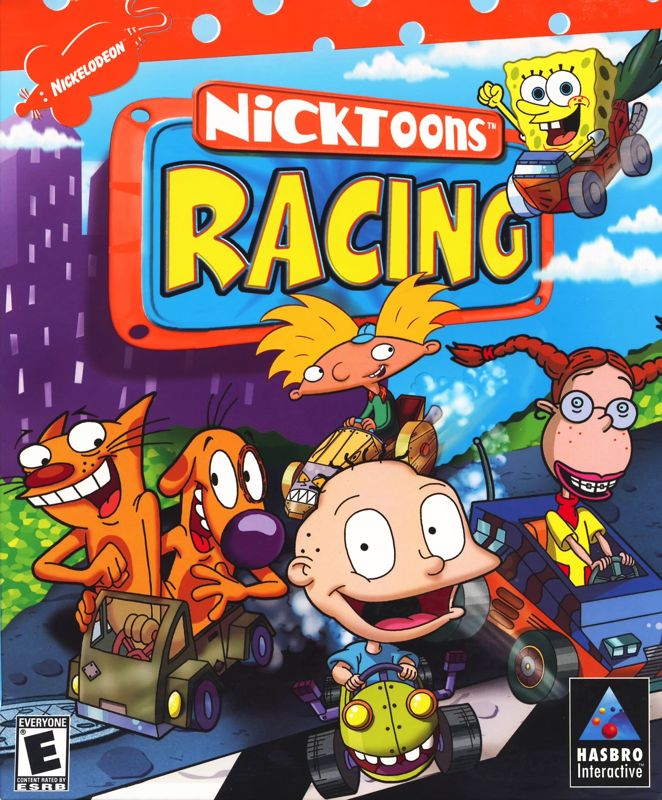
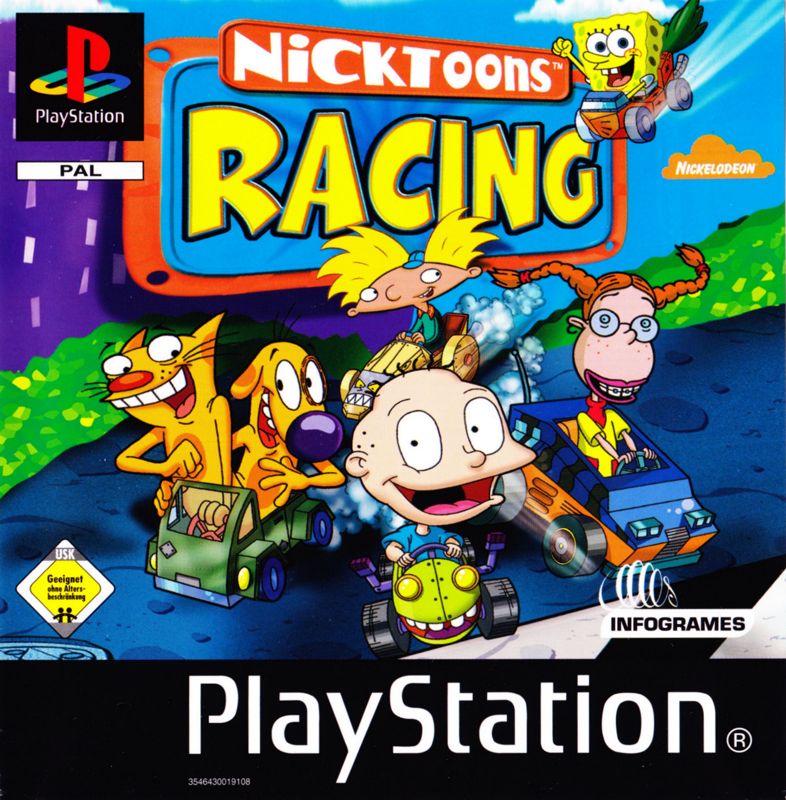
WELCOME TO NICKTOONS™ RACING!
A Mysterious Invitation
The Nicktoons™ characters have come together after receiving a mysterious invitation to race for the Krusty Krab Big Bun Award. Each of the Nicktoons™ characters was challenged to try and claim this neat prize.
Mysteriously, the letter was signed by the "Mystery Rider." No one knows who the rider is, only that he or she drives a sleek black car.
LOADING A SAVED GAME
You can save or load your game from the Main Menu. From the Main Menu, select Options and then select Memory Card.
You can then choose from the following:
•
Load - Select this to load your previously saved game.
•
Save - Select this to save your current game.
•
Reset - Select this to start the game all over again. Note: This selection will reset your current game's progress but will not affect your previously saved game.
BEGINNING THE GAME
When you first launch Nicktoons™ Racing, you'll be sent to a screen where you must select the number of human players, what kind of race you want to compete in, and how hard you want the race to be. IN FUN MODE:
•
Resume Game - Will close the Pause Menu and return you to the race.
•
Restart Race - Will restart the race.
•
Quit - Will end the current race and bring you back to the Track Selection screen.
LET'S START RACING!
Select from the following Main Menu items: 1 Player, 2 Players, Options or Difficulty.
1 PLAYER
This screen offers you a selection of different races. Use the up or down directional button to highlight an option, then press the button to make your choice. Pressing the button returns you to the previous screen.
2 PLAYERS
Use the up or down directional button to highlight an option, then press the * button to make your choice. Pressing the button returns you to the previous screen.
OPTIONS
This screen allows you to change different things in a game. For all of the different options listed below, use the up or down directional button to highlight an option, and the right or left directional button to see what choices are available for that option.
Press the ✖ button to make your choice. Pressing the ▲ button returns you to the previous screen.
Controller Options
At this screen you can change the default controls used in the game. Move the highlight with the directional buttons, and press the ✖ button to select the button configuration you wish to use.
If you have an analog controller with vibration functionality, you can toggle vibration on and off.
Memory Card
This option allows you to load a game from, or save a game to, a Memory Card.
Picture
This option will allow you to adjust the screen display on your television. Use the directional buttons to adjust the screen from left to right and from top to bottom.
Press the ✖ button when finished or the ▲ button to cancel and return to the previous menu.
Sound
At this screen, you can raise or lower the volume of the game and the music that goes with it.
Hall of Fame
Your best times from the Time Trial Mode are stored here.
DIFFICULTY LEVELS
The game has three difficulty settings: Easy, Medium and Hard. Pressing the * button when Difficulty is highlighted will toggle the different settings.
The Easy setting is the game's default, with the Medium setting becoming available once the Easy game is complete. You must complete the game on Medium to open the Hard difficulty setting.
Difficulty determines where you must rank in order to qualify for the next Cup.
•
Easy - Place 1st, 2nd or 3rd to progress.
•
Medium - Place 1st or 2nd to progress.
•
Hard - Place 1st to progress.
If at any time you drop below the place standing required in the point total, you will fail to qualify.
PLAYER OPTIONS MENU
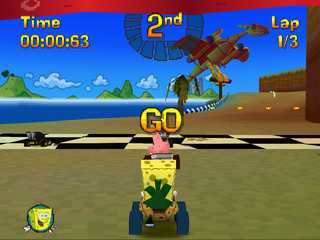
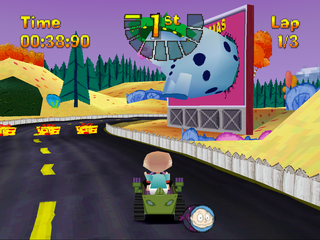
Both the 1- and 2-Player Modes have an Options Menu that give you different ways to race your favorite Nicktoons™ characters.
.png)

.png)