Console Top View
Console Front View
Setup
Set up your PlayStation® game console according to the instructions in the PlayStation console manual. Make sure the power is OFF before inserting or removing a compact disc.
To Save
To save game settings and progress, insert a MEMORY CARD into MEMORY CARD slot 1 of the PlayStation game console before starting play. You can load saved games from the same MEMORY CARD or from any MEMORY CARD containing previously saved Woody Woodpecker Racing games. Getting Started
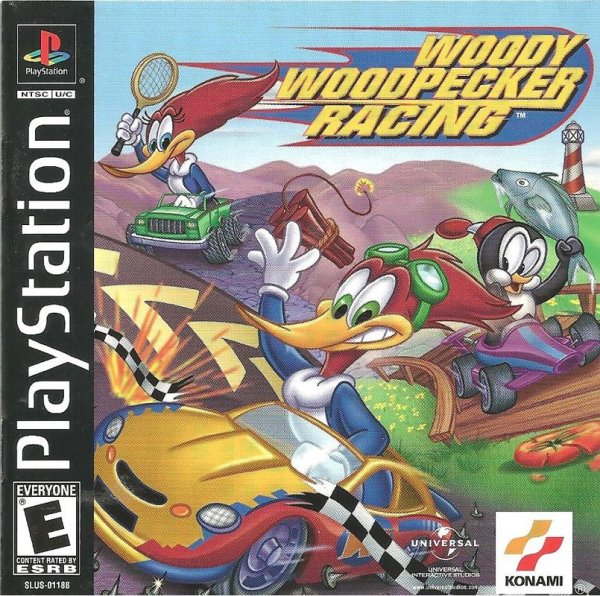
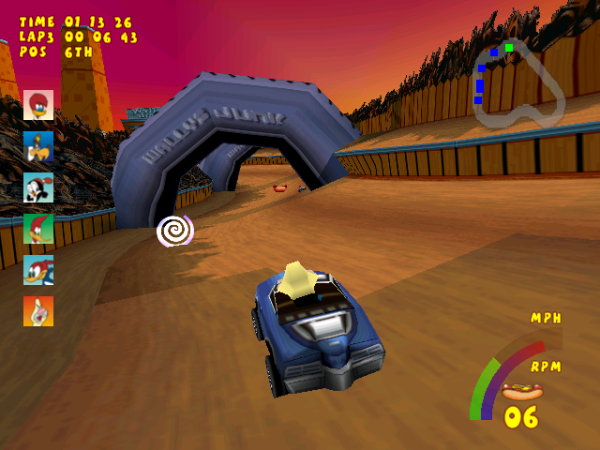
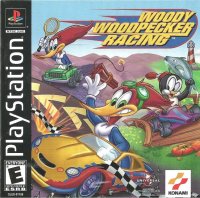
Woody Woodpecker Racing is not just a racing game; it's combat. You must fight your favorite cartoon villains with weapons and special side attacks, and either eliminate or out-race them to be first. Watch your Hot Dogs. The more you have, the faster you go. If you run out of them, you're out of the race.
Starting a Game
•
Before you start playing, set your options: sound effects, music volume, etc.
•
Pick the game mode you want to play: 1 Player or 2 Player.
•
If you are playing alone, select the 1 Player Mode. If you are playing against a friend, select the 2 Player Mode. Now you are ready to pick your characters.
•
Select your character at the Character Menu.
•
If you have picked Quest Mode for 1 Player, then pick "New Game" at the Start Quest Menu.
•
Select the track map you want to play on at the Map Menu. If you are playing World Championship, you can select between the "Easy" or "Moderate" options. If you are playing Single Race or Time Trial, you can choose a map by using the left/right Directional Buttons. If you have selected Quest Mode, the maps will be selected automatically.
Game Modes
There are 2 Game Modes: 1 Player and 2 Player.
Single-Player Options
There are four 1 Player options, depending on what type of challenge you're looking for.
Quest Mode
You have a choice of 6 characters. As you win each of the tracks, you unlock other new tracks and new characters. As you progress further in Quest Mode, you will have to race against 3 different bosses individually.
Once you start the Quest Mode, you won't be able to change your character. You can only become the best by winning each track. Once you unlock the secret characters, they will become available for the other modes (World Championship, Single Race, Time Trial).
World Championship
You race in a league, and as soon as you complete that league, you can compete in a higher one. The 4 options are: Easy, Moderate, Hard, and Expert. To start, you can compete in the Easy and Moderate league.
Once you have completed those tracks, you will be able to unlock the 2 other difficulty levels: Hard and Expert. You can move on to a higher league only if you become champion of your league. You get points for winning each race and, if you have the most points at the end, you're the winner.
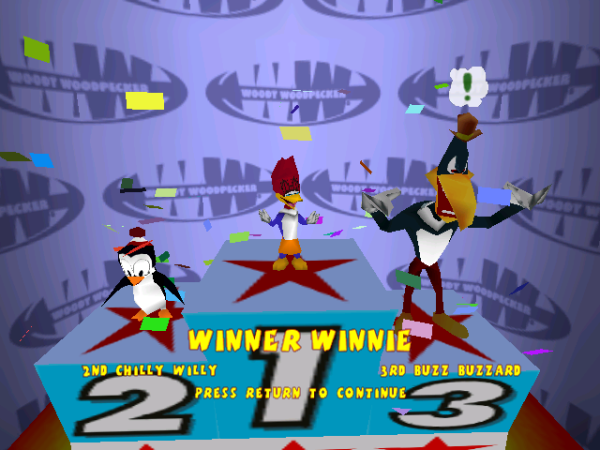
At the end, there is a podium animation where the final winners (1-2-3 place) bow to the crowd. Once you have started a championship, you can't change your character.
If you have already completed the Quest Mode, you will be able to compete at other levels also (the Hard and Expert levels may be unlocked). You will also have the 3 'secret' characters unlocked.
Time Trial
Select a track and try for your best lap time. Some of the harder tracks and characters may be locked out if you haven't completed the Quest Mode.
Single Race
Race 5 laps of the selected track with stored lap times for all laps.
2 Player Mode
The 2 Player Mode allows 2 Players to play head-to-head.
If you have unlocked additional characters and maps in 1 Player Quest Mode, these will be available for the 2 Player Mode.
Each player picks their own character in the Character Menu, from the list of available characters. The player's character is visible in 1 of the halves of the screen as you play. Same in-game weapons and power-ups are available in 2 Player Mode, as well as in 1 Player.
Menus/Options
Main Menu Options
•
1 Player: Select this if you are playing by yourself. This will take you to the 1 Player menu, mentioned above.
•
2 Player: Select this option if you are going to play against a friend.
•
Options: Select this option if you are going to change the game options, including sound effects, controls, etc.
1 Player Menu
The 1 Player menu has 4 options that you must pick from: Quest, World Championship, Time Trial, and Single Race. Press the Button to select an option.
2 Player Menu
The 2 Player menu will allow you to pick the 2 Player options that enable you to play head-to-head against a human player.
Options Menu
•
SFX Volume: This allows you to adjust the volume level for the sound effects in the game (weapons, characters' voices, other noises made by the vehicles). Use the left/right Directional Buttons to increase or decrease volume, then press the Button to confirm selection and return back to the main options menu.