Starting the Game
•
Set up your PlayStation® game console according to the instructions in its Instruction Manual. •
Make sure the power is OFF before inserting or removing a disc.
•
It is advised that you do not insert or remove peripherals or memory cards once the power is turned on.
•
Insert the SOL DIVIDE™ disc and close the Disc Cover.
•
Insert game controllers and turn on the PlayStation® game console. Reset Button
Power Indicator
Power Button
Controller Port
Open Button
Disc Cover
How to Start the Game: Main Menu
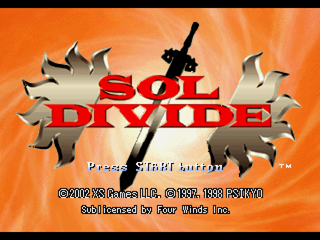
When you press the START button during the title screen it will take you to the main menu screen. Use the directional key and select with the button.
•
Original - Different from the Arcade mode, it has a story as well as game play. •
Demo - Returns to the demo screen.
Arcade
•
Game Start - Select the difficulty level with the directional key. (If you choose level 4 or higher and clear the level, you must pass it twice.) If you press the button the game will start.
Original Mode
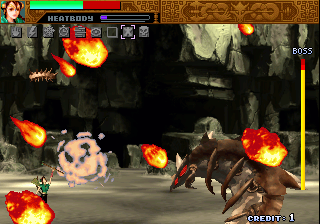
Once you have passed the arcade mode, move on to the original mode! This is a different story line from the arcade mode. You have been selected to battle in the underground caves. As you move down and battle you will receive different items. Use these items and defeat the boss that is on the 17th floor. This level will not have a MP gauge. Instead, each Scroll has a certain limit on how many times the magic can be used.
When your HP becomes 0 you will return to the palace, however, your attack strength and defense will be reduced to half and you will lose all your items.
•
New Game - Start the game from the beginning.
•
Key Config - You can change your button settings.
•
Exit - Takes you back to the Game Select mode.
START Button Menu during game play
Item
•
Use - Open treasure chests. Use items. Equip weapons.
•
Description - You can see the item description.
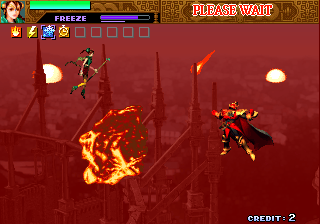
Magical Book
You can arrange the order of the magical scrolls. If you have more than 9 scrolls, you can switch between active and non active scrolls.
.png)


.png)

.png)












.png)



.png)