GETTING STARTED
Set up your PlayStation®2 computer entertainment system according to the instructions in its Instruction Manual. Make sure the MAIN POWER switch (located on the back of the console) is turned on.
Press the RESET button. When the power indicator lights up, press the open button and the disc tray will open. Place the Barbarian disc on the disc tray with the label side facing up. Press the open button again and the disc tray will close.
Attach game controllers and other peripherals, as appropriate. Follow on-screen instructions and refer to this manual for information on using the software.
COMBOS
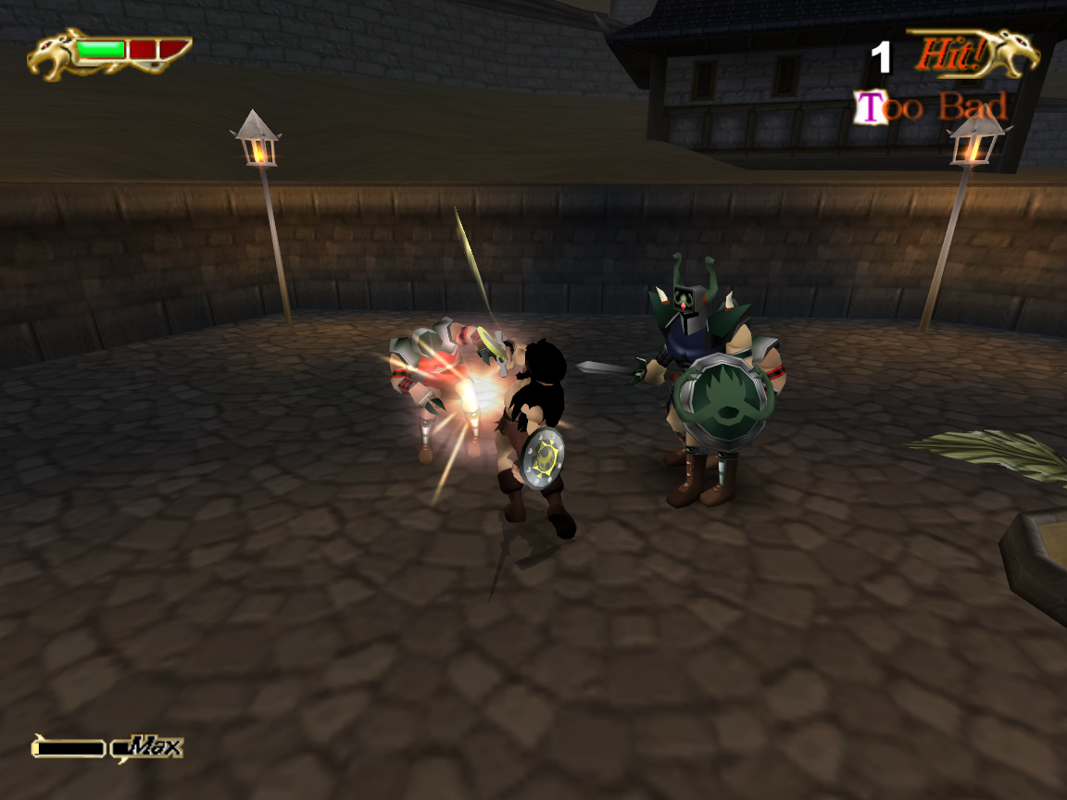
Executing a combo requires precise timing. For example, striking your opponent with a button attack followed mid-way through with a change to a button attack and then another △ button attack mid-way through it could trigger a special combo attack that does even more damage and stuns your opponent. Combos take practice to get good at them.
AUTO COMBOS
Novice players will appreciate the Auto Combo feature of Barbarian. Since Combos can be difficult to execute and time perfectly for less experienced players, Barbarian offers the ability to a player to hold down the L2 button and simply press the entire Combo Sequence of buttons without waiting to press the attack buttons at the precise times.
This allows easy execution of Combos; however, the player is committed to the entire combo sequence if he does this as a trade off.
MEMORY CARDS
Throughout this manual, the term "Memory Card" is used to describe the memory card (8MB)(for Playstation®2). Memory Cards designed for use with PlayStation® format software are not compatible with this game.
To save game settings and progress, insert a memory card into MEMORY CARD slot 1 of your Playstation®2. You can load saved game data from the same memory card, or any memory card containing previously saved Barbarian data, from any MEMORY CARD slot.
Make sure there is enough free space on your memory card before commencing play.
MENU OPERATION
Press the directional buttons to highlight an option, then press the X button to confirm. To return to the previous screen or menu, press the △ button.
THE MAIN MENU
QUEST
Choose to create a new game or continue a game (requires a saved game). Each character has his own unique dynamic story. As you play a Quest, you make choices on where your character will go and what your character will do.
These choices change the story and who and where you will fight. Experiment with different choices and experience the adventure for each character. Only by playing all characters will the true tale of Barbaria be discovered.
Characters earn Experience Points (XP) and Attribute Points (AP) by winning Quest battles, which can then be used to improve your character. Develop your character and use him in Versus mode against friends!
VERSUS
Choose to play against any combination of opponents in any arena. If you have a saved game character from a Quest, you can use him as well as the standard characters.
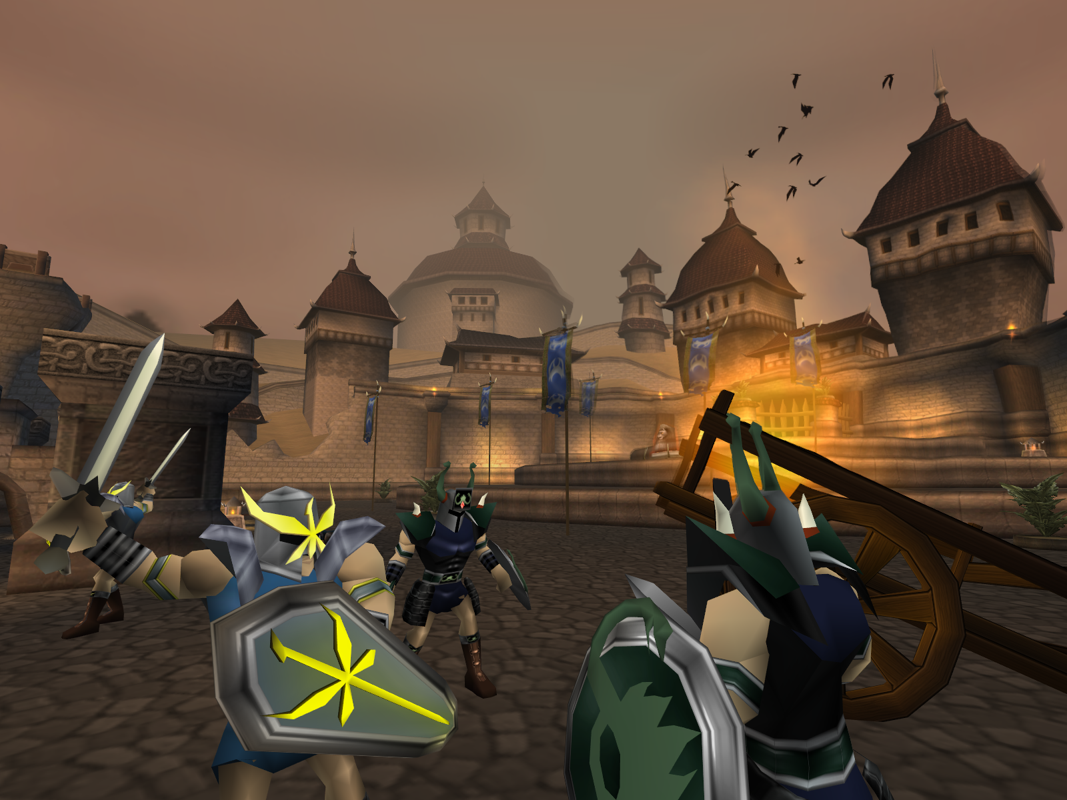
You may customize your game with up to four hero Barbarians (normal and alternate costumes) and four thugs in any Human, Computer Controlled, and team combination.
A Multitap (for PlayStation®2) must be inserted in controller port 1 prior to a system boot-up for 3-player & 4-player to function correctly.
TRAINING
Choose to learn how to play the game in the Training Arena. You will be able to select Training Sessions to learn basic movement and combat, how to execute Combos, cast magic, use objects picked up, and counter & block enemies.
Practice mode allows you to play just like you would in Versus mode except you cannot be killed.
OPTIONS
Choose to adjust controller configurations, sound & music volume, length of each round in seconds, how many rounds must be won to win in Versus mode, and position the display on your TV. All settings are saved on your memory card.
•
CONTROLLER CONFIGURATION
SAVING AND LOADING GAMES
Games are only saved with characters in Quest Mode. When you begin a game in Quest Mode, you will be asked to Create a New Character File. This is the file that will be used to save your character. Make sure you have enough available space to save your character's game.
Characters are automatically saved at the end of every complete battle. If you do not have a memory card, your character file will not be saved.
CREATE NEW CHARACTER FILE
In order to save your progress through Barbarian, you'll need to create a character file on your memory card.
From the Main Menu select QUEST and then NEW from the menu that appears. If you have a
.png)

.png)