MAIN MENU
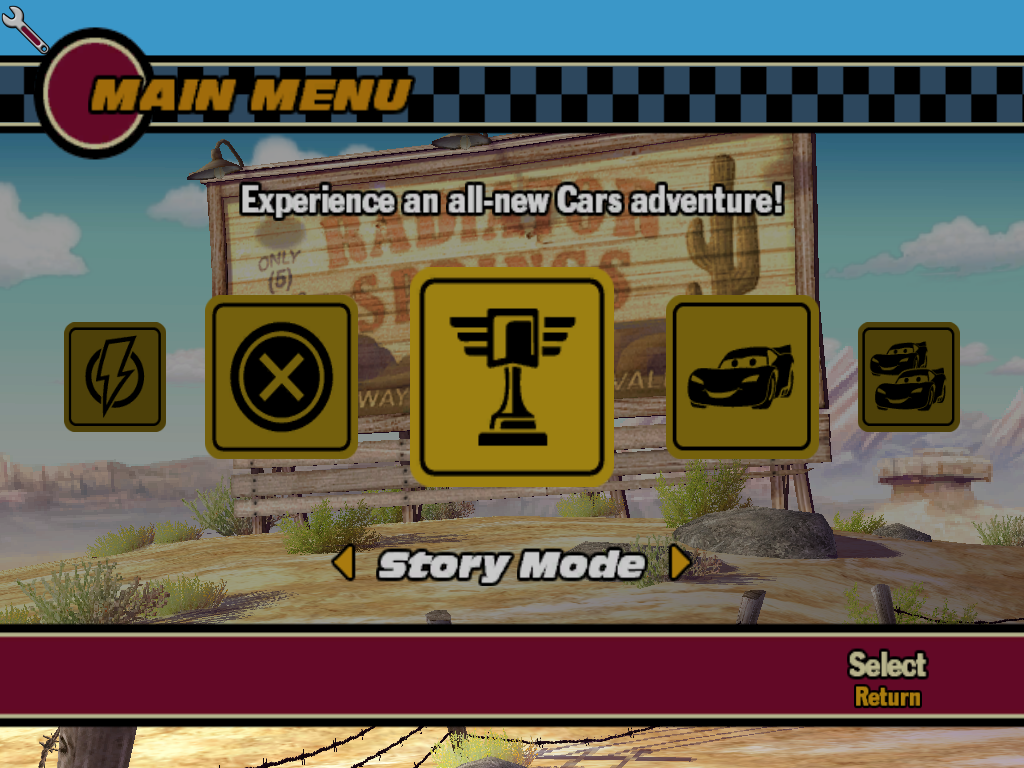
STORY MODE
Experience an all-new adventure with your favorite characters from Disney/Pixar Cars!
Select Full-Size for the complete Cars story adventure, or Compact for a shorter, easier experience geared towards younger drivers.
ARCADE
Play any of the Road Races, Piston Cup Races, or Mini-Games you've unlocked during Story Mode.
VS.
Play against a friend in unlocked Road Races, Piston Cup Races, and Mini-Games (selected events only).
BONUS-CONTENT
Spend Bonus Points to unlock cool characters, concept art, movies, paintjobs, and more!
OPTIONS
•
PROFILES: Save and track your progress through the game.
•
CONTROL SETTINGS (PLAYERS 1 AND 2): View and choose your Control Configuration.
•
GAME OPTIONS: Adjust game settings.
•
CAMERA OPTIONS: Adjust in-game camera settings.
•
SOUND OPTIONS: Choose Mono, Stereo or Dolby® Surround and set volumes.
•
RECORDS: See your high scores for all events.
•
CREDITS: Check out the pit crew who created this game.
•
CHEATS: Enter cheat codes in here.
RACE FOR THE PISTON CUP!
It's Piston Cup season again and last year's hotshot rookie, Lightning McQueen, is ready to race. While in Story Mode, explore the town of Radiator Springs and the rest of Ornament Valley with Lightning to collect Bolt Icons and gain Bonus Points.
Select the flashing Event Icons to compete in a variety of races and mini-games with your favorite Disney/Pixar Cars characters. Start your engines, hold on tight, and get ready to leave the competition in the dust!
The Cars video game features three exciting types of events: Road Races, Piston Cup Races, and Mini-Games. After you've reached an event in the Story Mode, it is unlocked for play in Arcade or Vs.
ROAD RACES
Tear it up on the back roads of Radiator Springs with Lightning McQueen and your favorite cars in more than 20 road-rippin' races!
PISTON CUP RACES
Fly down the track as Lightning McQueen in 5 competitive races featuring high-speed, high-stakes and a chance to put Chick Hicks away for good!
MINI-GAMES
Relive some of your favorite moments from Disney/Pixar Cars! Go Tractor Tipping in Frank's Field with Mater and Lightning; chase down speeders in Radiator Springs as Sheriff, play as the high-octane interstate pranksters hassling Mack on the highway, and more!
SELECT DIFFICULTY
When in the Arcade or Vs. mode, you can select a difficulty level after selecting a Road Race or Piston Cup Race: Rookie, Pro, Champion, or Practice.
Story Mode also features two difficulty levels. Select Full-Size for the complete Cars story adventure, or Compact for a shorter, easier experience geared towards younger drivers.
SELECT CHARACTER
After choosing an event in the Arcade or Vs. modes, you can select a character from Ramone's shop. Collect enough Bonus Points throughout the game to unlock even more Cars characters!
GAME SCREENS
•
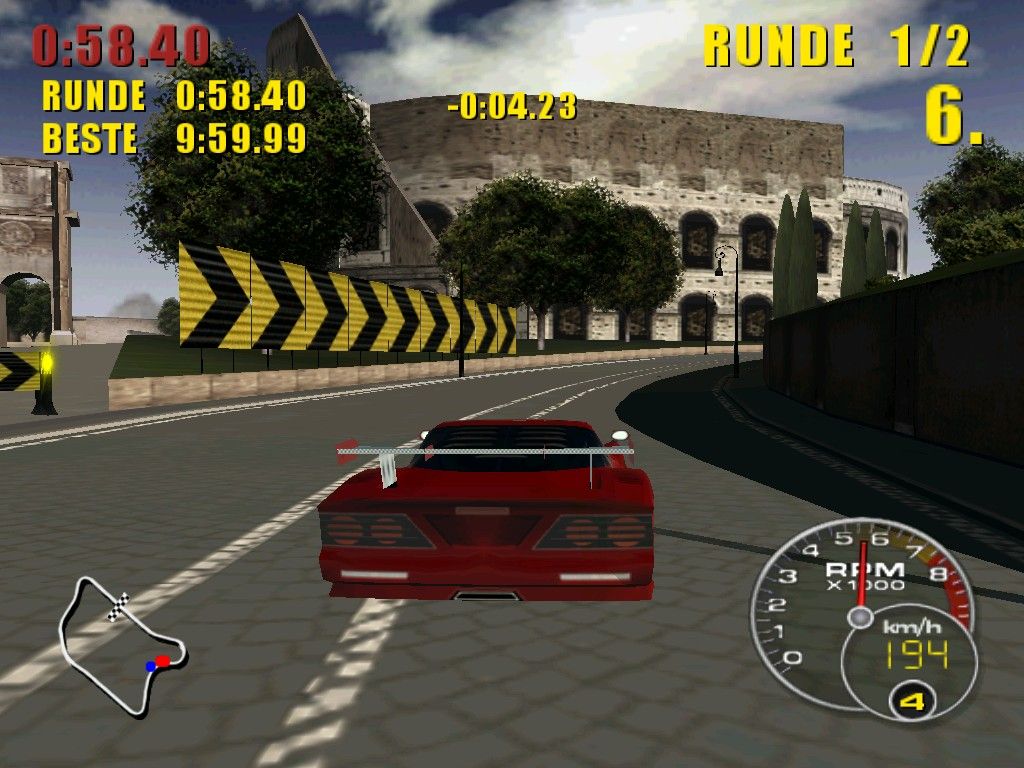
1 POSITION: Shows your position in the race.
•
2 LAP: Shows your current lap in the race.
•
3 CURRENT: Shows your current lap time.
•
4 LEAD: Shows the leader's time ahead of other racers.
•
5 MAP: Shows your position along the race path as well as the positions of your opponents.
•
6 SPEEDOMETER: Shows your current speed.
•
7 BOOST METER: Shows your current amount of boost. There are three boost levels available in Story Mode.
•
1 EVENT TARGET: Drive to these flashing targets and press the button to select an event.
•
GREEN: Road Races are available here.
•
BLUE: Mini-Games are available here.
•
RED: Piston Cup Races are available here.
•
You must have enough to compete in the next Piston Cup race.
•
2 MAP: Colored dots represent Event Targets featuring events you've already played. An Event Target featuring a new event will appear as a white dot.
•
3 SPEEDOMETER: Shows your current speed.
•
4 BOOST METER: Shows your current amount of boost. There are three boost levels available in Story Mode.
PAUSE MENU
Press the START button at any time during gameplay to pause the game and access the Pause Menu.
•
CONTINUE: Resume gameplay.
•
RESTART EVENT: Restart your current event.
•
STATS: Toggle race stats ON or OFF.
•
MAP: Toggle the map ON or OFF.
•
SOUND: Change your driving music and adjust volume levels. •
QUIT: Exit the current event and return to the Main Menu.
•
SAVE GAME: Save your current game (while in Story Mode only).
STORY MODE MENU
When not in a Road Race, Piston Cup Race, or Mini-Game, press the SELECT button to access the Story Mode Menu.
Select and play any previously played event from this screen without having to drive to the Event Target.
•
CHAPTER: Shows the currently highlighted chapter.
•
EVENT: Shows the currently highlighted event.
•
✔: Shows the number of Trophy Points remaining for the currently highlighted event.
•
☑: Shows your total number of Trophy Points.
•
BONUS POINTS: Shows your total number of Bonus Points.
.png)

_1.png)
.png)
.png)
.png)
