GETTING STARTED
1. Set up your PlayStation®2 computer entertainment system according to the instructions in its instruction manual.
2. Make sure the MAIN POWER switch (located on the back of the console) is turned on.
3. Press the standby/RESET button. When the power indicator lights up, press the open button and the disc tray will open.
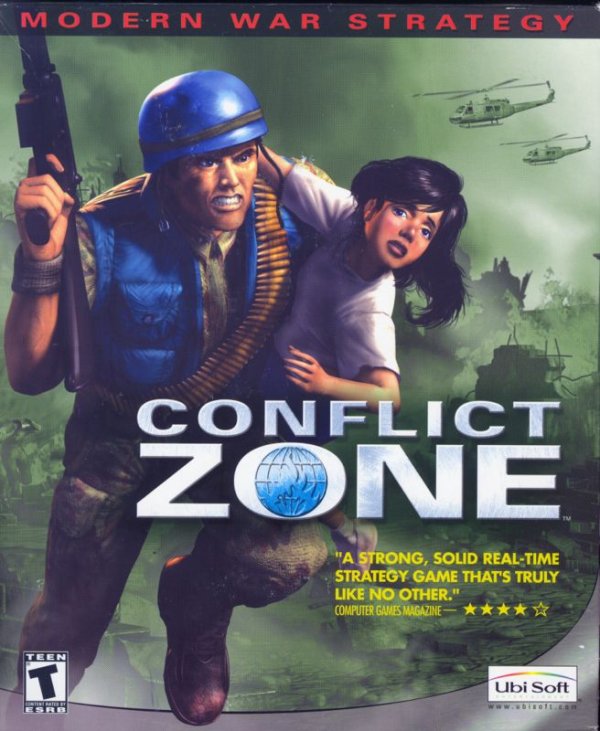
4. Place the CONFLICT ZONE™ disc on the disc tray with the label side facing up. Press the button again and the disc tray will close.
5. Attach game controllers and other peripherals, as appropriate.
6. Follow on-screen instructions and refer to this manual for information on using the software.
Conflict Zone supports the DUALSHOCK®2 analog controller and the memory card (8MB) (for Playstation®2) if you wish to save your progress.
MENU OPERATION
You can skip the introductory video scenes by pressing the button. On the title screen, press Start to reach the main menu. If the Demo mode starts up, you can interrupt it at any time by pressing Start.
Use the up and down directional buttons to navigate through the main menu. The button validates your choice. The A button takes you back to the title screen.
1. New Campaign ("Campaign")
This option enables you to begin one of the 2 campaigns proposed in Conflict Zone or to play the tutorial training mission (as an ICP player).
Each campaign is independent of the others, and campaigns can be played in any order. For as long as it takes to win a mission, it can be started over as many times as necessary. When a mission has been won for the first time, the player can go on to the following mission and his progress is registered.
•
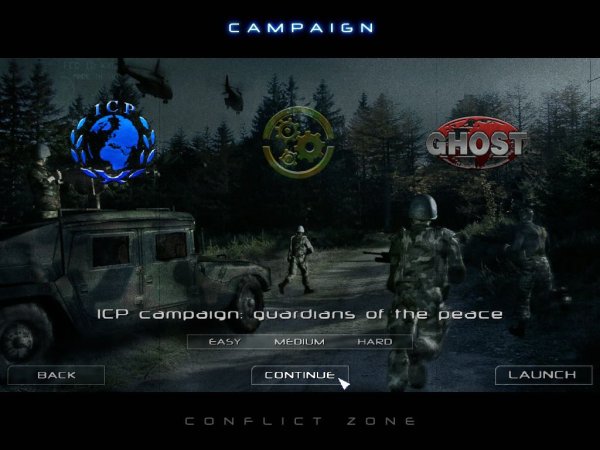
"ICP Campaign: Guardians of the Peace." The ICP campaign places you at the head of the ICP's Territorial Army. As a general, your task will be to command the ICP troops to intervene in different conflicts and to cease the aggressive whims of the attacking country.
•
"GHOST Campaign: The Power of Darkness." The GHOST campaign places you in the role of military head of the secret organization that works to destabilize the ICP and increase its own profits. It operates by manipulating small countries and forcing them into attacking their neighbors.
•
"Tutorial: Training Mission." The tutorial comprises a unique training mission to teach you the basics of the game: camera and interface use, base development, the use of units and commanders.
Use the left and right directional buttons to choose a campaign.
Press the down directional button, then use the left and right directional buttons to choose the level of difficulty: "Easy," "Medium," or "Hard."
To begin a new campaign, press the button.
If you have already started a campaign, all you have to do is press the button. This enables you to resume the campaign where you left off.
LOAD GAME
•
SKIRMISH: A difficult choice
•
ICP 01 Intervention requested
The list of all the saved games on the memory card (8MB) (for PlayStation®2) appears on the screen. Use the directional buttons to choose the game, then launch it by pressing the button.
3. Replaying a Mission ("Replay")
REPLAY MISSION
•
ICP 01: Intervention requested
•
ICP 02: Transmissions jammed
•
ICP 03: Humanitarian mission
•
ICP 06: Forcing a passage
•
ICP 07: Decisive advance
•
ICP 10: Presidential escort
•
ICP 11: The kamikaze dolphins
This enables you to play again any mission already accomplished. Use the directional buttons to choose the mission you wish to replay and to change the level of difficulty. Then launch the game by pressing the ✖ button.
4. Skirmish ("Skirmish")
This mode enables you to play games against a computer-controlled player. The aim is to eliminate your adversary. This is achieved if:
•
he has no more units (troops or buildings);
•
his popularity level is below the minimum threshold (if the "minimum popularity" option has been checked);
•
or if he no longer has any buildings (if the "short game" option has