GETTING STARTED
Set up your PlayStation®2 computer entertainment system according to the instructions in its Instruction Manual. Make sure the MAIN POWER switch (located on the back of the console) is turned ON.
Press the RESET button. When the power indicator lights up, press the OPEN button and the disc tray will open. Place the DARKWATCH™ disc on the disc tray with the label side facing up. Press the OPEN button again and the disc tray will close.
Attach game controllers and other peripherals, as appropriate. Follow on-screen instructions and refer to this manual for information on using the software.
DUALSHOCK®2 ANALOG CONTROLLER
•
left analog stick (L3 button when pushed down)
•
right analog stick (R3 button when pushed down)
Note: Illustration may not match all PlayStation 2 console types. For owners of SCPH-70000 series PlayStation 2 systems, refer to the setup instructions supplied with your system. STARTING UP
DARKWATCH is a 1-to-2 player game. To set up for play:
•
For 1 Player games: Connect the DUALSHOCK®2 analog controller to controller port 1.
•
For 2 Player games: Connect a second DUALSHOCK®2 analog controller to controller port 2.
MEMORY CARD (8MB) (FOR PLAYSTATION®2)
To save game settings and progress, insert a memory card (8MB)(for PlayStation®2) into MEMORY CARD slot 1 of your console. You can load saved game data from the same memory card or from any memory card containing previously saved games.
HUMAN ABILITIES
As you transform slowly into a vampire, your basic human abilities will be enhanced.
WALK
Move the left analog stick to move forward, to move back, to move left, and so forth. Move it a little to move slowly, or a lot to move quickly.
RIDE
Ride your horse, Shadow, and drive vehicles such as the Coyote Steam Wagon. It's just like walking except you can't jump. In addition, the L1 button becomes an emergency brake in vehicles.
CROUCH
Press and hold the L3 button (left analog stick) to crouch down. Release the L3 button to stand back up.
•
Crouch behind low objects to take cover, and stand up briefly to fire.
LEAN
Press the directional buttons to lean left, and to lean right.
•
Take cover behind a wall and lean out briefly to shoot.
•
While in the saddle of your horse, Shadow, lean to the side opposite your enemies to use the horse as a shield. You can't shoot while leaning from your horse.
JUMP
Press the button to jump.
TURN AND AIM
Move the right analog stick to look up, to look down, to look left, and so forth. Move it a little to pan your view slowly, or a lot to pan quickly. The targeting reticle is always in the center of your view.
•
Turn and aim Gatling Turrets the same as hand-held weapons. The reticle shows the direction that projectiles will go; it turns red when you're on target.
SHOOT/RELOAD
Press the R1 button to shoot one projectile. Each weapon holds a limited number of projectiles, but reloading happens automatically as long as you still have projectiles in reserve. Press the button at any time to reload manually. Also, some weapons have special behaviors when you press and hold the R1 button. (For details, see Darkwatch Weaponry on page 20.)
CYCLE WEAPONS
Press the directional buttons to cycle your throwing weapon and to cycle your projectile weapon.
THROW
Press the L1 button to throw an explosive. You can't throw while driving, riding, or wielding dual Warmaker Pistols. MELEE ATTACKS
Press the button to strike a nearby enemy with the blade of your weapon, or knock over small nearby objects.
INTERACT WITH OBJECTS
Press the button to interact with something you're close to. Not everything can be interacted with, but many things can be:
•
Pick up a new weapon that's lying on the ground. (Dead enemies often drop weapons.) You can't carry more than two weapons at a time. If you already have two weapons, you must set down the one in your hand to pick up another. However, you can usually keep your weapons across chapters.
•
Open doors, push barrels around, knock over tombstones and more. You can even shoot dynamite barrels to take out enemies near them. Just don't stand too close yourself!
•
Enter and exit the Coyote Steam Wagon and Gatling Turrets.
HEALTH
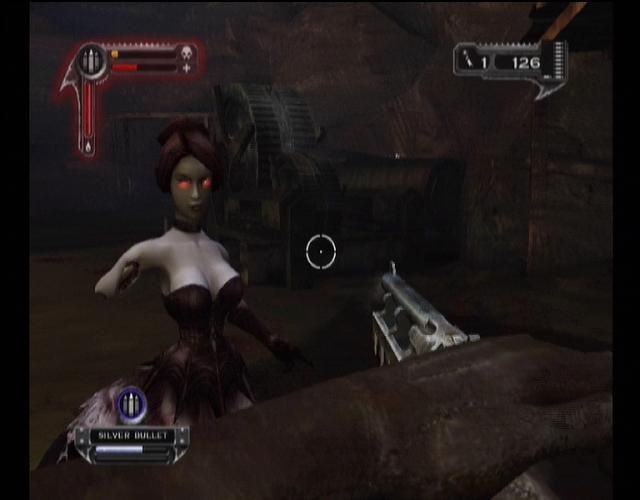
Your health decreases after your Blood Shield is exhausted and you get hit. (The Blood Shield is a Vampire Power, but your health is part of your humanity.) Health increases when you kill enemies and collect the energy from their Blood Clouds. If your health drops to zero, you die!
VAMPIRE POWERS
You started acquiring Vampire Powers when you were infected with the Curse.
.png)



.png)







_1.png)

_1.png)




_1.png)







.png)
_1.png)