THE STORY SO FAR...
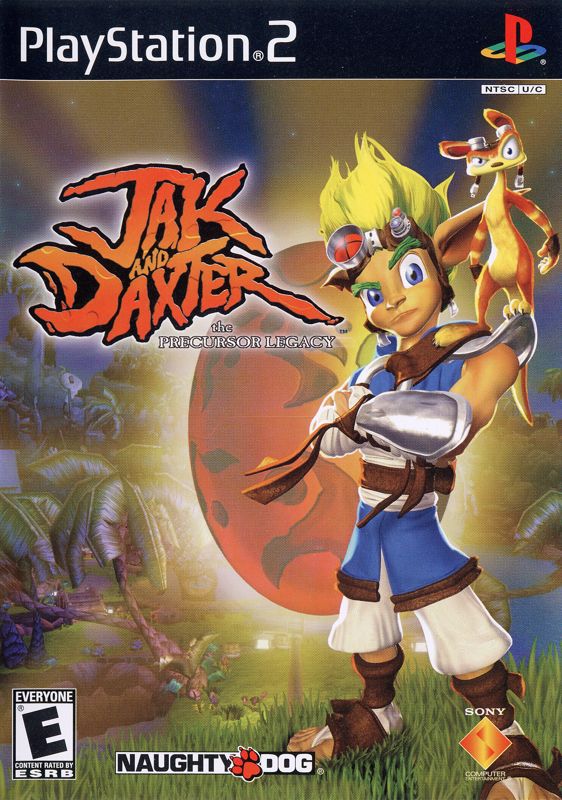
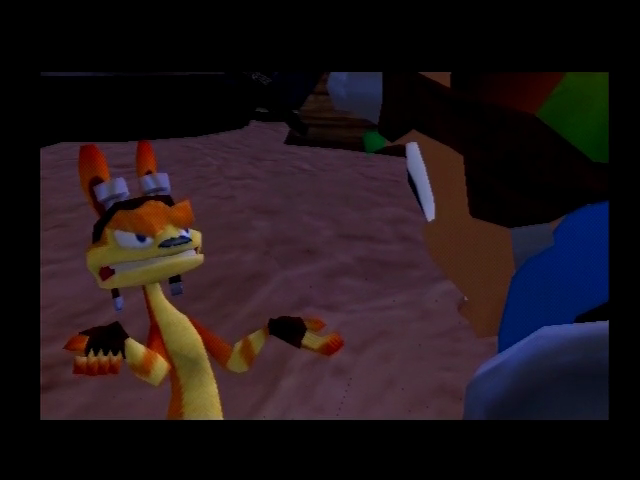
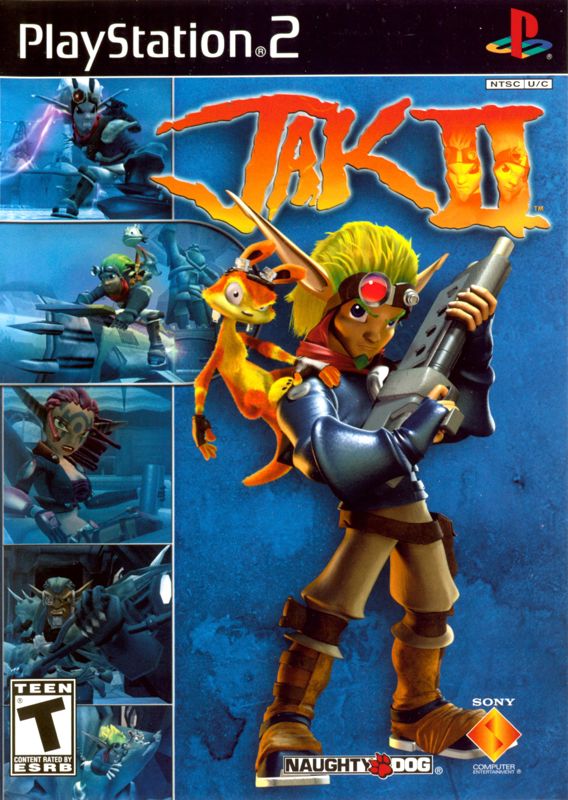
At the end of their last adventure, Jak and Daxter saved the world from the clutches of the evil Gol and Maia. Discovering a large and mysterious Precursor Rift Gate at the Dark Eco Silo, Jak, Daxter, Samos the Sage, and his daughter Keira have been busy reassembling the Gate back at Samos' Hut in Sandover Village. Their actions unknowingly set off a chain of events that will shape their destinies. The Rift Gate is opened, catapulting the group into a gritty, dangerous metropolis called Haven City. Separated from one another, Jak is thrown in prison and forced to endure two torturous years of Dark Eco experiments at the hands of Baron Praxis, the ruler of Haven City. Meanwhile, Daxter has spent the last two years trying to free Jak from the bowels of the Baron's Prison Fortress. When he finally finds Jak, Daxter discovers that his friend has been changed forever. Upon their escape, the two become embroiled in a quest for revenge against the Baron, to find a way to get back home, and ultimately, to fulfill a prophecy that will reveal the true heir to the throne of Haven City. A new chapter begins.
THE OPTIONS RING
Pressing the START button anytime during the game will open the Options Ring.
•
Use the left analog stick or directional button to cycle through your choices.
•
Press to confirm your selection.
•
Press to return to the game.
Missions
The Missions Screen shows your current Mission in progress, as well as the Missions completed.
•
Use the left analog stick or directional button to cycle through them.
Show Map
The Map Screen shows the map of the area you are currently in, as well as your location and direction you are facing.
The filled-in colored sections represent areas you've already been, while the darkened sections represent areas you have yet to explore.
High Scores
The High Scores Screen displays your High Scores for each of Jak II's many mini-game challenges.
These include Racing, Gun Training, Jet-Board, and many more. Game Options
You can adjust the Game Options before or during your game.
The Game Options Screen allows you to turn on/off the Vibration Function, Subtitles, and choose the Language for the game's speech and text.
.png)

.png)



.png)

.png)


.png)
