Game Description
Pac-Man World™ 2 is an action game where Pac-Man clears levels and battles Bosses. The Ghost Gang has stolen the Magical Golden Fruit of Pac-Land, and Pac-Man must retrieve it, meeting various characters along the way. The game is a fast, fun, and furious linear 3D traversal action platform game. What are Levels?
Levels are the modes where you control Pac-Man and play the game. There are two types: one for defeating enemies and collecting items, and another consisting only of Boss Battles. What is the World Map?
Pac-Man can move freely on the World Map and choose which levels to play. You can replay levels to achieve 100% completion, beat high scores, or go through Time Trial Mode. New to Pac-Man World™ 2
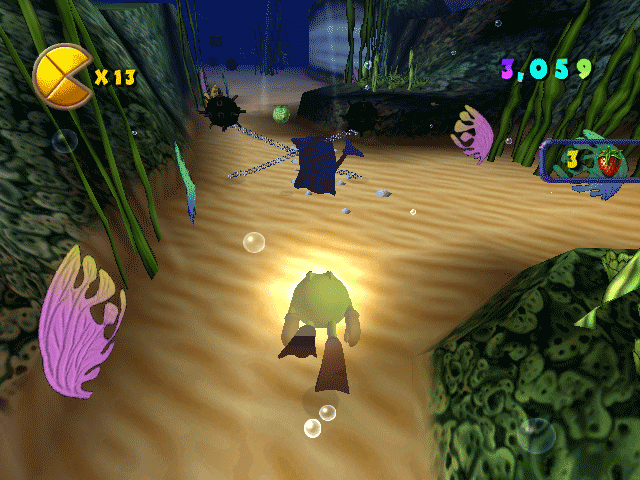
In addition to regular levels, Pac-Man World™ 2 features levels on ice skates, in-line skates, swimming with flippers, or in a submarine. These levels offer a slightly different adventure.
Getting Started
After the opening movie, the Main Menu appears.
•
Select NEW GAME to play from the beginning.
•
Select LOAD GAME to continue from a previous save.
•
Select OPTIONS to change game settings.
Main Menu
NEW GAME
In the New Game Screen, select one of three game slots to create a saved game. Press the Button to accept.
If you select a file with existing data, you will move to the Overwrite Save Screen.
•
Select YES and press the Button to overwrite the file.
•
Select NO or press the Button to return to the New Game Screen.
LOAD GAME
Select LOAD GAME to start from a previous save. In the Load Game Screen, select a file to load. Each save game slot displays saved game information. Select a game to load and press the Button to accept.
OPTIONS
You can change music or sound options before starting a new game. Options are explained in the Levels sections.
Winning the Game
Complete the game by finishing all Boss Levels, collecting the Golden Fruit, and imprisoning Spooky again. World Map
The World Map is used to move from level to level. Pressing the START Button on the World Map displays the Options Screen.
Use the LEFT ANALOG STICK to move Pac-Man around and select levels. Enter a level by pressing the Button. When Pac-Man stands on a point, the statistics for that level are displayed. More levels become accessible as you complete them. WORLD MAP SCREEN
The following items are displayed on the World Map Screen:
•
Level Pads: Displays where Pac-Man can stop on the World Map LEVEL STATISTICS
If Pac-Man stands on a level pad of a previously completed level, the following information is displayed: OPTIONS SCREEN
Press the START Button while on the World Map to display the following options:
•
Select EXIT GAME to quit the game and return to the Main Menu.
•
To return to the World Map, select BACK TO GAME and press the Button, press the Button, or press the START Button.
Levels
Here is an overview of how to view level and boss rounds, as well as basic level rules.
LEVEL SCREEN
Pac-Man's health, number of lives, Pac-Dots collected, Tokens Collected, and score are displayed on the Level Screen. BOSS LEVELS
Entering a Boss Level begins a Boss Battle. Decrease the Boss' Health Meter by hitting the Boss with various methods. Complete the level by reducing the Boss' Health Meter to zero and retrieving the Golden Fruit. PAUSE MENU
Press the START Button during a level to display the Pause Menu. The Pause Menu has the following options:
•
Exit Level (go back to Map Screen)
SOUND
The Sound settings allow you to change the volume of Music and Sound Effects, and switch between Stereo, Stereo Reversed, and Mono Modes. Use the Directional Buttons to select, then press the Button to accept.
SCREEN ADJUST
Press the Directional Buttons to adjust the screen position. Press the Button to accept, Button to reset, or Button to cancel.
BRIGHTNESS
Press the Directional Button to increase or decrease the brightness. Press the Button to accept.
VIBRATION
Press the Button to toggle Vibration ON/OFF.
Select individual game options to change settings. Select EXIT LEVEL to go back to the Map Screen. Select BACK TO GAME or press the START Button to resume game play.
Game Play Rules
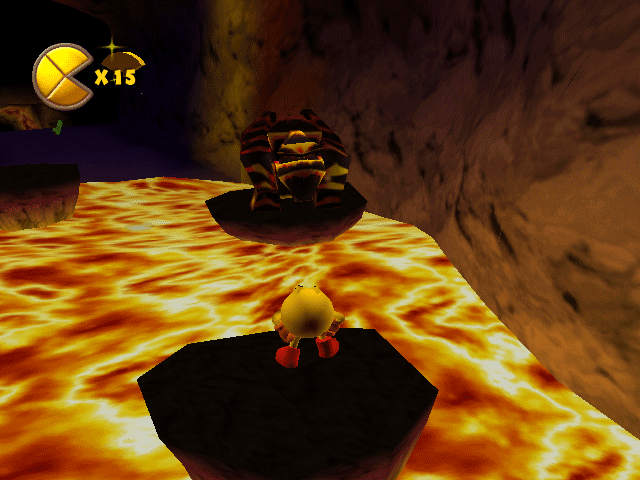
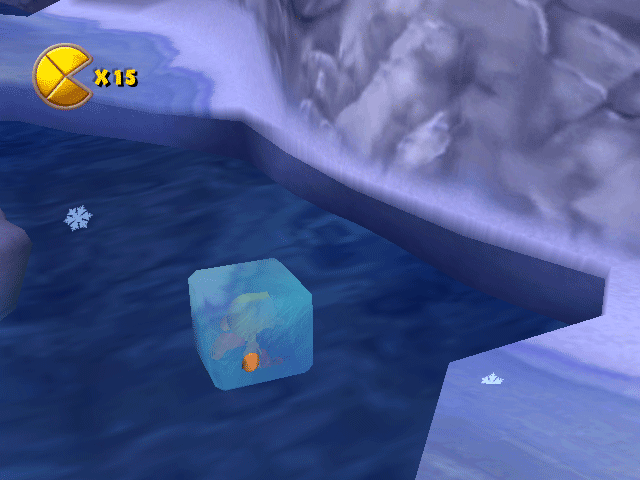
Pac-Man's Health Meter decreases when he takes damage. Pac-Man can take damage four times before losing a life. If Pac-Man has another life in reserve, the game continues from the last Checkpoint reached. If Pac-Man falls off a ledge, touches lava, or falls into icy water, he loses a life regardless of his Health Meter. Picking up Health Wedges restores Pac-Man's Health Meter by one Health Wedge. Completing .png)


.png)


_1.png)


.png)
.png)
_1.jpg)

_1.png)