SETTING UP
Set up your PlayStation®2 computer entertainment system according to its instruction manual. Make sure the MAIN POWER switch (located on the back of the console) is turned ON.
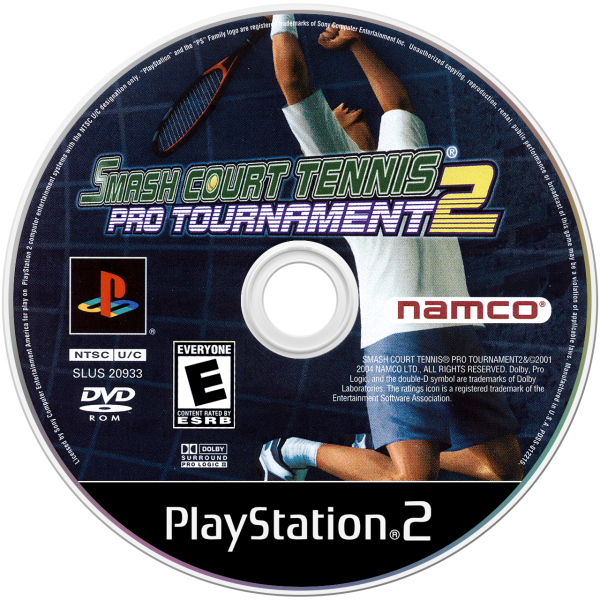
Press the RESET button. When the power indicator lights up, press the OPEN button and the disc tray will open. Place the SMASH COURT TENNIS® PRO TOURNAMENT 2 disc on the disc tray with the label side facing up. Press the OPEN button again and the disc tray will close.
Attach game controllers and other peripherals, as appropriate. Follow on-screen instructions and refer to this manual for information on using the software.
MEMORY CARDS
To save game settings and progress, insert a memory card (8MB) (for PlayStation®2) into MEMORY CARD slot 1. The first time you play, you can create a file for SMASH COURT TENNIS® PRO TOURNAMENT 2 on the memory card (8MB) (for PlayStation®2).
On start up, any saved SMASH COURT TENNIS® PRO TOURNAMENT 2 options data present on the memory card (8MB) (for PlayStation®2) will autoload. A minimum of 330KB must be available on the Memory Card in order to save game data.
The Autosave feature will only save game data to a memory card in MEMORY CARD slot 1. When playing head to head (player vs player, not player vs CPU), it is mandatory to manually save this data to a separate memory card (8MB) (for PlayStation®2) inserted into MEMORY CARD slot 2.
USING A MULTITAP (FOR PLAYSTATION®2)
In this manual, the term "Multitap" is used to describe the Multitap (for PlayStation®2). This product does not support the Multitap designed for use with PlayStation® and PlayStation® (PS one™) format software.
For three or more players, connect a controller to controller port 1. A Multitap should be inserted into controller port 2 of the console, and a controller should be inserted into controller port 2-A of the Multitap. Any other controllers should be inserted sequentially into controller port 2-B and controller port 2-C.
A controller connected to controller port 2-D of the Multitap will not function. SMASH COURT TENNIS® PRO TOURNAMENT 2 automatically detects the number of controllers inserted into the console. Up to four players can participate if one Multitap is used.
ARCADE MODE
The objective of Arcade Mode is to win all of the major tournaments. As you progress, your opponents will become stronger and stronger.
MATCH TYPE SELECT SCREEN
There are two match types that can be chosen: Singles or Doubles.
•
Press or to make your selection, then press the button to confirm.
•
For a two player doubles game, Player 1 must first select "doubles" and then Player 2 must press the START button to team up as partners.
PLAYER SELECT SCREEN
•
Press, or to make your selection, then press the button to confirm.
•
Besides the sixteen named players, you can also select hidden players from the "OTHER" Menu, or select a player you have trained in Pro Tour Mode via the "LOAD" Menu.
•
Press the button to change the selected player's outfit, then press the button to confirm.
DIFFICULTY SELECT SCREEN
•
Press or to make your selection, then press the button to confirm.
•
The number of matches and the skill of the computer-controlled player will vary according to the difficulty level.
•
"AMATEUR" level has 3 matches in total.
•
"CHALLENGER" level has 4 matches.
•
"PRO" level has 5 matches.
•
In Exhibition Mode, the difficulty settings can be set to either "Easy", "Normal" or "Hard".
TOURNAMENT SELECT SCREEN
•
Press, or to select a court, then press the button to confirm.
•
The serving player will be decided automatically, and the match will then commence.
•
The same court cannot be selected twice in one session.
EXHIBITION MODE
NORMAL PLAY
Play an Exhibition match by your own rules, and become advanced enough to unlock hidden elements. Insert a Multitap to play tennis with up to three other players.
TOURNAMENT SELECT SCREEN
Following the Match Type Select Screen and the Player Select Screen, both of which are described in the Arcade Mode section, the Tournament Select Screen will be displayed.
•
Press or to select the tournament you would like to compete in.
SERVICE SELECT SCREEN
•
Press, or to choose to be either the serving player or the receiving player in the first game of the match and press the button to confirm.
•
Press the button to select at random.
•
For tennis players of a certain level, new camera viewpoints will become available. Press or to change the camera viewpoint, then press the button to confirm.
TEAM PLAY
MATCH TYPE SELECT SCREEN
Additional players can enter the game by pressing the START button and up to four players can compete at once. When you have finished entering the settings, select NEXT and press the button to confirm.
The following adjustable settings will be displayed:
•
TEAM COMPOSITION: Alter the composition of the opposing teams.
•
PLAYERS: Choose how many players make