GETTING STARTED
Set up your PlayStation®2 computer entertainment system according to its Instruction Manual. Ensure the MAIN POWER switch (on the back of the console) is turned on.
Press the standby/RESET button. When the power indicator lights up, press the OPEN button to open the disc tray. Place the Zapper disc on the tray with the label side facing up. Press the OPEN button again to close the disc tray. Attach game controllers and other peripherals as appropriate. Follow on-screen instructions and refer to this manual for software information.
MULTITAP (FOR PLAYSTATION® 2)
•
multitap connector (for PlayStation®2)
If you are using a multitap (for PlayStation® 2), it must be inserted into controller port 1. When using the multitap, at least one controller must be connected to controller port 1-A.
SAVING, LOADING AND RESETTING YOUR GAME
To save and load your progress, you need a memory card (8MB) (for PlayStation® 2). Insert it into MEMORY CARD slot 1 of your Playstation® 2 or MEMORY CARD slot 1-A of your multitap.
The memory card must be properly formatted and have at least 145 KB free. You can play the game without a memory card, but you will not be able to save your progress.
SAVING
Once you start a new game in Story Mode and enter a player name, the game will automatically save your progress as you complete each level.
LOADING
You can load a saved game from the Options Menu or the Select Game screen in Story Mode to resume playing. You must have a memory card with saved games in MEMORY CARD slot 1.
RESETTING YOUR GAME
You can delete your saved game by pressing the ● button on the Story screen. High scores can be reset at the Options Menu.
BE THE CRICKET!
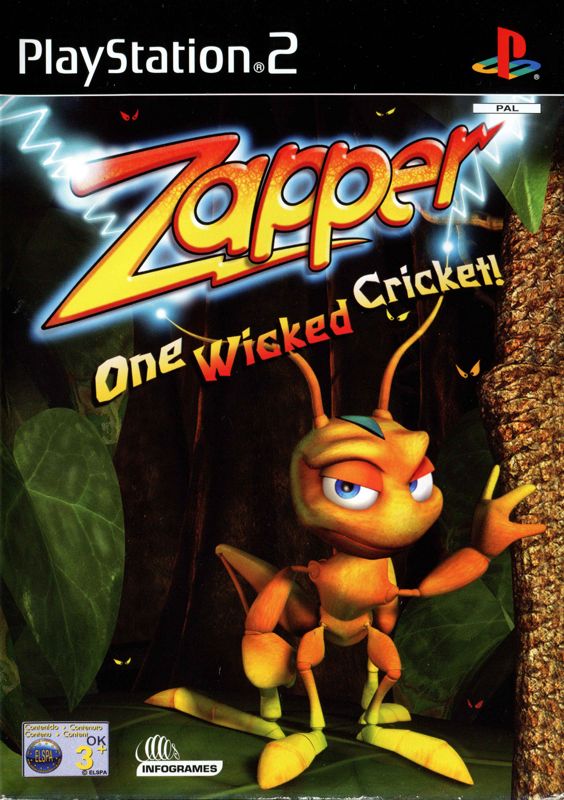
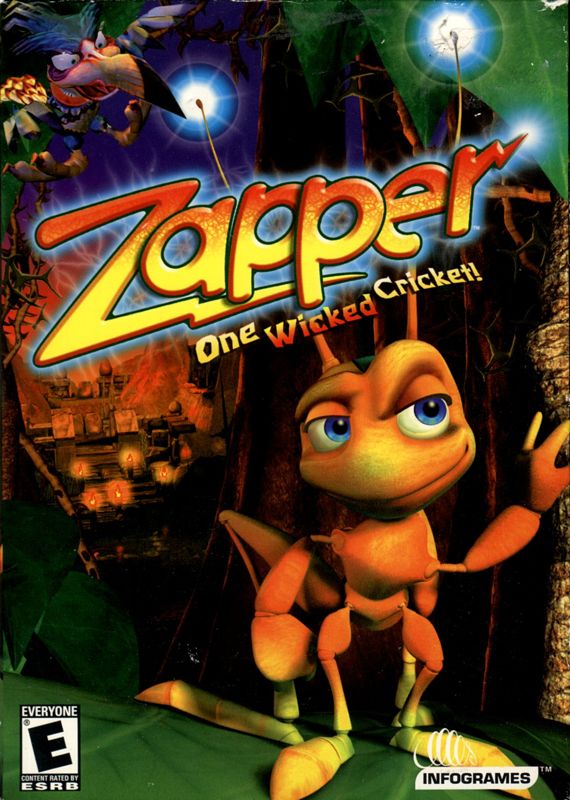
Meet Zapper — the fastest, coolest, most electrifying cricket in the known universe! And meet Maggie — a greedy grump of a magpie who loves to decorate her nest with shiny baubles. Maggie steals trinkets from throughout the land, leaving behind eggs that hatch into more magpies who steal even more! Maggie must be stopped!
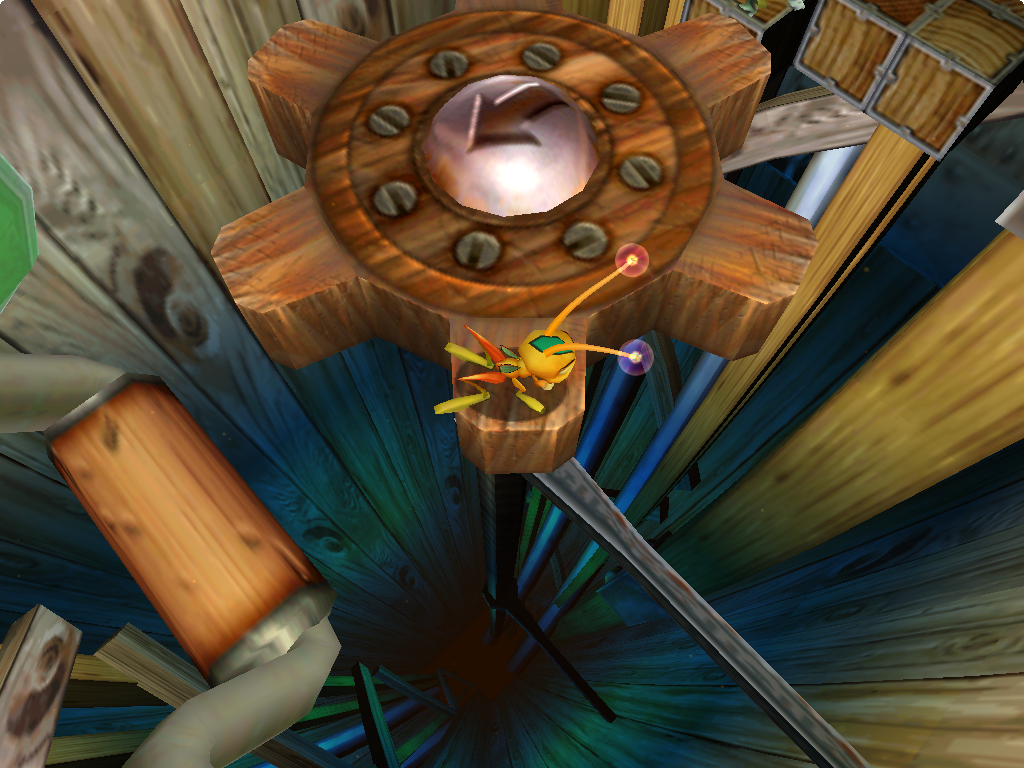
Maggie nabbed Zapper's younger brother Zipper and carried him to her nest far away. Now it's up to Zapper to rescue his little bro and end Maggie's reign of thievery. Zapper's curious world is crowded with pitfalls and unpleasant creatures. But with his innate abilities, firefly friends, and your help, he just might have a chance. MULTIPLAYER MODE
Up to four players can compete in a variety of multiplayer games.
GAME OPTIONS
Select Options to change game settings. Use the directional buttons to highlight an option, then press the button to enter its sub-menu. Press the ▲ button to return to the previous menu.
•
Sound Options - Adjust the sound and music volume levels.
•
Controls Options - Change the button configuration and enable or disable rumble feature.
•
Display Options - Center the screen.
•
Save Game Options - Load a saved game or reset high scores.
•
At the Movies - Replay the opening and ending movies, and see the game credits.
•
Cheats and Extras - Collect all 400 orbs in a world to unlock a special cheat. Activate unlocked cheats or extras here.
PAUSE MENU
Press the START button while playing to pause the game and access the Pause Menu. Use the up and down directional buttons to highlight an option, and press the button to confirm your selection.
•
Continue - Resume play. (You can also press the START button again.)
•
Options - Adjust the sound or controller configuration, or center the screen.
•
Return to Map - Go to the Map screen to select and play any unlocked level. (Story Mode only.)
•
Restart Level - Restart the current level from the beginning. (Arcade Mode only.)
POWER-UPS
Power-ups are scattered throughout the world, giving Zapper temporary protection, access to hidden areas, and more. Hop onto a power-up to activate it. •
POWER ORB - Collect these to unlock secrets and charge up your super zap powers.
•
EXTRA LIFE - Gives you an extra chance to attempt a risky maneuver.
•
SHIELD - Allows Zapper to absorb one hit more than he normally could. (Shield shapes may vary.) •
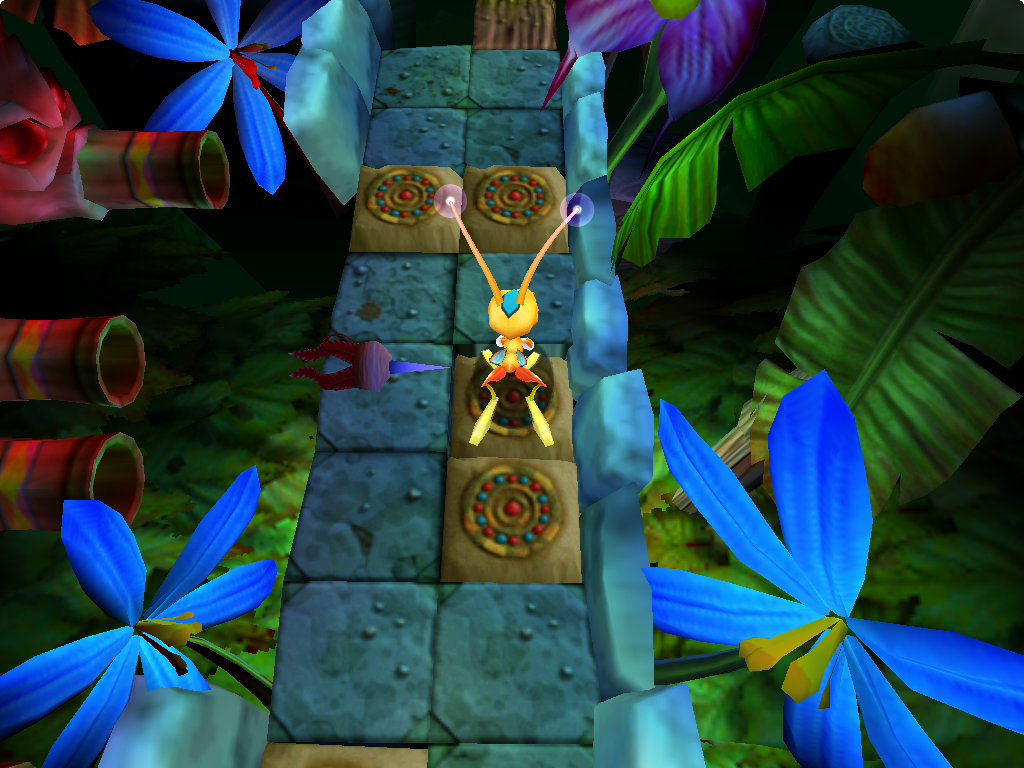
GRIG - If you make Zapper land on certain golden orbs in the correct order, you will collect a Grig. It will follow you and switch on power for hidden bridge tiles. REWARDS
After you collect all of the eggs on a level, you can proceed to the next level. If you collect all the orbs in a level, you'll be able to play a bonus round (Story mode only).
Bonus rounds give you a chance to gain extra lives and to start
.png)

.png)




.png)

 (En,Fr,De,Es,It).png)

_1.png)


_1.png)



.png)



.png)
_1.png)

.png)
_1.png)