Precautions
This disc contains game software for the PSP™ (PlayStation®Portable) system. Never use this disc on any other system, as it could damage it. Read the PSP™ system Instruction Manual carefully to ensure correct usage. Do not leave the disc near heat sources, in direct sunlight, or in excessive moisture. Do not use cracked, deformed, or adhesive-repaired discs, as this could lead to malfunction.
•
To remove: Push down one side of the disc as shown and gently pull upwards. Using excess force may result in damage.
•
To store: Place the disc as shown, gently pressing downwards until it clicks into place. Storing the disc incorrectly may result in damage.
Health Warning
Always play in a well-lit environment. Take regular breaks of 15 minutes every hour. Avoid playing when tired or suffering from lack of sleep.
Some individuals are sensitive to flashing lights, flickering lights, or geometric shapes and patterns. They may have an undetected epileptic condition and experience seizures when watching television or playing video games.
Consult your doctor before playing video games if you have an epileptic condition. Immediately stop playing and consult a doctor should you experience any of the following symptoms:
•
Other involuntary movement
Piracy
The PSP™ system and this disc contain technical protection mechanisms designed to prevent unauthorized reproduction of copyrighted works. The unauthorized use of registered trademarks or unauthorized reproduction of copyright works by circumventing these mechanisms is prohibited by law. If you have information about pirate products or methods used to circumvent technical protection measures, please email anti-piracy@eu.playstation.com or call your local Customer Service number.
Parental Control
This PSP™ game software has a preset Parental Control Level based on its content. You can set the Parental Control Level on the PSP™ system to restrict the playback of games with a level higher than the set limit. Refer to your PSP™ system Instruction Manual for more information. •
Level 9: Restricted to 18 and over
•
Level 7: Not suitable for under 15 unless accompanied by an adult
•
Level 5: Recommended for mature players
•
Level 3: Parental guidance recommended
Setting Up
Set up the PSP™ system according to its instruction manual. Turn the PSP™ system on and the POWER indicator will light up green to display the Home Menu. Press the OPEN latch to open the disc cover, insert the RIDGE RACER disc with the label side facing the rear, and securely close the cover. Select the 🎮 icon from the Home Menu and then select the 💿 icon. When the software image is displayed, press the ⓧ button to commence loading.
*Note: Manual information was correct at printing, but minor changes may have occurred late in development. Screenshots are taken from the English version; some may come from pre-completion screens and differ slightly from the finished product.*
Memory Stick Duo™
To save game settings and progress, insert a Memory Stick Duo™ into the slot of the PSP™ system. Saved game data can be loaded from the same card or any Memory Stick Duo™ containing previously saved game data. Wireless (WLAN) Features
Software titles supporting Wireless (WLAN) functionality allow users to communicate with other PSP™ systems, download data, and compete against other users via connection to a Wireless Local Area Network (WLAN). •
Ad Hoc Mode: A Wireless (WLAN) feature that allows two or more individual PSP™ systems to communicate directly with each other. Race Screen Indicators
•
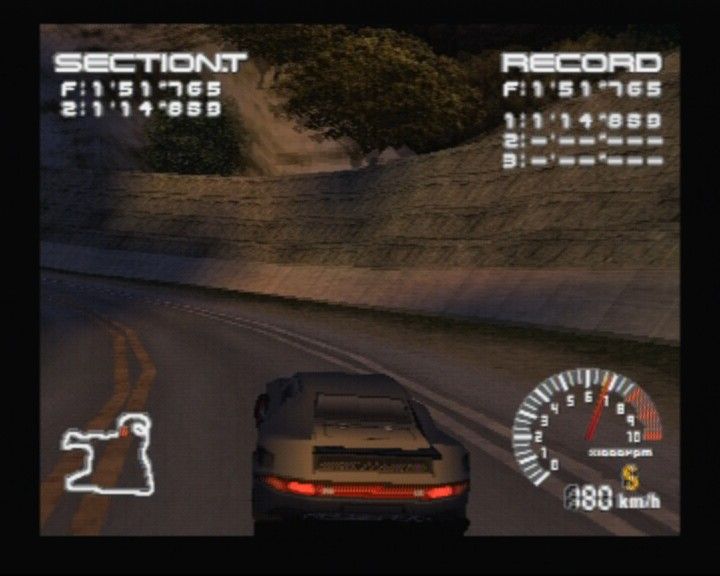
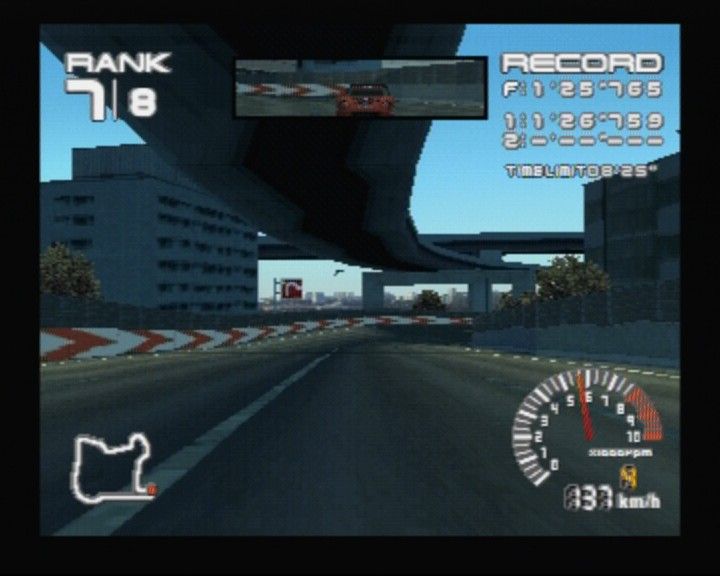
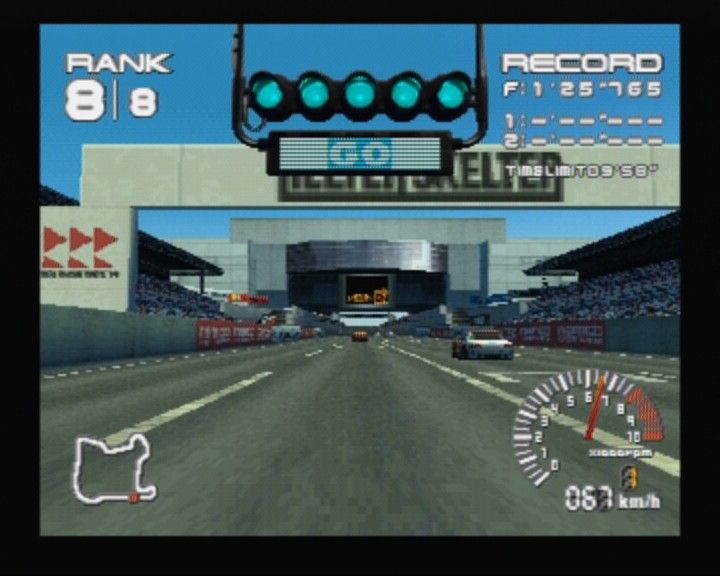
Multimeter: Displays gear, speed, and rpm of your car's engine. The layout differs according to the car you are using.
•
Nitrous Gauge: Displays the amount of nitrous currently charged.
•
Info Window: Displays the interval time (time behind the first-place car) and other race info. Shows how far behind the record time you are during Time Attack, and displays the qualifying position during World Tours.
•
Time Limit: Displays the amount of time remaining under certain race conditions.
•
Total Time: Displays the elapsed time from the start of the race.
•
Lap Record: Shows lap records by course and machine class.
•
Position: Current position of your car. In World Tours, this changes to red once you reach or pass the qualifying position.
•
Rear-View Mirror: Displayed only in "Driver's View".
In-Race Controls
•
Changing Perspective: Press the L button to switch between Driver's View and Chase View.
•
Pause Menu: Press the START button during a race to access options. Use the directional buttons to choose and press the ⓧ button to confirm.
Pause Menu Options
•
Continue: Exit the Pause Menu and return to the race.
•
Restart: Recommence the current race from the beginning.
•
Main Menu: End the race and access the Main Menu.
In-Race Menu (Wireless Battle)
Press the START button during a Wireless Battle to access this menu. Note that the race will not stop while this screen is displayed.
•
Continue: Exit the In-Race Menu and return to the race.
•
Exit Race: Withdraw from the current race.
World Tours
Each tour consists of between two and six races. Each tour has a specific machine class, and prizes are awarded for victorious drivers.
•
Races: A competition between several cars over three full circuits. Competitors who finish
.png)

.png)
.png)
