SETTING UP
Console Top View
Console Front View
Set up your PlayStation™ game console according to its Instruction Manual. Make sure the power is off before inserting or removing a compact disc. Insert the Golden Nugget disc and close the Disc cover. Insert game controllers and turn on the PlayStation™ game console. Follow on-screen instructions to start a game. INTRODUCTION
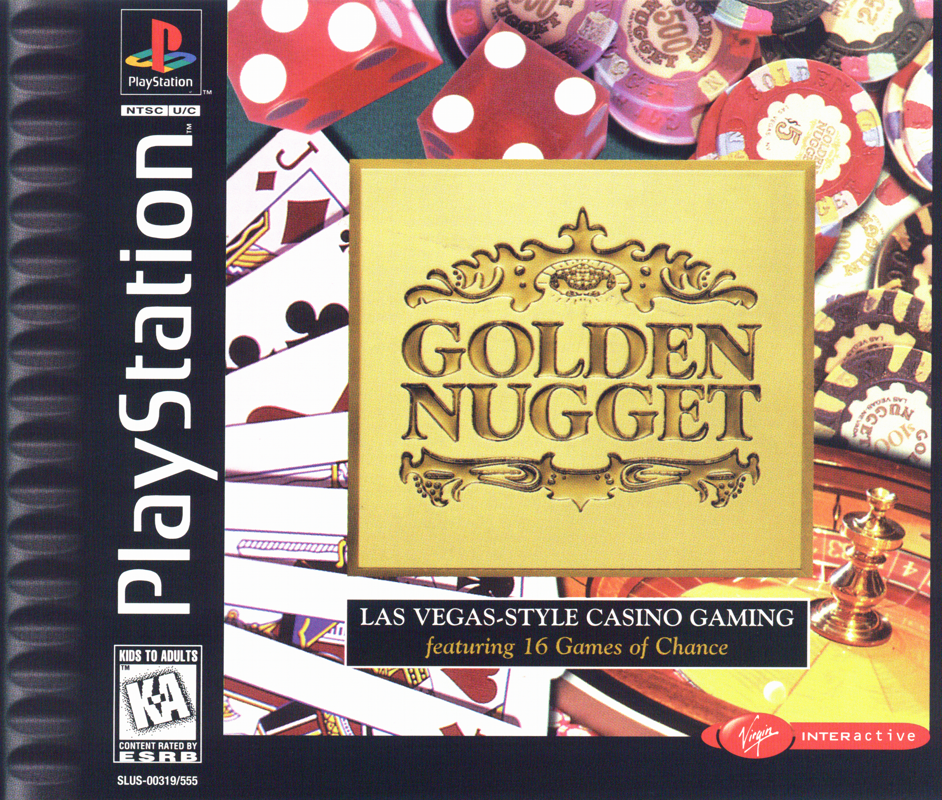
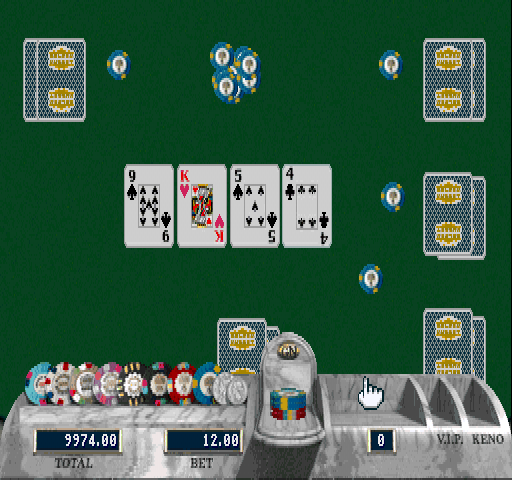
Welcome to the Golden Nugget—the most realistic casino gaming compendium ever. Golden Nugget offers over a dozen games of chance to challenge and thrill you, with all the odds, payoffs, and rules of the real thing.
From Roulette to Craps, the Slots to Blackjack, you'll enjoy casino gaming the way it was meant to be played—in a four-star casino paradise. This manual is designed to familiarize you with the various rules of the casino games and the commands and options you will be using in each game. Enjoy!
GETTING STARTED
Beginning the Game
After the game's introduction, the screen will display a menu listing Start and Options. To check into the Golden Nugget, select Start and press the X button. You will now find yourself in the lavish lobby of the Golden Nugget.
You will be presented with three options when you enter the lobby: Exit, Casino or Registration. Selecting Exit will take you back to the introduction of the game and bring you back to the opening menu.
Selecting Registration will take you to the Registration Menu which will list: New, Load, Save, Delete and Exit. At the Registration Menu select New. You will be asked to choose either Casino Play or Chaos Mystery.
After making your selection, you will be asked to enter your name. Your name has now been registered at the Golden Nugget. You have $1,000 and 9 "markers" (each worth $1,000) to gamble with.
Selecting Chaos Mystery will begin an introductory video for the Chaos Mystery, a mystery which you will be asked to help solve. Selecting Casino Play will take you immediately to the Casino floor.
Note: The mode of the game which you enter now will be saved for whenever that game is loaded again. If you go straight to the Casino without going through Registration, your saved game will be saved as Steve Killsbourg.
Casino Play
Selecting this mode allows you to play any of the casino games at your leisure. You cannot change a Casino Play game into a Chaos Mystery Tournament game.
Chaos Mystery
Selecting this mode allows you to take part in an interactive mystery starring Adam West of Batman™ fame. A computer chip known as the Chaos Chip has been stolen from a suite in the Golden Nugget. You play the part of Steven Killsbourg, a poker playing sleuth, and you must help your ex-girlfriend, Dr. Shelly Harkness, recover the stolen Chaos Chip.
The Chaos Chip has the ability to make sense out of chaos; predict weather patterns, life expectancies, the roll of a die, etc. First you must make enough money to enter the Invitational Poker Tournament, a tournament which all of the suspects have already entered.
The Invitational Tournament is held in three stages and you will need to qualify for each stage of the tournament by placing an entry fee. You can try to raise the money for these entry fees by playing the casino games of your choice. Once entered into a tournament, you will play 12 hands of 7-Card Stud.
During breaks in the action, you will be shown full motion video vignettes that will help unravel the mystery. If you correctly solve the mystery, you will be given a handsome reward and returned to regular Casino Play where you may continue gaming with your newfound wealth.
Qualifying Fee
•
2nd Tournament: $100,000
•
3rd Tournament: $250,000
Saving a Game
To Save a game you must return to the Registration Menu in the Lobby. Select the Save option and your game will be saved (you must have a Memory Card).
Loading a Saved Game
To load a saved game, simply select the desired name. The name you have selected will appear at the bottom of the Registration ledger. That game will be loaded (with the amounts of cash and credit indicated in the Ledger).
If the loaded game was in Casino Play mode, you will be "dropped" into the area of the Casino in which you played last. If the loaded game was in Chaos Mystery mode, you will be taken to the point in the story at which you last left off.
Leaving a game which has not recently been saved will prompt the program to ask you if you want to save that game before loading another one.
Note: You must select Exit to leave the Registration desk and enter the Casino Mode after loading a saved game.
When you come back to either start a new game (by selecting New) or to load up a saved game, the ledger will indicate the mode of play each game was in, plus the amount of cash and credit you had when each game was last saved.
Resetting the Game
To return to the main options screen during the game, hold down the Select button and then press and hold down the Start button for 2-3 seconds. You are also able to reset to the main options screen by pausing the game and selecting the "Quit"
 (Disc 1).png)


 [NTSC-U] [SLUS-00319].png)


.png)
.png)
.png)



.png)


