Playing the Game
Select Start New Game to begin a new adventure or choose Load Game to continue from saved data. You may choose Back to Main Menu to return to the main menu.
If you choose Start New Game, the game will check whether you have a MEMORY CARD inserted. If not, it will ask you whether you still want to continue. If you choose to do so, the game will then begin.
If you select Load Game, you may choose previously saved data to load. You should also insert a MEMORY CARD on which to save your progress. For instructions on how to save your game, see Saving Your Game, below.
Options
Select Options to view a list of options to customize your game. These options are:
•
Controller Menu: Here you may turn the Vibration function of the DUALSHOCK™ analog controller ON/OFF.
•
Sound Menu: Here you may change the volume of the in-game music, sound effects and character speech.
•
Cut Scene Menu: Here you may turn speech and sub-titles, used during cut scenes, ON/OFF.
•
Screen Offset: Here you may adjust the position of the screen up, down, left or right, using the directional button/left stick. To confirm the new screen position, press the X button.
•
Game Credits: Select Game Credits to see who worked on LEGO Island 2!
•
Select Back to return to the main menu.
Saving Your Game
Warning: Make sure there are enough free blocks on your MEMORY CARD, before commencing play (saving requires 2 blocks).
To save your progress, first ensure there is a MEMORY CARD inserted in MEMORY CARD slot 1. You may save your progress at any point during LEGO Island 2.
Simply press the START button to pause the game and a menu will be displayed. Select Save Game and then press the button. Choose a slot in which to save your game and press the button again.
At the confirmation screen select Save Game to save or Back To Choose Save to cancel using the button. The data will then be saved and you can return to the game.
Loading Saved Data
You may load saved data upon starting LEGO Island 2, in order to continue the adventure where you left off. Select Load Game and press the X button. This will display a list of the previously saved data.
Select a file to load and press the button. You may now continue game play from the point at which you saved.
Score
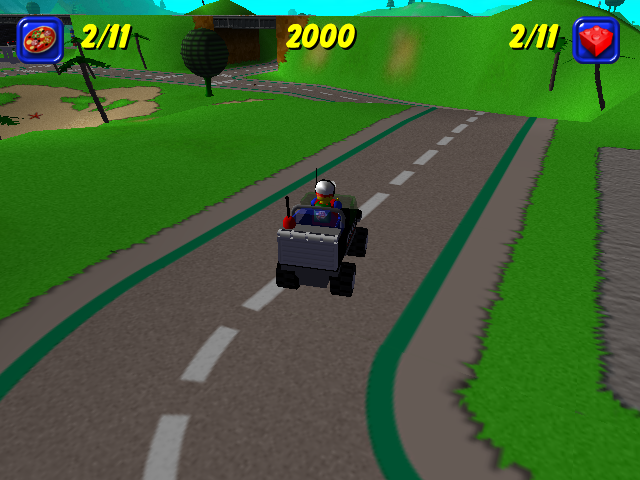
By achieving certain goals and collecting various items, you receive a score. This is displayed on screen. You will also be awarded medals at various points in the game and also for sub-games; these will all contribute towards your overall score.
Quick Start
You are Pepper the dude with the food! After watching the introduction movie, the Main Menu will be displayed. Select Start New Game and off you go!
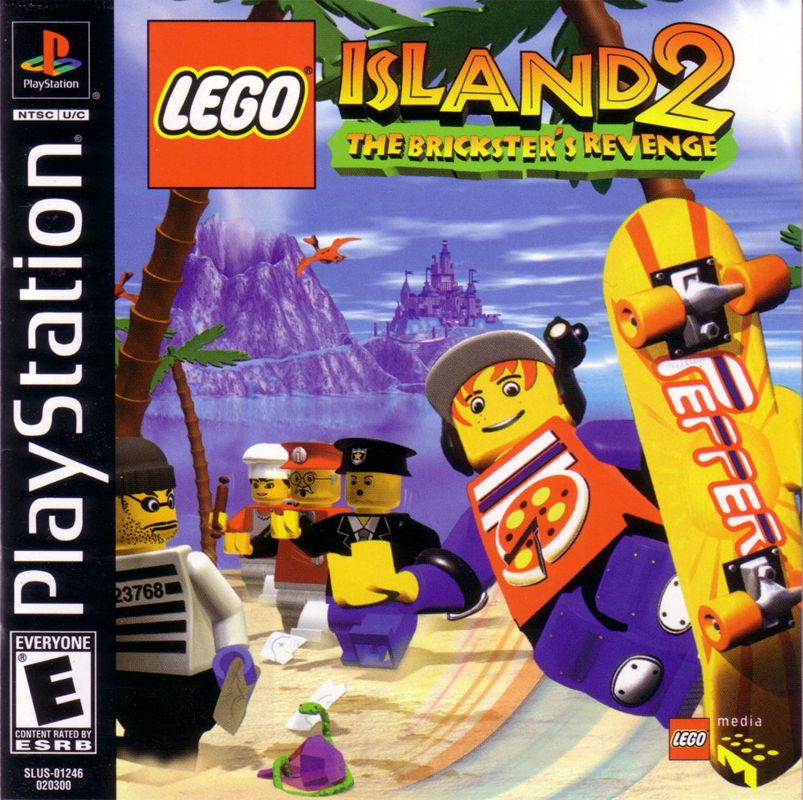
LEGO Island 2 is an adventure game in which you play the main character and hero; a boy named Pepper Roni. Pepper is a pizza delivery boy, working for Papa Brickolini at LEGO Island's pizzeria.
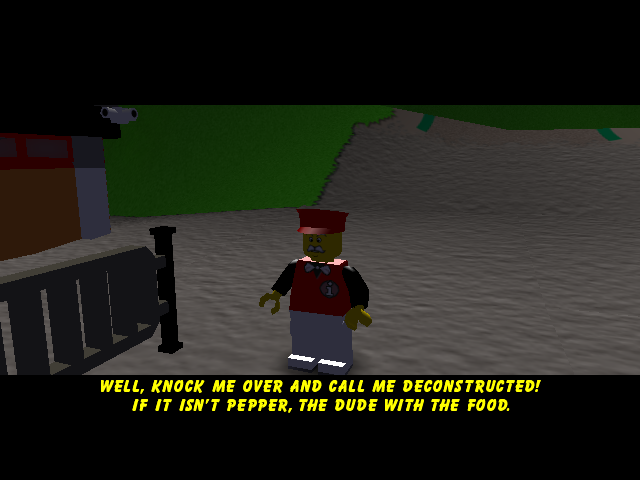
When the game begins, you will be asked by The Infomaniac to deliver a number of pizzas to the inhabitants of LEGO Island. In return for delivering Papa's yummy pizza to them, your friends will give you bricks with which to build a new house.
Your new house is cool, and will allow access to many special options within the game! In addition, it provides ample space to display the trophies you have been awarded as you progress through the game, for completing tough challenges.
Sub-Games
Snake Pursuit
On a perilous race to a desert oasis, you and some friends find your speedy 'Scorpion' attacked by slippery, sneaky, gem-stealing snakes! To make sure you all arrive safely, you must man the coconut-gun at the rear of the jeep and fend off any snakes that slither too close!
•
Button: directional button/left stick UP
•
Move/Action: Move Crosshair Up •
Button: directional button/left stick DOWN
•
Move/Action: Move Crosshair Down •
Button: directional button/left stick LEFT
•
Move/Action: Move Crosshair Left •
Button: directional button/left stick RIGHT
•
Move/Action: Move Crosshair Right Whack-a-snake
You must help the adventurers retrieve their gems, stolen by the desert snakes. As the snakes pop out of the baskets, bash them on the head, or swipe your plank to knock the gems off!
•
Move/Action: Whack Bottom Snake •
Move/Action: Whack Left Snake •
Move/Action: Whack Right Snake NOTE: If a snake appears with a gem on its head, double tap the relevant button to 'swipe' it off!
Matching Mummies
You cannot enter the tomb without the key, which unfortunately has been lost. The only way to find it is to match the mummies and complete the puzzle.
•
Button: directional button/left stick UP
•
Button: directional button/left stick DOWN
•
Button: directional button/left stick LEFT
•
Button: directional button/left stick RIGHT
.png)

_2.png)
.png)


.png)

.png)

.png)

.png)

.png)
.png)



.png)

.png)


.png)
 (En,Fr,De,Es,It,Nl,Sv,Da).png)