Starting the Game
•
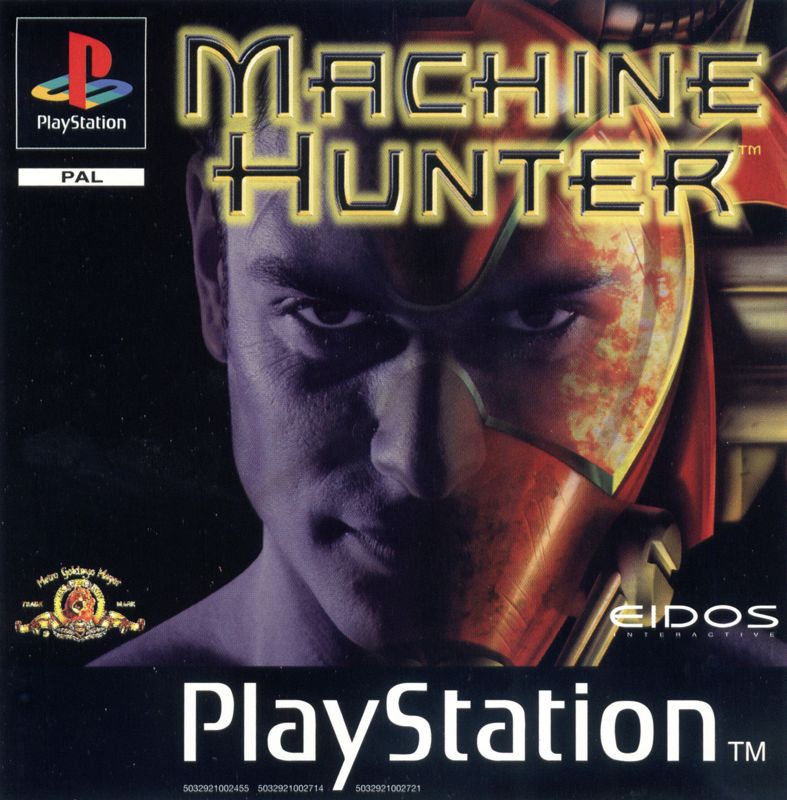
With the PlayStation switched off, press the OPEN button and insert the MACHINE HUNTER CD. •
Close the disk cover and press the POWER button.
•
After a few seconds the PlayStation logo should appear on screen, followed by the intro sequence. •
Do not insert or remove peripherals or Memory cards once power is turned on.
Skipping Intro
•
Press the START button to skip the intro sequence.
Main Menu Options
•
1 PLAYER - Starts a single player game and enters briefing.
•
2 PLAYER - Starts a two player game and enters briefing.
•
OPTIONS - Accesses the options menu.
Options Screen
•
MUSIC VOLUME - Sets the Music Volume.
•
SFX VOLUME - Sets Sound FX volume.
•
DIFFICULTY - Sets the in-game difficulty.
•
CAMERA - Changes the view type.
•
PLAYER FIRE - Toggles between friendly and non-friendly fire.
•
CONTROL CONFIGURE - Accesses Control Configure menu.
•
PASSWORD - Accesses the password input screen.
Password Screen
•
Left/right selects letter.
•
X selects the letter that you are choosing.
View Bio
•
Accesses the FMV sequences and statistics of the different robots 1-9.
View Bio Screen
•
Left/right skips through FMV sequences.
Reset to Title Screen
To reset to the title screen during gameplay, press the Start button to pause the game. Press the Select button, and an options screen with 'Continue' and 'Quit' options appears.
'Continue' continues gameplay from the same point at which the user paused and must be the default selection. Selecting 'Quit' brings up the message 'Quit game?', with 'Yes' and 'No' options, with 'No' being the default selection. If you select 'Yes', the game is reset to the title screen.
Calibrating Analog Controller
To calibrate and use an analog controller, you must first start the game. Then, press the Start button on the controller to pause the game.
Select the Calibrate Analog Controller menu item by highlighting it and pressing the X button. Follow the on-screen instructions. When you are done, you will be prompted to return to the game by pressing the X button.
Note
•
There must be an analog controller attached to your PlayStation to calibrate it. Playing the Game
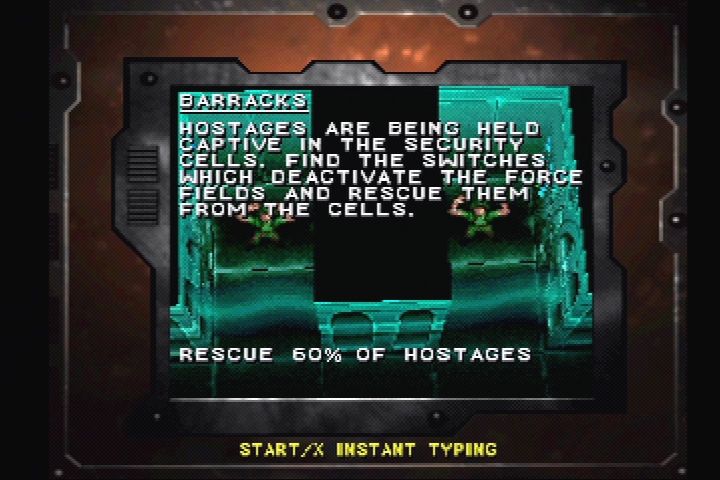
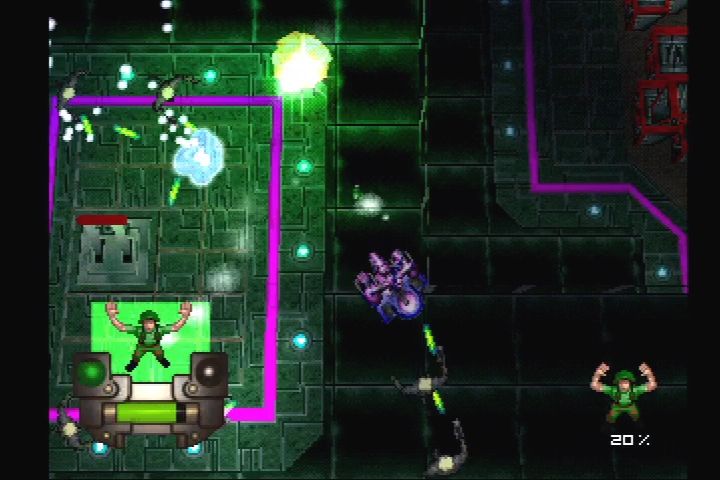
Machine Hunter is a classic shooter viewed from a rotating 3/4 perspective. The game is made up of 16 different worlds. To complete each world, you must complete the tasks given in the mission briefing screen at the start of each world. You begin the game as a human with only limited abilities. The key to success in the game is learning to take control of the 9 different robots you will find throughout the game.
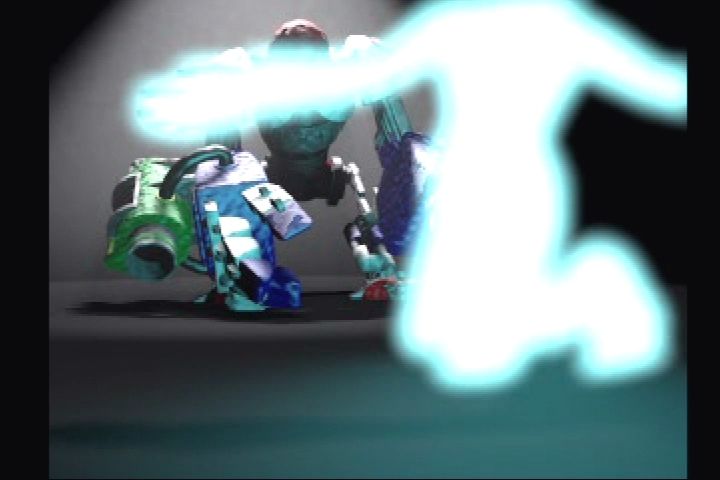
The robots have powerful shields and weapons, and can be powered up. To take over a robot, you must defeat it in battle, at which point it will start to pulse red, showing it has powered down. To take control, you simply have to run into the powered-down robot.
Power-ups
Throughout the game, you will find red, blue and green power-ups. The green and blue power-ups will upgrade your weapon to Grade II and Grade III respectively.
The red power-ups give you a secondary weapon, such as drone, cyber-mace or mines. You can also find pick-ups which give extra energy or a limited period of invulnerability.
World Navigation
Many of the worlds are giant, and a map is provided to help you find your way around. Some areas can only be accessed by activating switches, finding keys or blasting walls.
All of the worlds contain many secret areas and the map gives clues to where they are if you look carefully. All of the worlds have teleporters which will instantly move you to a different area of the map, or even to an entirely new map. You will also find recharge points which will boost your robot's energy.
.png)




.png)


.png)