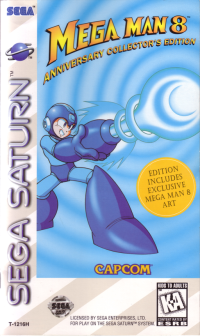
This
action-platformer tasks players with guiding
Mega Man to investigate a meteor crash, suspected to be caused by Dr. Wily. Players select stages from a map to battle enemies and gather clues, starting with a limited selection of levels.
Destination: Meteor Crash
Dr. Light detected a sudden disturbance. His computers centered on the radar disruption, revealing a meteor crash.
He contacted Mega Man, who was already in the vicinity. Mega Man reported a high concentration of metal alloy in the fireball, suspecting Dr. Wily. Dr. Light confirmed the crash site was a deserted island and warned Mega Man to be careful. Starting Mega Man's Quest
Main Menu
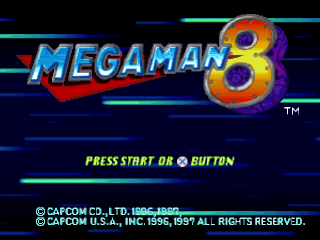
From the MEGA MAN 8 title screen, press START or the X Button to bring up the main menu. You have 3 options: GAME START, CONTINUE, or OPTION.
To start a new game, highlight GAME START and press START or the X Button. After the cartoon introduction sequence, you will begin play. To bypass the intro, press START or the X Button.
To continue a previous game, highlight CONTINUE. For more on how to save or load a game, see page 15.
Adjust the configuration of your game by selecting OPTION. This brings you to the OPTION MODE. See page 15 for more on options.
Stage Select
After Mega Man investigates the deserted island, he is presented with the Stage Select Screen. Square markers show the stages on the map where Mega Man can go to find clues. Highlight a marker and press START or the X Button to begin Mega Man on his quest. At first, you can only go to 4 stages and Dr. Light's laboratory. For more on the functions of Dr. Light's lab, see page 11.