Getting Started
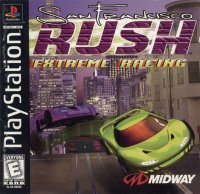
Set up your PlayStation™ game console according to its Instruction Manual. Ensure the Power Indicator is OFF before inserting or removing a compact disc. Insert the San Francisco Rush: Extreme Racing™ disc and close the Disc cover. Insert game controllers and turn on the PlayStation™ Game Console. Follow on-screen instructions to start a game. Main Menu
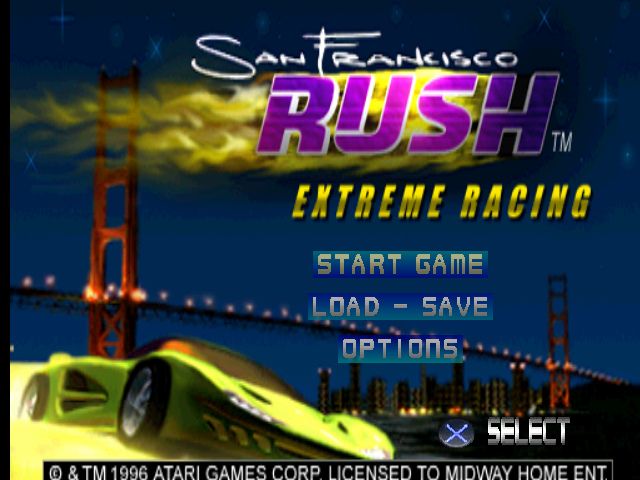
Press START at any time during the Title Screen and Demo to view the Main Menu. It displays several options to get you ready for the challenging tracks of San Francisco Rush: Extreme Racing. Press the Directional button Up or Down to highlight an option.
Start Game
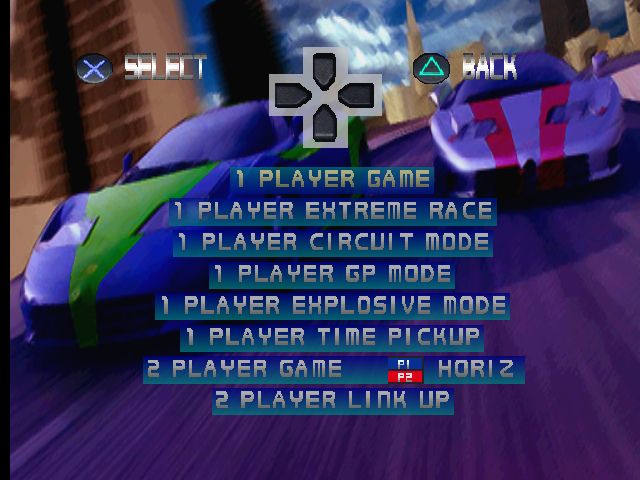
At the Start Game menu, select the amount of players and the type of game you want to play. Press the X button to choose one of these eight options and view the Track Selection Screen.
1 Player Game
Pick any car and track for a nice, fast Sunday drive in the city. Select a car and track, then light up the streets of San Francisco.
1 Player Extreme Race
This is one race, do or die! Pick any car and track, then race as fast and careful as you can. One crash, and the race is over.
1 Player Circuit Mode
You think you're unbeatable? If so, this mode is for you. You'll race a circuit of 8 tracks; one after another. The first time you lose a race, the circuit ends, and it's back to the drawing board.
1 Player GP (Grand Prix) Mode
Race the 10 track Grand Prix of San Francisco Rush: Extreme Racing. You'll race 10 tracks against 3 drones, accumulating points toward the Circuit Championship. You'll race each of the four standard tracks several times, but the tracks will vary using the "Forward/Reverse", "Night" and "Day" options. Many options are preset and cannot be changed during your Grand Prix race. Display options may be changed at anytime.
Following each race, Grand Prix point results will be displayed. You must finish the race to get any points.
1 Player Explosive Mode
Begin the race, drive fast, but make sure you keep your speed above 60 mph once you're racing. If you drop below 60 mph, KABOOM! You're toast. 1 Player Time Pickup
This is cut-throat racing at its best. Standard Checkpoints will not be used in this race. You'll have to drive over yellow "hourglass" icons that represent extended time. As you race, you'll accumulate time, and at the same time, take time from your opponents. When a player runs out of time, he's lost.
2 Player Modes
2 Player Game (with split screen orientation)
San Francisco Rush: Extreme Racing lets you play a 2 player game on a split screen. Your orientation can also be changed to either Horizontal (top and bottom of the screen) or Vertical (right and left side of the screen). Press the Directional button Left or Right to toggle the orientation.
2 Player Linkup
If playing 2 Player Link Up, connect two PlayStation Game Consoles with the Link Cable™ before power is turned on. Make sure the Link Cable is firmly connected in the rear of each PlayStation Game Console before power is turned on. After selecting "Start Game" from the title screen, both players must select the 2 Player Link Up option. Players will then be placed in the "Cable Link Up" screen where they will be prompted to press the X button to initialize the link or the ▲ button to back out of the link.
Track selection and all game options will default to the first player to activate link mode. There are no drones in the 2 Player Link Up race.
Sound Options
Highlight the volume option for Music, SFX (Sound Effects) or Main, then press the Directional button Left or Right to adjust the level or turn it ON or OFF.
Controller Options
Select a new controller configuration.
Laps
Set the number of laps for each race from 2 to 9 laps. As a beginner, you may want the maximum amount of laps to give yourself time to catch up if you continually find yourself in the back of the pack.
The lap counter will always default to 3 laps in Grand Prix Mode, Circuit Mode or Time Pick Up Mode.
Radar
Default is ON. If you don't care who's behind you, turn it OFF.
Map
You can turn the on-screen Map ON or OFF.
Speedometer
Default is ON. Most racers like to know how fast they're going, but if you don't, turn this option OFF.
Tachometer
Default is ON. If you can listen to the engine and know your RPM anyway, try turning this option OFF.
Cars
You can select the number of competing vehicles for each race. Select from 2 to 6 drones to race against.
Cars will always default to four cars in Grand Prix and Circuit Mode. There are no drones in Two Player Link.
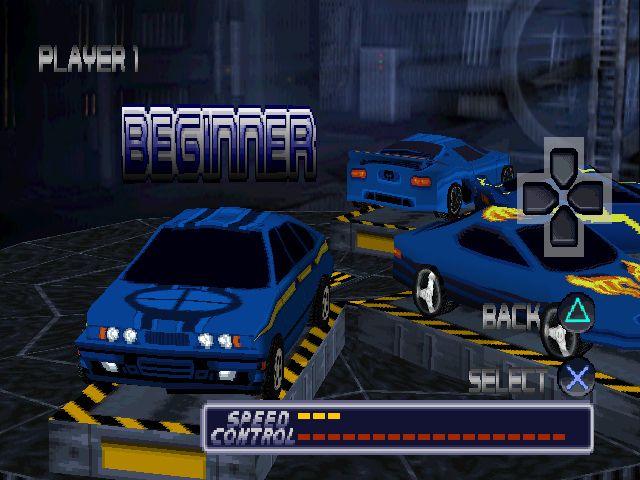
Track Selection


 (En,Fr,De,Es,It,Nl).png)





_1.png)

.png)
.png)
_1.jpg)








.png)


