GETTING STARTED
Set up your PlayStation®2 computer entertainment system according to its Instruction Manual. Ensure the MAIN POWER switch (on the back of the console) is ON.
•
When the power indicator lights up, press the OPEN button to open the disc tray.
•
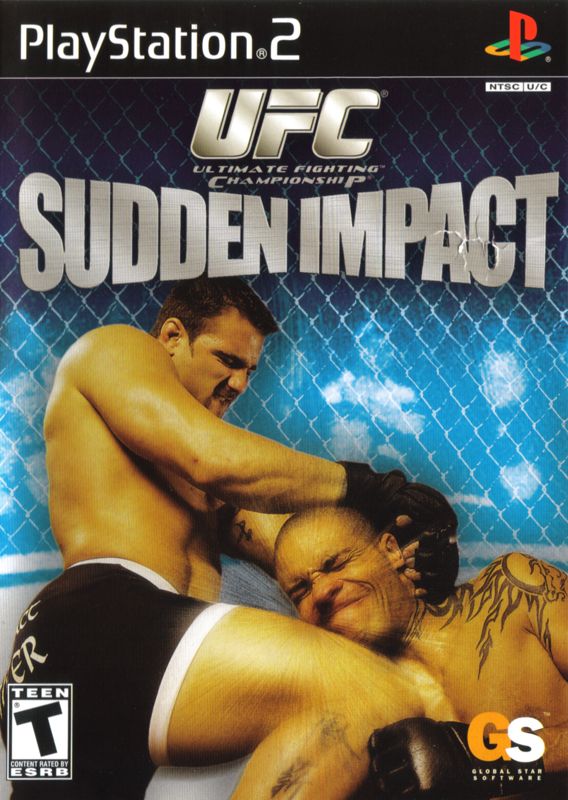
Place the UFC: Sudden Impact disc on the disc tray with the label side facing up.
•
Press the OPEN button again to close the disc tray.
•
Attach game controllers and other peripherals as appropriate.
•
Follow on-screen instructions and refer to this manual for software information.
HOW TO BEGIN
•
Press the START button on the title screen to see the game mode select screen (Main Menu).
•
Use the directional buttons or left analog stick to select the mode.
•
Press the X button to confirm.
GAME MODES
ARCADE MODE
This is a single-player mode where you can fight as one of 37 real-world UFC® fighters or your own created fighter. Battle through as many matches as possible.
In case of a draw or double knockout, you will be disqualified and unable to continue. Winning a certain number of consecutive fights may earn you a reward. The best record is saved in Arcade Record (in the Options menu).
CHAMPION ROAD
In this single-player mode, the goal is to win the UFC® championship in a chosen weight class. You can use a UFC fighter or a created fighter from the same weight class.
You must win 5 fights in a row to win a title belt. A draw or double knockout will disqualify you. Once you become a champion, you unlock Legend mode.
In Legend mode, you defend your title to become a legendary champion. You cannot use Story mode fighters to unlock Legend mode, but you can load them in both Champion Road and Legend mode once unlocked.
TOURNAMENT MODE
Set up a single elimination tournament between 8 characters. Each character can be controlled by either a player or the CPU. Use two controllers for multiplayer.
TRAINING MODE
Practice your moves before using them in a real fight. In this mode, you can spar against the CPU or a friend, change the CPU's fighting tactics, and set fighting positions. CPU Fighting Tactics (Opponent Set)
•
FREE: Opponent will not guard against your attacks.
•
GUARD: Opponent will block strikes.
•
CPU: Opponent will act as a normal CPU fighter.
•
MANUAL CONTROL: Opponent control is passed over to the second controller.
•
GRAPPLING: Opponent will perform grappling moves.
•
TAKEDOWN: Opponent will continually attempt takedowns.
•
STRIKE: Opponent will perform strike moves.
•
ESCAPE: Opponent will escape takedowns, grappling moves and submissions.
You can also view the moves list from Training Options (press START button).
VERSUS MODE
Set up a match between any two fighters in the following play modes:
STORY MODE
Create a custom fighter and complete 3 years of training to become a UFC® fighter.
OPTIONS
Adjust button configurations, difficulty levels, and other settings like number of rounds and round duration. You can also save and load your progress from this menu.
FIGHTER PROFILES
Learn about your favorite UFC fighters, read their profiles, and see their fight records.
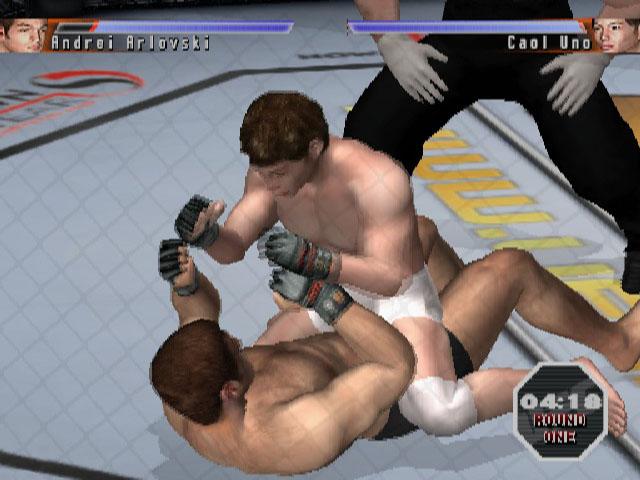
FENCE MOUNT POSITION
Being on the bottom is one of the worst positions. Get out!
•
STRIKE DEFENSE: ↑up directional button
•
SUBMISSION DEFENSE: SPIN
BOTTOM
•
STRIKE DEFENSE: ↓down directional button
•
SUBMISSION DEFENSE: SPIN
GUARD POSITION
On top is somewhat more advantageous, but the bottom is not bad. On the bottom, you can still control the opponent with your legs.
•
SWEEP TO SIDE MONT: LP+LK
•
STRIKE DEFENSE: ↑up directional button
•
SUBMISSION DEFENSE: SPIN
BOTTOM
•
STRIKE DEFENSE: ↓down directional button
•
SUBMISSION DEFENSE: SPIN
THE STORY BEGINS
1. SELECT ACADEMY AND FIGHTING STYLE
Scroll up and down to select from 15 academies. Some academies are not initially available. Keep trying different academies and playing through the entire story mode; you may get an invitation from previously unavailable academies.
Select the academy carefully as you are selecting the fighting .png)

.png)
