Starting the Game
Turn OFF the power switch on your Nintendo Game Boy Advance. Never insert or remove a Game Pak when the power is ON.
Insert the Teenage Mutant Ninja Turtles Game Pak into the slot on the Game Boy Advance. To lock the Game Pak in place, press firmly. Turn ON the power switch. The Nintendo Logo and legal screens appear.
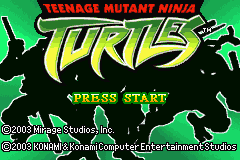
To begin a game, press START when you see the Teenage Mutant Ninja Turtles title screen. From the Main Menu, press the Control Pad to start a new game, load a saved game, or enter the password area.
Introduction
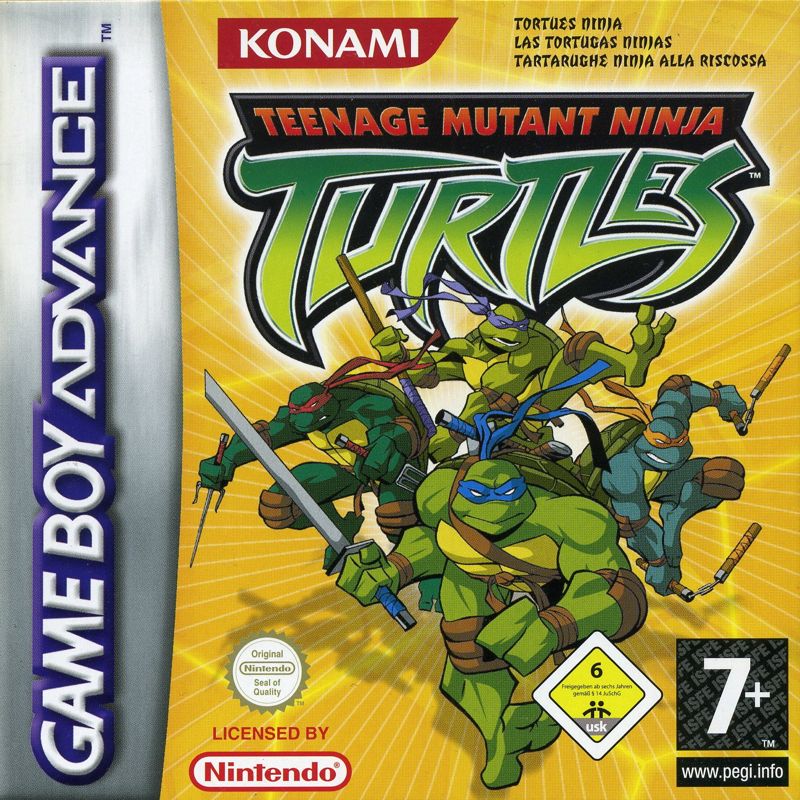
Are you ready for a shell of a ride? It's Turtle time and Leonardo™, Michelangelo™, Donatello™, and Raphael™ can't wait for their next round of adventure! Whether it's taking down a row of Purple Dragon Gang members or fending off a pack of Mousers, the Teenage Mutant Ninja Turtles™ somehow always find some action. With all of their radically dangerous exploits, it's a good thing the guys still live under the watchful eye of their wise sensei, Splinter. Come along with the teenage brothers as they clean up the streets and "Turtle-ize" the town. And those Purple Dragon punks had better watch out! Turtles, count it off!!
Mode Selection
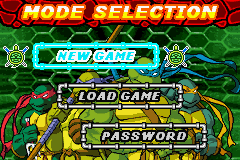
You can either start a new game or load a saved game from the Mode Selection screen. You can also enter the password menu.
To select a mode, press the Control Pad to highlight your choice, and then press the A Button to proceed.
New Game
When you first start a game, there are a few steps you must complete before the action begins.
Difficulty Level
As your skill with the game progresses, so can your difficulty level. Press the Control Pad up arrow to highlight your choice of EASY, NORMAL, or HARD.
Press the A Button to proceed or press the B Button to return to the previous screen.
Playing the Game
Are you ready to raise some shell? As Splinter likes to say, "Plan your moves very slowly to execute them with great speed." Each episode develops via text messages from the Turtles. You can allow the text to display on its own, or press the A Button or B Button to complete each text screen instantly.
Press the A Button or B Button a second time to advance to the next text message.
Press the R Button to view the text message very quickly.
Press START to completely bypass all text messaging. Just make sure you're ready to shell out some punishment! However, Splinter recommends you read the messages the first time through. You may pick up some valuable, even life-saving, hints. Press START any time during the game action to take a break. The Pause Menu appears with a choice to RESUME and a choice to QUIT. Press the Control Pad to highlight your choice, and then press the A Button to proceed.
Muta-Board
Mikey is a Muta-Board maniac! He defies gravity inside a sewer tunnel, jumping obstacles and turning complete loops to get what he needs.
To ride the Muta-Board:
•
Press the Control Pad left/right to move Mikey left or right. Collect Crystals and Stamina pick-ups along the way and avoid the pipes. •
Press the A Button to jump.
•
Press the B Button for a full pipe trick.
There's no regular score in this mode, but Mikey must collect a minimum number of Crystals with a minimum amount of damage in order to advance. The Progress Gauge shows you the distance to completion of the current stage. The screen displays the following meters:
Shell Cycle
Raphael is the speed demon of the whole gang, and he gets his fix on the Shell Cycle while racing against Casey. Raph needs to avoid taking damage and win the race to advance to the next Act. In this mode, the Progress Gauge keeps track of both you and your opponent. The running time is also tracked.
To operate the Shell Cycle:
•
Press the B Button to accelerate.
•
Press the Control Pad to change lanes.
•
Press the A Button to jump obstacles.
Note: Raph gets an extra speed boost by riding over Turbo strips when they appear. He also avoids mud pits by hitting the ramps that precede them. 

_2.png)
 (En,Fr,De,Es,It).png)
 (En,Fr,De,Es,It).png)
