GETTING STARTED
*Note: Illustration may not match all PlayStation 2 console types. For owners of SCPH-70000 series PlayStation 2 systems, refer to the setup instructions supplied with your system. Set up your PlayStation®2 computer entertainment system according to the instructions in its Instruction Manual. Make sure the MAIN POWER switch (located on the back of the console) is turned ON.
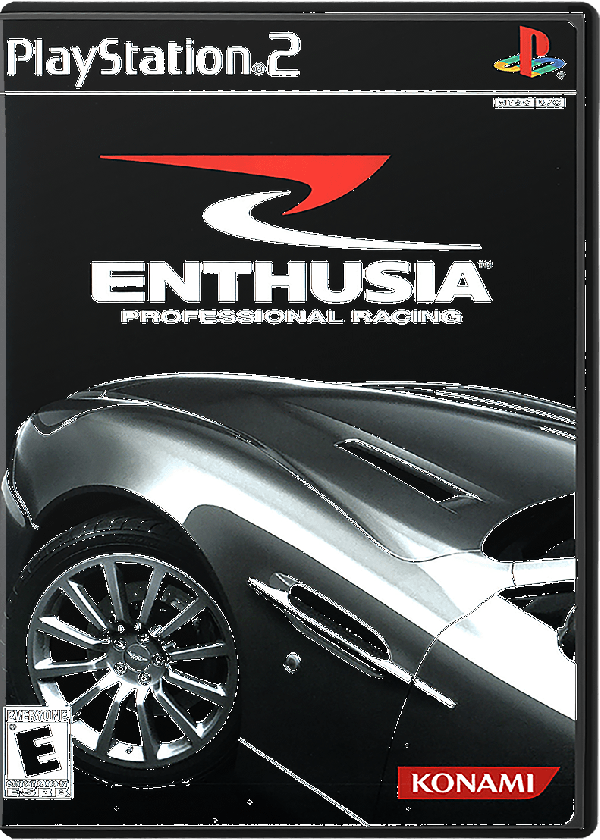
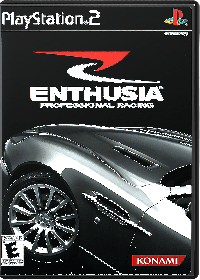
Press the RESET button. When the power indicator lights up, press the OPEN button and the display will open. Place the ENTHUSIA™: PROFESSIONAL RACING disc on the disc tray with the label side facing up. Press the OPEN button again and the disc tray will close.
Attach game controllers and other peripherals, as appropriate. Follow on-screen instructions and refer to this manual for information on using the software.
MAIN MENU
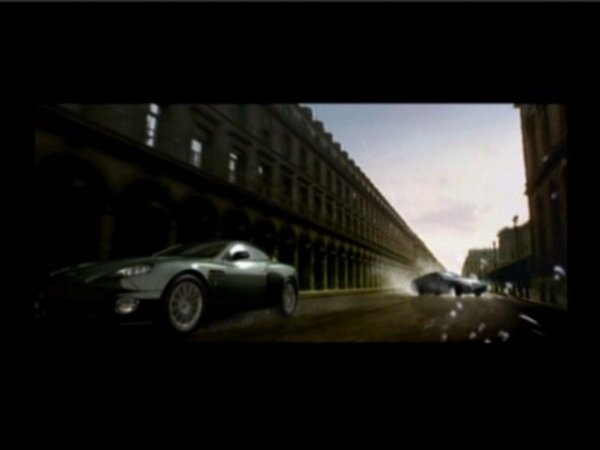
Place the disc in the PlayStation® 2 computer entertainment system and start the system to play the opening movie and display the title screen. If a Memory Card (8MB) for PlayStation®2 computer entertainment system containing game data is inserted into the memory card slot at this time, the data will be automatically loaded.
•
ENTHUSIA LIFE ► P10: Compete for the top ranking while racing different types of cars suited to your skill level.
•
DRIVING REVOLUTION ► P11: Race at designated speeds while following the lines.
•
TIME ATTACK ► P12: Challenge yourself to finish with the best overall time and best sector times.
•
FREE RACING ► P12: Select a car, race course, and number of laps.
•
VERSUS RACING ► P12: Race head-to-head against a friend.
•
LIBRARY ► P14: View a variety of game data.
•
OPTION ► P15: Adjust various in-game settings, and load and save game data.
VGS (VISUAL GRAVITY SYSTEM)
ENTHUSIA: PROFESSIONAL RACING is equipped with the VGS, a system for visualizing the force of gravity acting on your car. VGS information consists of the VGS Icon at the bottom center and the frame on the outer edges of the screen.
Using the VGS Icon
Indicates the angle of your tires, their effective grip, and amount of contact with the ground. The effective grip data indicates if you are getting the most from a given type of tire; white indicates the maximum effect. The tire outline will flash when a tire loses contact with the ground.
The movement of the ball indicates the direction and amount of G-force (gravity) acting on your car.
Switching the VGS display
You can press the button during a race to change the type of VGS display.
•
Icon: Shows tire and G-force information.
•
Icon + Frame: Shows tire information and amount of G-forces acting on both the car and driver.
•
Frame: Shows the amount of lateral G-forces acting on the car and as felt by the driver.
•
OFF: Completely turns off the VGS display.
*Although the VGS display can be changed while using the Car View as well, the displays differ from those in the Driver's View.
SEARCH (CAR SEARCH SCREEN)
The ENTHUSIA car-selection screen allows you to refine search parameters, making it easy to find the car you want.
Car Search Screen
Select OK if you want to choose a car without specifying any particular search categories.
Refined Search
Allows you to further refine a list of currently available cars corresponding to each category. Selecting each category displays a list of available cars. Check all of the desired categories for a car you want to select.
Use the L2 or R2 button to switch to different category pages. You can refine a search according to general data such as year and manufacturer, functional data such as drivetrain layout, curb weight, engine displacement, and physical data such as the overall length or width of a car.
Select OK to open a car selection screen corresponding to the categories you selected. Select CHECK to confirm the cars that correspond to the categories you selected. Select SORT to change the display order for the category you selected.
NOTE: Not all car varieties can be selected when you first begin playing. Additional cars will become available as you progress through Enthusia Life, Driving Revolution, and the other game modes. A mode that allows you to race a variety of cars in a quest for the top world ranking. In this mode, the game proceeds according to a calendar, with events scheduled every week.
ENTHUSIA LIFE
Select ENTHUSIA LIFE from the main menu. If you wish to start a new game, select NEW GAME. If you wish to continue using previously saved game data, select CONTINUE.
ENTHUSIA LIFE: MAIN MENU
Select a car first to proceed to the ENTHUSIA LIFE main menu.
•
JOIN RACE: Compete in any of the races scheduled for that week.
•
CHANGE CAR: Take a one-week break from racing and lets you change your car.
•
REST: Take a one-week break from racing and recover Enthu Points.
•
GARAGE: Tune your car and make test runs.
•
RECORDS: View your record times.
Main Parameters
•
RANKING: Indicates your current ranking. Increases as you gain more RANKING POINTS.
•
RANKING POINTS: Your current number of RANKING POINTS. Increases as you win races.