GETTING STARTED
*Note: Illustration may not match all PlayStation®2 console types. For owners of SCPH-70000 series PlayStation®2 systems, refer to the setup instructions supplied with your system.*
Set up your PlayStation®2 computer entertainment system according to the instructions in its Instruction Manual. Make sure the MAIN POWER switch (located on the back of the console) is turned ON.
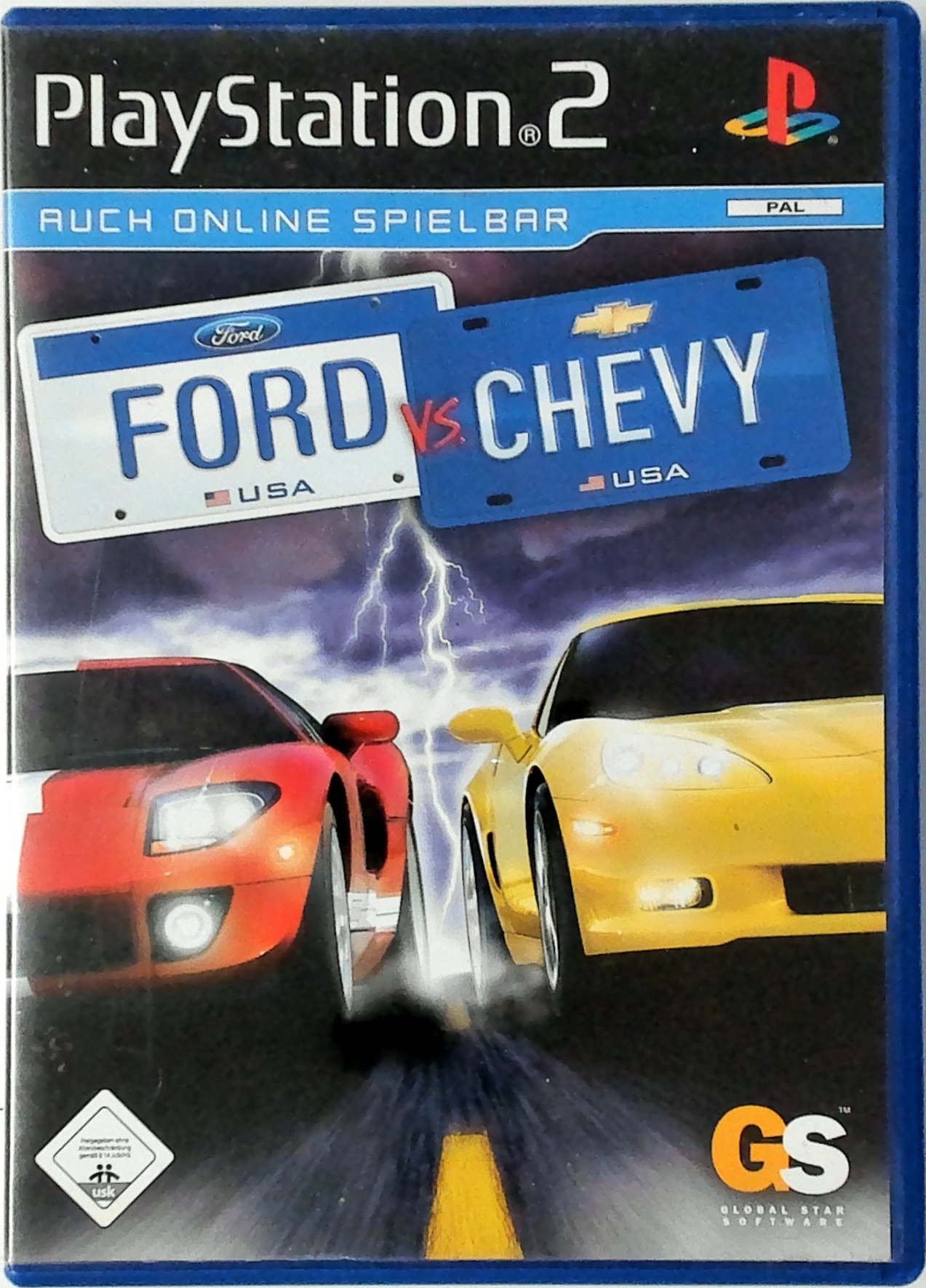
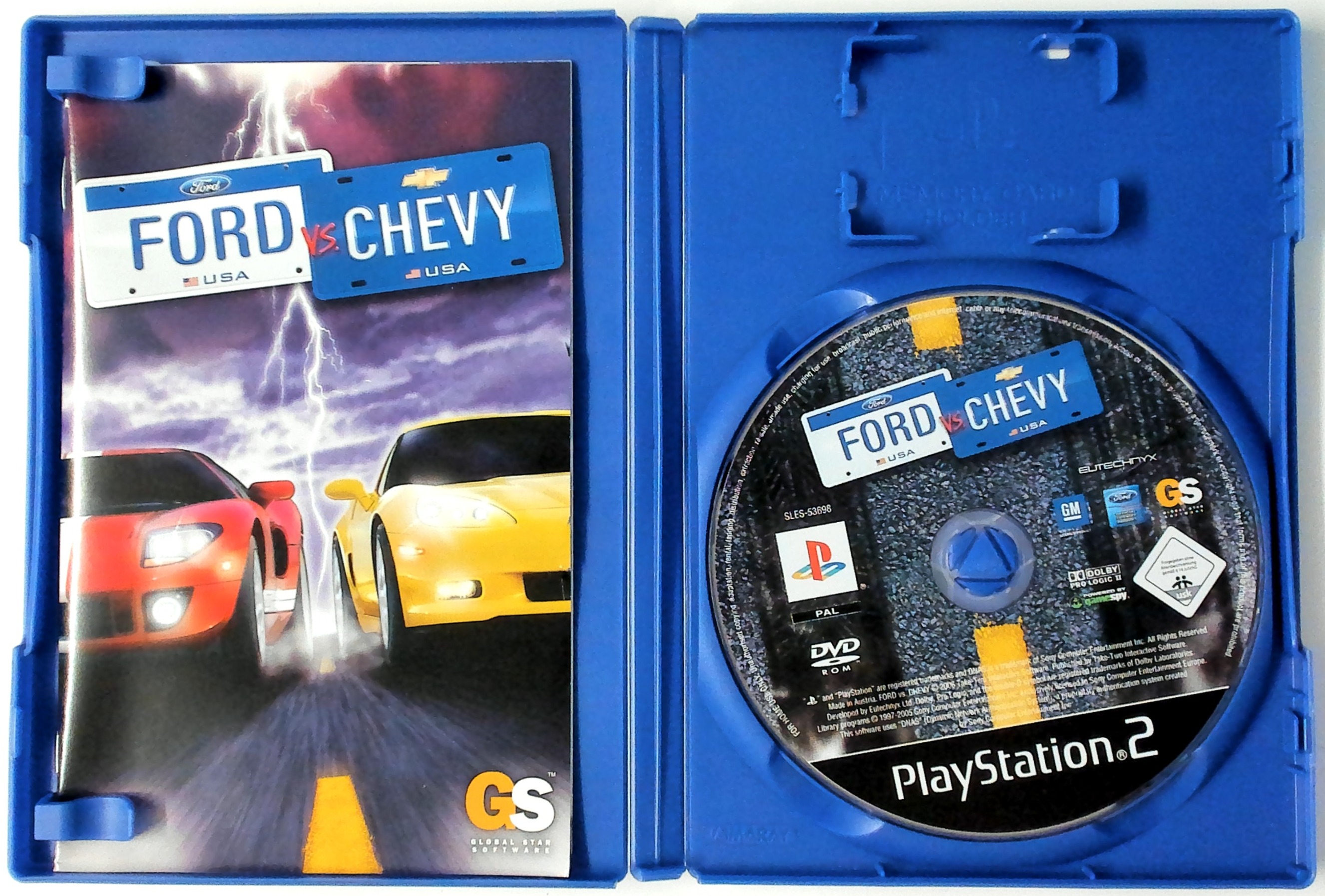
Press the RESET button. When the power indicator lights up, press the OPEN button and the disc tray will open. Place the FORD vs. CHEVY disc on the disc tray with the label side facing up. Press the OPEN button again and the disc tray will close.
Attach game controllers and other peripherals, as appropriate. Follow on-screen instructions and refer to this manual for information on using the software.
MEMORY CARD (8MB) (FOR PLAYSTATION®2)
To save game settings and progress, insert a memory card (8MB)(for PlayStation®2) into MEMORY CARD slot 1 of your PlayStation®2 system.
You can load saved game data from the same memory card or any memory card (8MB)(for PlayStation®2) containing previously saved games.
STARTING THE GAME
If you have a previously saved Ford vs. Chevy game you may restore it using the Load Profile option. If this is the first time you've played the game, simply select the New Profile option.
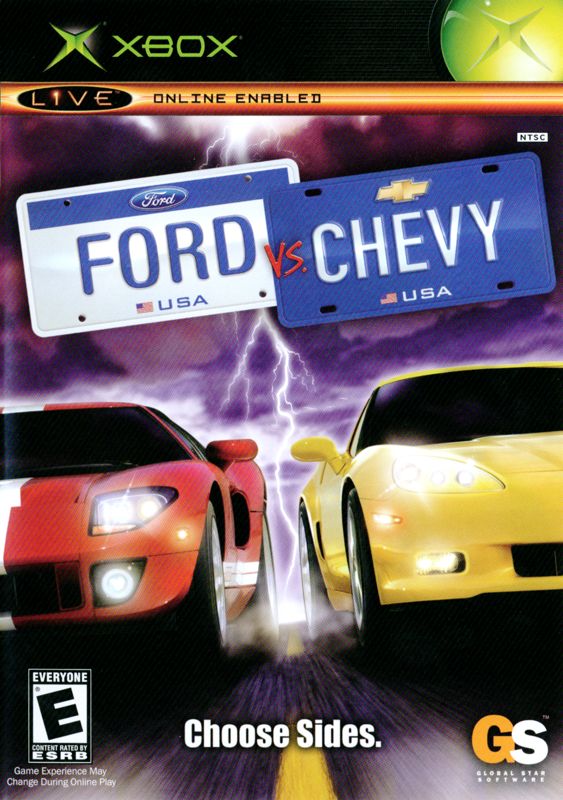
You are now asked to choose sides - either Ford or Chevy. You cannot switch sides once you have made your selection and transfer your progress to that Brand! For example, if you complete the first two Class Series driving a Ford you cannot switch to Chevy for the third Class Series. If you wanted to switch to Chevy, you would have to begin a new game session and start from the Class Series 1 again. Your Ford progress would remain unaffected, however, so you could return to that at a later date.
You're now prompted to enter a name for the new Game Session. Simply use the "on-screen keyboard" to enter a name and - when you're ready - select the ENTER option to name your new Game Session.
You are now presented with the Main Game Menu. Here you may select which Game Mode you wish to play or adjust your Game Options.
GAME MODES
WESTINGTON CUP
The Westington Cup is the main game mode of Ford vs. Chevy. Here you race as either a driver for the Ford team or the Chevy team and compete in a variety of challenges and races.
Initially you're restricted to competing only in the first Class: Modern Muscle, but should you complete this Class Series, you'll proceed to the second and so on. Progress is only made by successfully completing a Class Series.
Between Class Series you're presented with a short animated sequence that introduces the Class. You may skip this at any time by pressing the START button.
STARTING IN THE WESTINGTON CUP
This mode begins with a short animated intro, setting the scene and introducing you to the concepts of the Westington Cup. You may skip this intro by pressing the START button at any time.
The Westington Cup begins with the first Class, Modern Muscle. Once the introduction for the Modern Muscle Class Series is complete, you're taken to the Series Screen.
THE SERIES SCREEN
The Series Screen is where you select which races you wish to compete in and learn more about upcoming challenges. You may also visit your Garage, where you may Upgrade your car, repair the damage it sustains during the race and even trade it in for a new one!
At the start of the game you do not have a car. However, you start with a limited number of Points, which you may spend in the Garage to purchase one. You cannot race until you purchase a car. For more information on the Garage please see the Garage section (page 14).
Initially only a limited number of the challenges and races in the Series is available, but as you complete them, new ones will become available. As you select each event, you'll see pertinent information on the race, such as the course layout, objectives, the event type and so on.
Simply select the event you wish to compete in to begin.
SERIES RACES
Each Class Series consists of a number of races and events. Some are unique to each Class Series, others common to all.
•
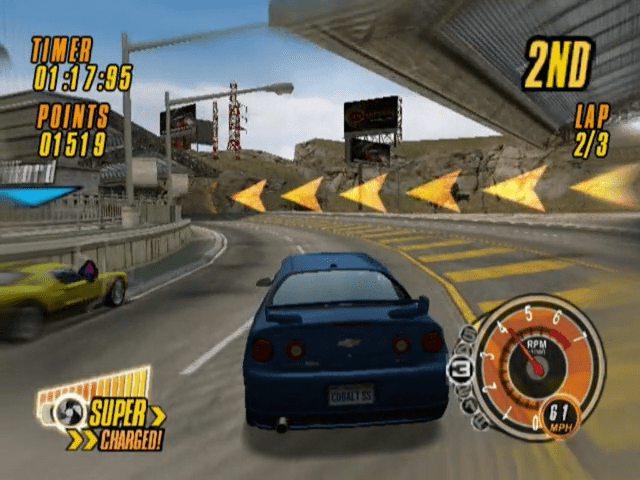
Circuit Races Compete against a field of 5 other drivers in a lap-based race. Your objective is to finish in the highest position possible.
•
Point-to-Point Race Compete against a field of 5 other drivers in a race to reach a predefined point. Again
.png)

.png)



.png)

_1.png)
.png)


.png)

.png)


.png)


.png)


_1.png)