Getting Started
Set up your PlayStation®2 computer entertainment system according to its Instruction Manual. Ensure the MAIN POWER switch (located on the back of the console) is turned on.
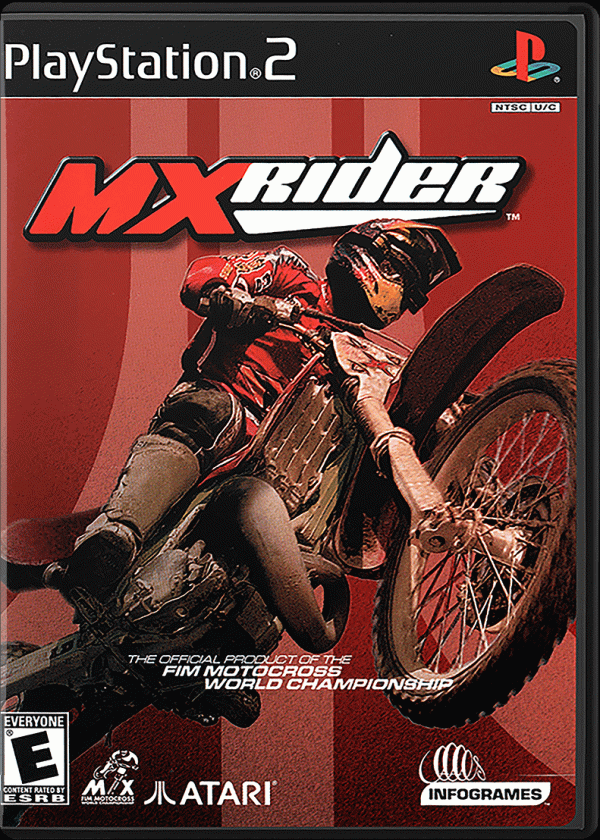
Press the RESET button. When the power indicator lights up, press the OPEN button to open the disc tray. Place the MXrider disc on the disc tray with the label side facing up. Press the OPEN button again to close the disc tray.
Attach game controllers and other peripherals as appropriate. Follow on-screen instructions and refer to this manual for information on using the software.
Main Menu
Single Race
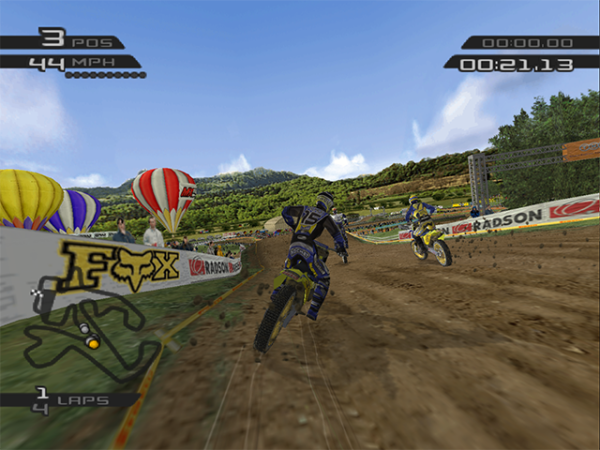
Compete against FIM (Federation Internationale Motocycliste) riders. You can choose bikes, courses, and riders. Select between Motocross (MX) racing on large outdoor tracks or Supercross (SX) racing on specially designed arena tracks.
Single Race Options
•
Number of laps: 4, 8, 16 (MX) or 6, 10, 20 (SX)
•
Number of Riders (SX only): 1, 6, 10
•
AI Challenge: Easy, Intense, and Severe (Easy is the default setting)
•
Invisible walls on/off: This feature prevents you from flying off the track while airborne.
Records such as fastest lap can be saved onto a MEMORY CARD (8MB) (for PlayStation®2).
Freestyle
Perform as many stunts as possible within a time limit. More extreme stunts earn more points and fan adulation. Break high jump or long jump records to get your name in the game.
Only one arena is unlocked initially. Beat the record number of points for each arena to unlock the next. For a list of stunts and their control combinations, see page 17.
Championship
Compete against top riders from the FIM 2000 World Championship season. Work through several seasons, accumulating money and points.
Challenge
Accomplish specific objectives. First, choose the difficulty: Easy, Medium, or Hard. Each Challenge event has a specific rider, bike, and venue. Completing a set of challenges unlocks one of three bonus riders.
Multiplayer
Play MXrider head-to-head against a friend. Challenge another player in Motocross, Supercross, and Freestyle mode.
Options
•
CONTROLLER CONFIGURATION
Audio
Change the volume of sound effects, menu music, game music, engine, and speech. You can also change output settings for stereo or surround sound, and the order of background music songs.
Camera Select
There are nine different camera views available. In the Camera Selection menu, you can turn any view on or off. If a camera is turned off, that view will not be available during the race.
Replay Highlights
Watch highlights from previous races that you've saved to the MEMORY CARD (8MB) (for PlayStation®2).
Controller Configuration
Change the configuration of the controllers to suit your preferences.
Championship Mode
Battle the superstars of the FIM World Championship 2000 season in both Supercross and Motocross racing. Larger bike classes require more money, so earn as much as you can by winning races and keeping team sponsorships.
Championship Mode Options
•
Difficulty Level: Novice and Expert (Expert difficulty features an optional qualification race which determines starting position.)
Novice Options
•
AI Challenge: Change the difficulty level of the computer controlled riders: Easy, Intense, Severe
•
Number of MX Laps: 4, 8, 16
•
Number of SX Laps: 6, 10, 20
•
Invisible Walls on/off: This feature prevents you from flying off the track while airborne.
Expert Options
•
AI Challenge: Change the difficulty level of the computer controlled riders: Easy, Intense, Severe
•
Number of MX Laps: 4, 8, 16
•
Number of SX Laps: 6, 10, 20
Championship Season Menu
•
NAVIGATE SELECT MAIN MENU
•
End Season: Quit the current season
•
Season Schedule: View the races in the current season
•
Season Standings: Check your point totals and prize money
•
Garage: Adjust tire tread, suspension, and engine
•
Practice: Run through the next course in this season with no competition
•
Qualification (Expert Mode Only): Qualify for position in the starting grid
Sponsorship
After placing well in season races, you will receive a sponsorship offer from a racing team. Sponsorship comes with a monetary reward. If you continue to win or place well, your sponsor will continue to provide funds.
This money comes with responsibility; you must maintain the conditions outlined in your sponsorship offer. Some sponsors require finishing First, while others only require placing near the top.
Winning races is the best way to get sponsorship. Performing