Product Information
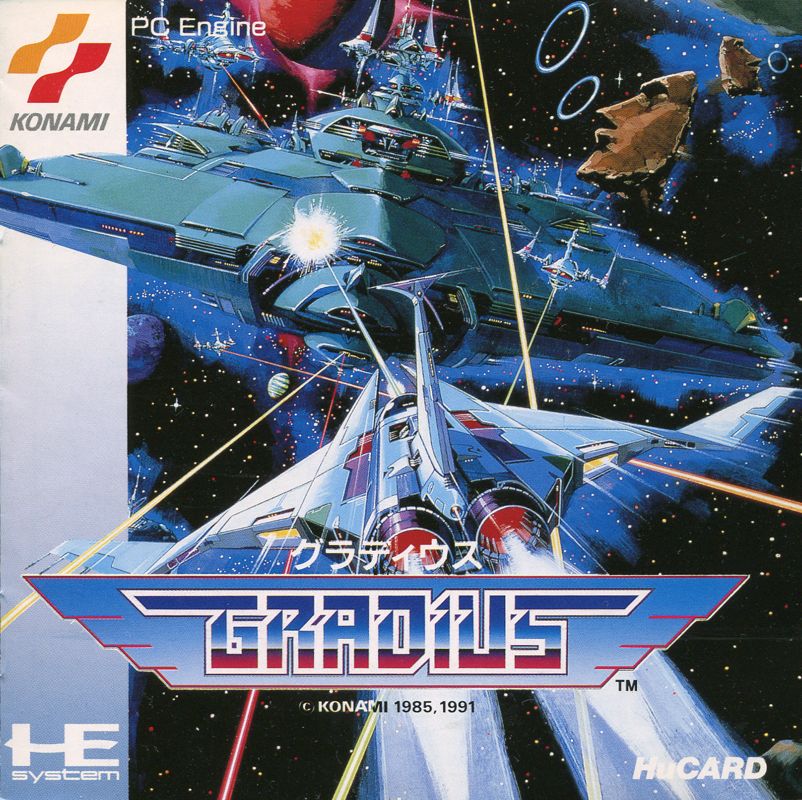
Thank you for purchasing Konami's Hu CARD, "Gradius." Please read this instruction manual carefully regarding handling and precautions. Keep this manual in a safe place. Handling Precautions
•
Avoid use or storage under extreme temperature, humidity, or strong shocks.
•
Do not bend the card excessively.
•
Do not touch the ends or expose them to water, as this causes malfunctions.
•
Gently wipe dirty ends with a soft gauze or gauze soaked in ethyl alcohol.
•
Play at a distance of approximately 2 meters from the television screen.
•
Take a short break of 5-10 minutes every hour during long play sessions.
Reset Method
To restart the game from the beginning, press the SELECT button while holding the RUN button during gameplay.
System Compatibility
The Hu CARD is a game card exclusively for the 1E system. In the event of a malfunction due to a product defect, we will replace it with a new product. Duplication of this software without permission and use in rental businesses is prohibited.
Game Overview
The mother planet Gradius faces invasion by the space empire Pactoria. As the planet reaches the brink of extinction, it deploys the super-time space craft Pick-Booper to target the approaching enemy fortress Zero. To end this battle, you must advance to the heart of the enemy army and destroy its core.
How to Play
•
Destroy approaching enemies to advance through stages.
•
Destroy specific enemies to release capsules; collecting them allows you to power up.
•
The game supports stereo output with powerful sounds.
Stereo Setup
To switch from monaural to stereo settings, turn on the power while pressing the II button.
Controller Operation
•
Key: Operation of the machine.
•
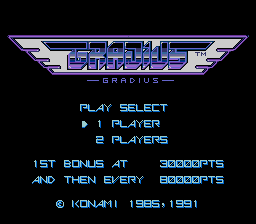
SELECT button: Selection on the rank registration screen; switches between 1P and 2P.
•
Pause button: Game screen stops.
•
I button: Decision for power-up; decision on the rank registration screen.
•
RUN button + SELECT button: Reset button.
Screen Elements
Rank Registration Screen Elements
How to Register a Link
1. Select Male (GENTLEMAN) or Female (LADY) using the ▶ key (←→), then confirm with the I button.
2. Select Constellation (HOROSCOPE) using the ◆ key (←→), then confirm with the I button.
3. Enter name by selecting characters using the ◆ key (←→). Confirm each character with the I button. Up to 3 characters are allowed.
Power-up Types
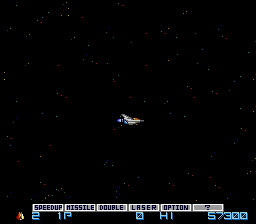
Available power-ups include SPEED UP, MISSILE, DOUBLE, LASER, OPTION, and ?. When you take a red power-up capsule, the select sign changes. Press the I button when the desired select sign lights up.
•
SPEED UP: Increases speed each time taken. Changes up to a maximum of 5 levels.
•
MISSILE: Fires a ground-attack missile. Effective against enemies on the ground.
•
DOUBLE: Fires twin beams in 2 directions. Effective against enemies on the ceiling.
•
LASER: Fires a powerful, penetrating laser beam.
•
OPTION: Your clone attacks simultaneously. Can be equipped up to a maximum of 4 units.
•
?: Equips a barrier that can withstand enemy attacks.
*Note: You can acquire multiple power-ups at the same time, but DOUBLE and LASER cannot be equipped simultaneously.*


.png)








_1.png)


.png)

_Front_Cover.jpg)




.png)
.png)









_1.png)