Congratulations. From the moment you purchased the PC Engine software "Out Run" from NEC Avenue, you already have good fortune in your hands. In order to keep that fortune forever, please read this "User's Manual" carefully and enjoy the product with correct usage. Care Instructions
•
Since this is a precision device, avoid use or storage under extreme temperature and humidity conditions, direct sunlight, and strong shock. Also, do not bend the card.
•
Do not touch the terminals (the metal part of the card), get it wet, or dirty it in any way.
•
Do not wipe it with volatile oils such as thinner or benzine.
•
For the health of your eyes, play at a distance from the TV screen (approximately 2 meters).
•
When playing for extended periods, for your health, take a short break of 5-10 minutes every hour.
How to Start
Press GAME START on the title screen to begin play. You can also select OPTION at this time.
OPTION
OPTION Settings
•
RANK: You can set the difficulty level from three types: Normal, Hard, and Easy.
•
ENGINE NOTE: During the game, you can turn the machine's engine sound ON or OFF.
•
EFFECT SOUND: During the game, you can turn the effect sounds ON or OFF.
•
BGM: You can choose BGM from 3 songs. Use the direction keys to select and the II button to confirm.
Warranty
We ensure the quality of our products to the best of our ability. In the event that the product has any irregularities for which we are responsible, we will replace it with a new one. Please excuse us for any other liability. Unauthorized duplication of this software and its use in the lending business are prohibited.
.png)
.png)
.png)



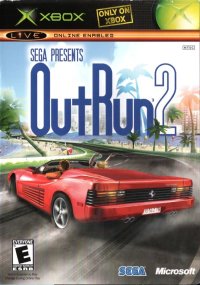

 (En,Fr,Es).png)





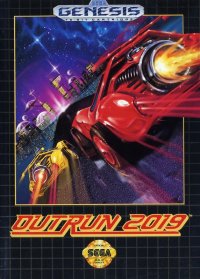

.png)



.png)

 (Alt 1).png)
.png)
.png)
.png)



.png)


