SETTING UP
Set up your PlayStation®2 computer entertainment system according to its instruction manual. Ensure the MAIN POWER switch (on the back of the console) is off. Attach game controllers and other accessories before switching on the console. It is advised not to insert or remove accessories once the power is on.
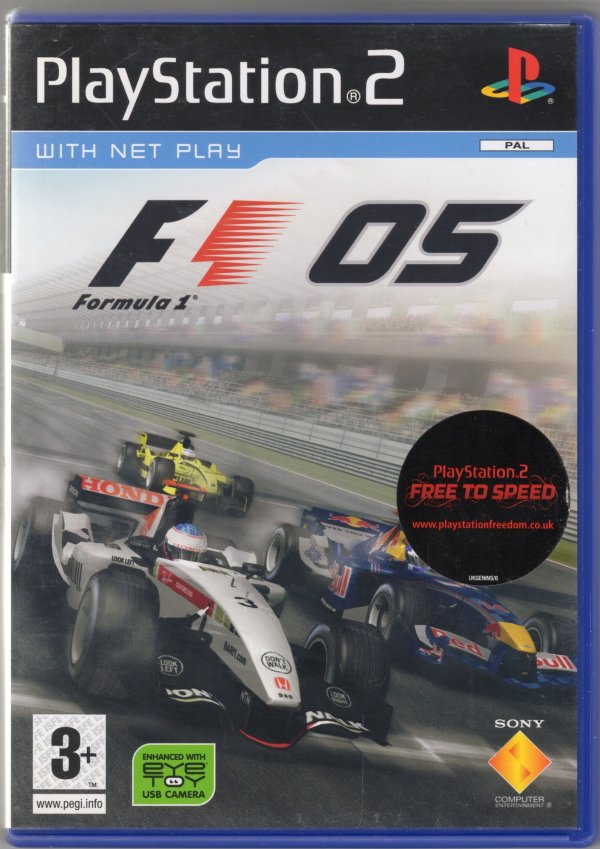
Turn the console ON at the MAIN POWER switch and press the /RESET button. When the indicator lights up green, press the button to open the disc tray. Place the FORMULA ONE 04™ disc label-side up. Press the button again to close the disc tray. Finally, press the /RESET button again before commencing play.
PLEASE NOTE
The information in this manual was correct at the time of printing, but minor changes may have occurred late in the game's development. All screenshots are from the English version and some may be from pre-completion screens that differ slightly from the finished game.
TWO PLAYER GAMES
Two controllers are required for split-screen modes. Connect player one's controller to Controller port 1 and player two's to Controller port 2, and/or USB connectors where applicable.
MEMORY CARD (8MB) (FOR PLAYSTATION®2)
Throughout this manual, 'Memory Card' refers to the Memory Card (8MB) (for PlayStation®2) - (SCPH-10020 E). Memory Cards (product code SCPH-1020 E) designed for PlayStation® format software are not compatible with this game.
To save game settings and progress, insert a Memory Card into MEMORY CARD slot 1. You can load saved game data from the same Memory Card, or any Memory Card containing previously saved FORMULA ONE 04 data. Ensure sufficient free space on your Memory Card before playing.
NETWORK ADAPTOR (ETHERNET) (FOR PLAYSTATION®2)
A Network Adaptor (Ethernet) (for PlayStation®2) is required for online play. Install it according to its instruction manual.
CAUTION
Ensure your console is switched off and the AC power cable is disconnected before adding any network equipment.
NOTE
FORMULA ONE 04 requires a Broadband Internet connection (DSL, cable modem, or higher speeds). A Memory Card with a valid Network Configuration is also needed to access online features.
MAIN MENU
NOTE
The Main Menu options listed above are explained individually in detail later in this manual.
BLACK FLAG
A black flag signals a Time Penalty or disqualification. Penalties are imposed for jump-starts, exceeding pit-lane speed limits, or ignoring blue flag warnings. The driver must serve the penalty within the next three laps by entering the pits and stopping for ten seconds at their Garage. Failure to serve a Penalty within three laps results in disqualification.
CHEQUERED FLAG
Indicates that a driver has completed a session.
STRATEGIES
Details like tyre choice, car setup, fuel load, circuit analysis, and weather define a clear race strategy. This can determine success or failure.
Pit stops are a major strategic element. Pit crews refuel and change tyres as quickly as possible. Pit-stops maximize car performance but cost critical seconds due to refuelling, repair time, pit lane speed limits, and the length of pit entry and exit roads.
Use practice sessions to decide between a heavy fuel load (stopping later) or a lighter fuel load (stopping sooner but benefiting from greater early acceleration).
POINTS
Points are awarded to the first eight finishers in a Grand Prix for both drivers' and constructors' championships. Points accumulate over all 18 races, and the highest-scoring driver and constructor at the end of the season are declared World Champions.
DRIVER CONTROLS (ANALOG CONTROLLER DUALSHOCK®2)
•
L1 Button: Clutch, Brake Bias (+), Traction Control (+)
•
Left analog stick: Steer
•
X Button: Accelerate/Engine Restart
•
Right analog stick: Accelerate/Brake
•
Traction Control (-): (No specific button listed, but implied by L1 options)
•
Brake Bias (-): (No specific button listed, but implied by L1 options)
NOTE
The controls listed above refer to the default control 'configuration A'. Two alternative control schemes can be selected in the Analog Controller (DUALSHOCK®2) section of the Controller Setup Menu.
NEW GAME
Select New Game to get straight into the action. Choose the number of players and then pick a game mode to begin play.
SINGLE PLAYER ARCADE MODE
There are two race options available in single player Arcade Mode.
ARCADE RACE
Take part in a one-off race using arcade-style handling. Choose a team, driver, and circuit. Scroll through teams and select one, then choose a driver from that team. Follow the same procedure to pick a circuit from the 18 available international circuits.
**ARCADE