GETTING STARTED
CONSOLE TOP VIEW
FRONT VIEW
Set up your PlayStation game console according to the instructions in its Instruction Manual.
Make sure the power is off before inserting or removing a compact disc. Insert the T.R.A.G. disc and close the disc cover. Insert game controllers and turn on the PlayStation game console. Follow on-screen instructions to start a game.
STARTING THE GAME
Insert the T.R.A.G. disk into your PlayStation console. Turn on the Power, and the title video will start.
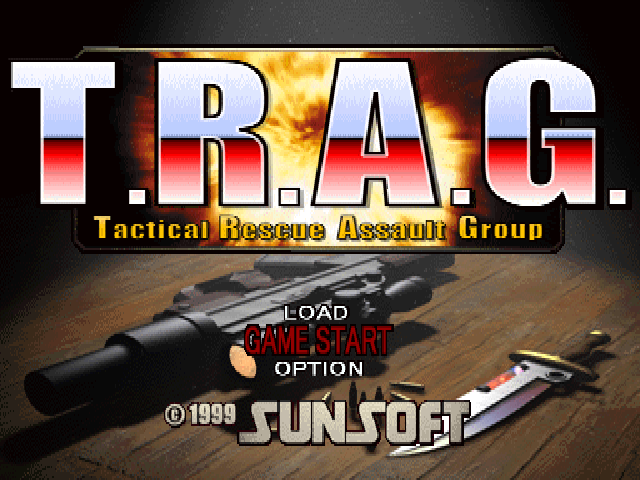
When you press the START button, the title screen appears and the menu is displayed.
Use the directional or buttons to select a menu item. Pressing the X button enters the selected menu item.
The first time you play the game, select "GAME START".
GAME START
Starts the game from the beginning.
LOAD
Enters the LOAD Screen (see page 7) where you can select a saved file when you want to resume the game.
OPTION
Allows you to select the sound mode (stereo or mono) and to turn on/off the DUAL SHOCK™ vibration feature.





.png)

_1.png)
.png)