Getting Started
Turn OFF the Power Switch on your Nintendo® Game Boy® Advance. Never insert or remove a Game Pak when the power is on.
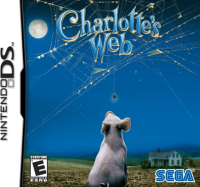
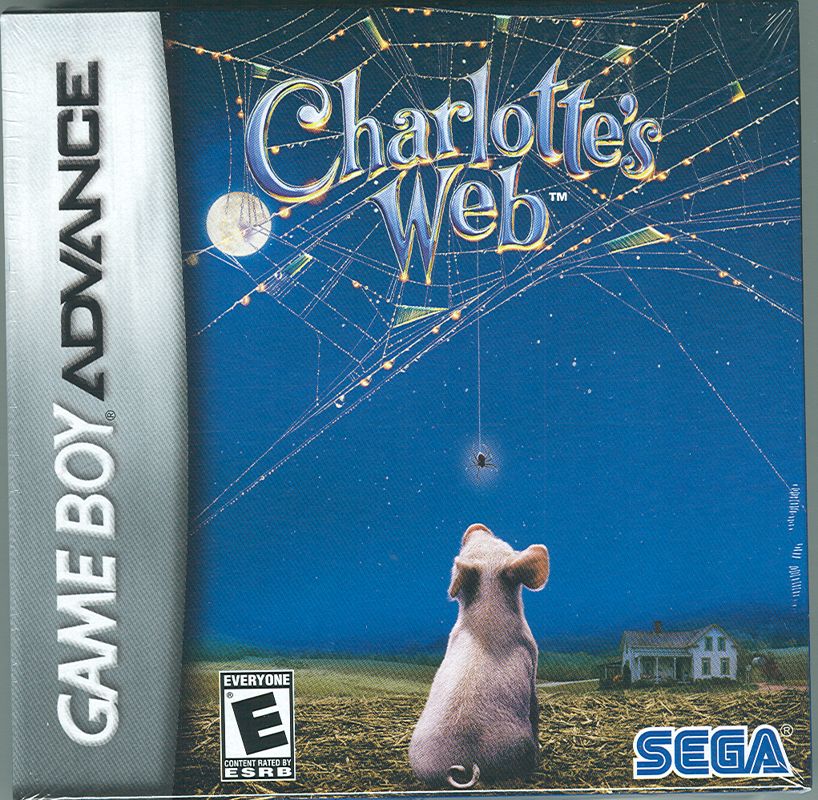
Insert the Game Pak of Charlotte's Web into the Game Pak Slot on the Nintendo® Game Boy® Advance.
Turn on the Power Switch. The Game Boy Advance menu screen will appear (if you don't see it, begin again at Step 1).
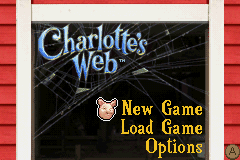
When the Title Menu appears, use the +Control Pad to select NEW GAME and press A Button to go to the New Game Screen.
Hint!
Some doors can be opened by standing next to them and pressing Up on the +Control Pad.
Options
Adjust the game's Options. Press the +Control Pad Up or Down to highlight an option and left and right to cycle through the available choices. To exit Options and return to the Title Screen, press B Button.
•
Difficulty: Adjust the game's difficulty. Choose between EASY, MEDIUM and HARD.
•
Sound FX: Turn ON/OFF the game's sound effects.
•
Music: Turn ON/OFF the game's music.
•
Credits: View the game's credits.
Saving and Game Slots
To start Wilbur's adventure, select NEW GAME and select a Game Slot. Charlotte's Web has three Game Slots where your progress can be saved. If you select a Game Slot that is already in use, you will be asked if you want to Overwrite the data. Choosing YES will erase your previously saved data.
Note: Once game data is overwritten, that particular game data will be permanently lost.
Use the +Control Pad to enter your initials. Press Up or Down to cycle through the alphabet and press Right or the A Button to move to the next letter.
Game Modes
Charlotte's Web has three Game Modes: Adventure, Mini-Games, and Storybook. Use the +Control Pad to highlight a Game Mode and press the A Button to confirm your selection.
•
Adventure: Lead Wilbur and his friends through a grand adventure.
•
Mini-Games: Play a variety of fun Mini-Games starring Wilbur and his friends. For more information, see Mini-Games, pg. 16.
Note: Mini-Games must first be unlocked in Adventure Mode before they can be played.
•
Storybook: View pictures from the movie and read the story of Charlotte's Web.
Note: Pictures must be collected in Adventure Mode before they can be viewed.
Adventure Mode
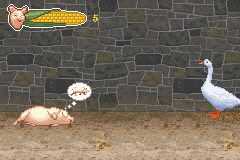
Selecting Adventure Mode takes you to the Level Select Screen. As each level is completed, a new one becomes available. You can return and replay a previously played level any time from the Level Select Screen. Press the +Control Pad Left or Right to cycle through the unlocked levels and press A Button to begin. To exit a level and return to the Level Select Screen, press START and select EXIT GAME.



 (En,Fr,De,Es,It).png)
 (En,Fr,De,Es,It).png)

.png)
 (Rev 1).png)
 (Rev 2).png)
_1.png)
 (Rev 1).png)