Setup
Turn OFF the power switch on your Nintendo® Game Boy® Advance. Never insert or remove a Game Pak when the power is on.
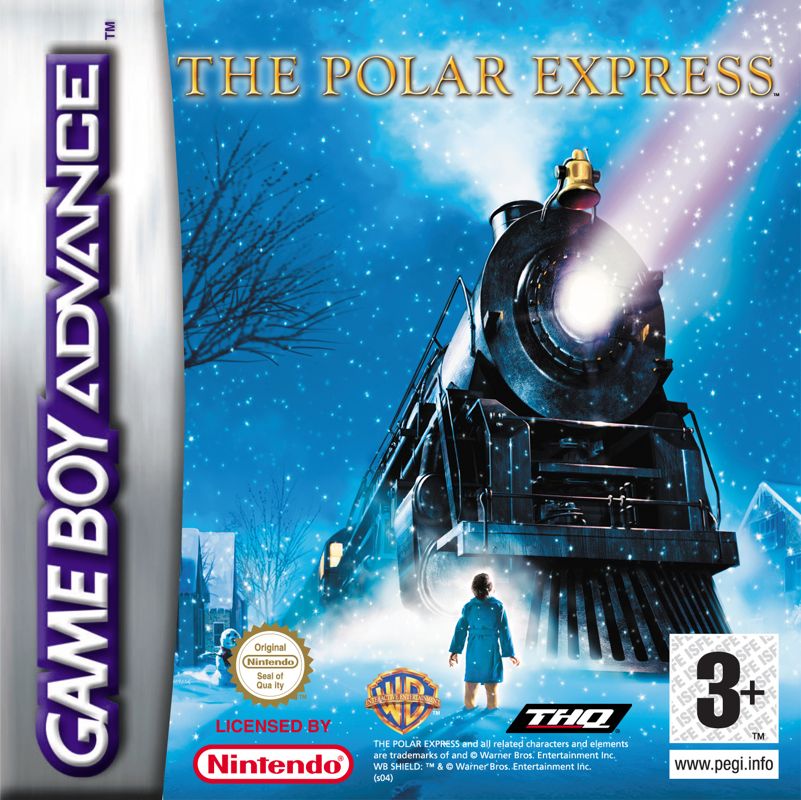
Insert the Game Pak of *The Polar Express* into the slot on the Game Boy® Advance. To lock the Game Pak in place, press firmly.
Turn ON the POWER switch. The credit screens will appear. If you don't see them, begin again at step 1.
Getting Started
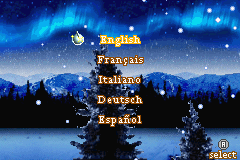
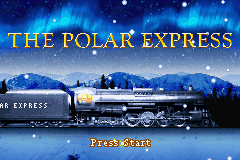
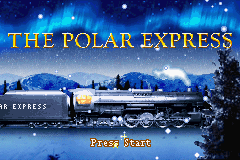
Once the game is on, choose the language on the Language Select screen. The title screen will then appear. Press START to go to the Main Menu.
On the Main Menu are slots for saving your game. By scrolling with the Control Pad and using the A Button to select, you can choose the slot for your game.
A new game can be started in an empty slot. Starting a new game will take you to a Name Select screen.
Enter in your name using the Control Pad to scroll through letters and the A Button to select the letters you want. Then select OK to start the game.
When returning to a saved game, highlight the game you'd like to continue and press the A Button.
Options
The last selection on the Main Menu opens the Options Menu. By scrolling with the Control Pad and using the A Button to select, you can access the following options:
•
Music: Adjusts the Music volume
•
SFX: Adjusts the Sound FX volume
•
File Delete: Allows you to delete a Saved Game file
•
Credits: Shows the game's credits
Riding the Polar Express
•
This health indicator shows that the Hero Boy has the heart to keep going.
•
Sleigh bells must be collected to complete certain levels in the game.
•
Yummy candy canes are found throughout the *Polar Express*. If you collect all of them, you will end up visiting every part of the *Polar Express*.