How to Play
Control Pad
•
Right: walk, run (by pressing twice), crawl to the right (by pressing down at the same time), jump to the right (by pressing the A Button at the same time).
•
Left: walk, run (by pressing twice), crawl to the left (by pressing down at the same time), jump to the left (by pressing the A Button at the same time).
A Button
B Button
•
Punch, throw a skull, roll if Igor runs.
Select
Start
Password
•
Use the Control Pad to move through the alphabet.
•
Press the A Button to validate the password.
•
Press the B Button to delete a letter. When there are no letters left, press the B Button to quit the menu.
Inventory
From the inventory menu, Igor can choose an invention. This menu also shows which parts of Phil you have collected during your adventure. At the start of the game, Igor doesn't have any inventions. To choose one, use the Control Pad and press the A or B Button to select the invention you want. When an invention is already selected and you want to put it back, press the A or B Button.
Doctor Vic's Puzzle Machine
The puzzle machine is used to rebuild an invention by placing the 9 quest objects you will have collected from a world in the correct place in a table.
The Map of the Worlds
This map reappears between each world to show your progress. It also indicates in which world Phil's body-parts remain to be found. About the Ubi Key
You will find a key hidden in one of the game's levels. Using the infrared connection on your Game Boy® Color, you can exchange this key with your friends, provided they too have UBI SOFT games using the UBI KEY system. With this key, you can access a secret level in your game on Game Boy® Color! Exclusive!
In each UBI SOFT game for Game Boy® Color, there is a different UBI KEY: each one gives you the chance to test your newly acquired power on a secret level! To go even further in the adventure, you'll have to find other players with an UBI KEY! Here is list of UBI SOFT games on Game Boy® Color where you can find an UBI KEY: Rayman®, Suzuki Alstare Extreme Racing™, Toonsylvania™. How do I transfer the UBI KEY?
Once you find the key a brief explanation is displayed on-screen.
•
Place two Game Boy® Colors a few inches apart with the infrared transmitters facing each another.
•
Press on the A Button and keep it pressed to send the key.
•
The player who receives the key must have selected the UBI KEY option in the game's main menu. The player must keep the A Button pressed until the key is transferred. Once the transfer is complete, the player is automatically taken to a secret level in the game. .png)

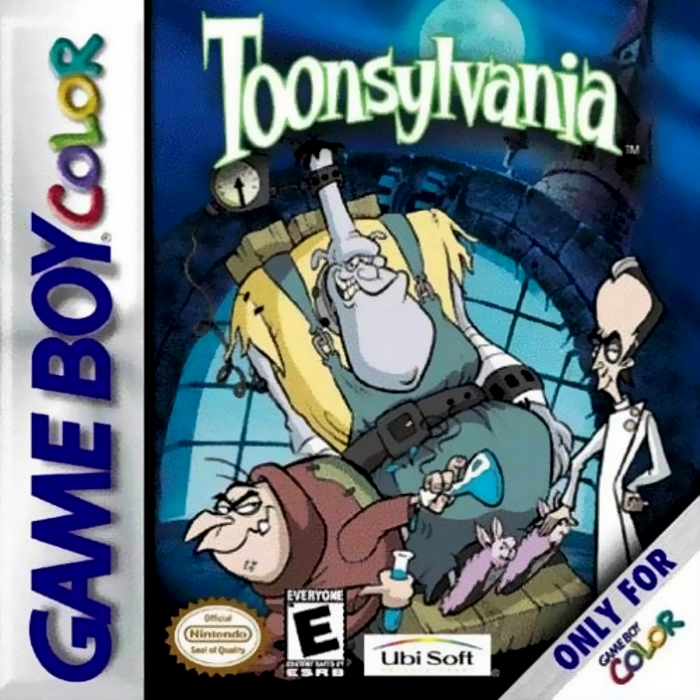



 (En,Fr,De,Es,It,Nl).png)







.png)







 (En,Fr,De,Es,It).png)

 (En,Fr,De,Es,It,Nl).png)

