PAUSE MENU
You can pause the game at any time by pressing START / PAUSE. This displays the Pause Menu, which contains the following options:
•
CONTINUE GAME - Resume playing the current game.
•
RESTART (Practice mode only) - Restart current level.
•
ADJUST HUD - Change the positioning of the on-screen displays, such as power gauge and score. You can use the Adjust HUD function to correct problems if any on-screen information is being cut off because of the size of your television.
•
QUIT - Quit the game and return to the title screen.
BASIC GAME SYSTEM
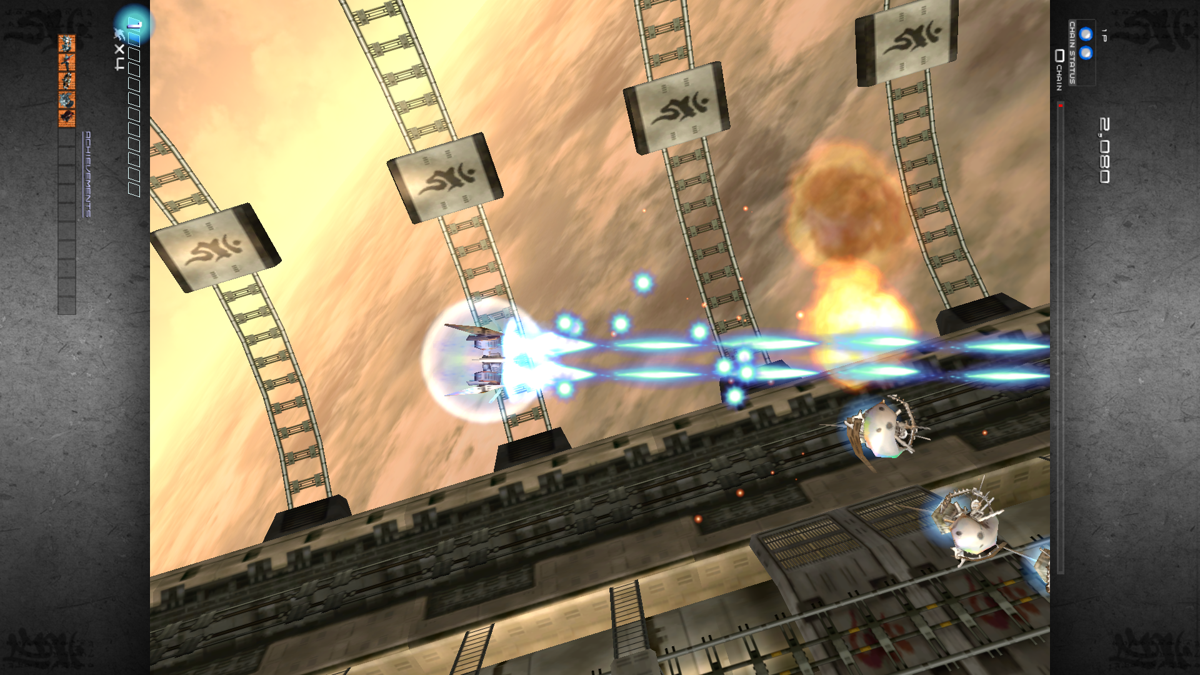
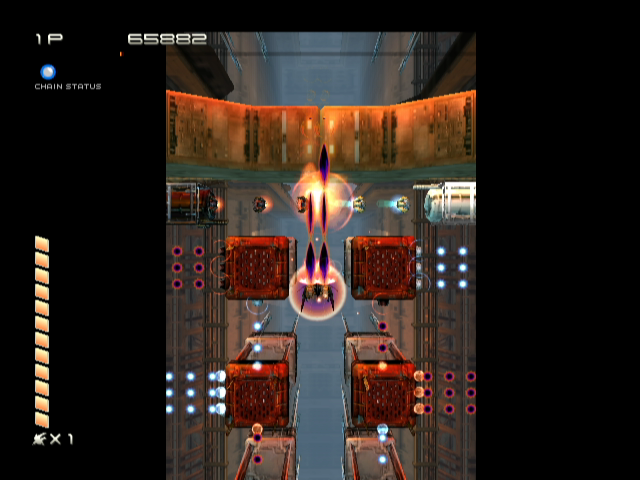
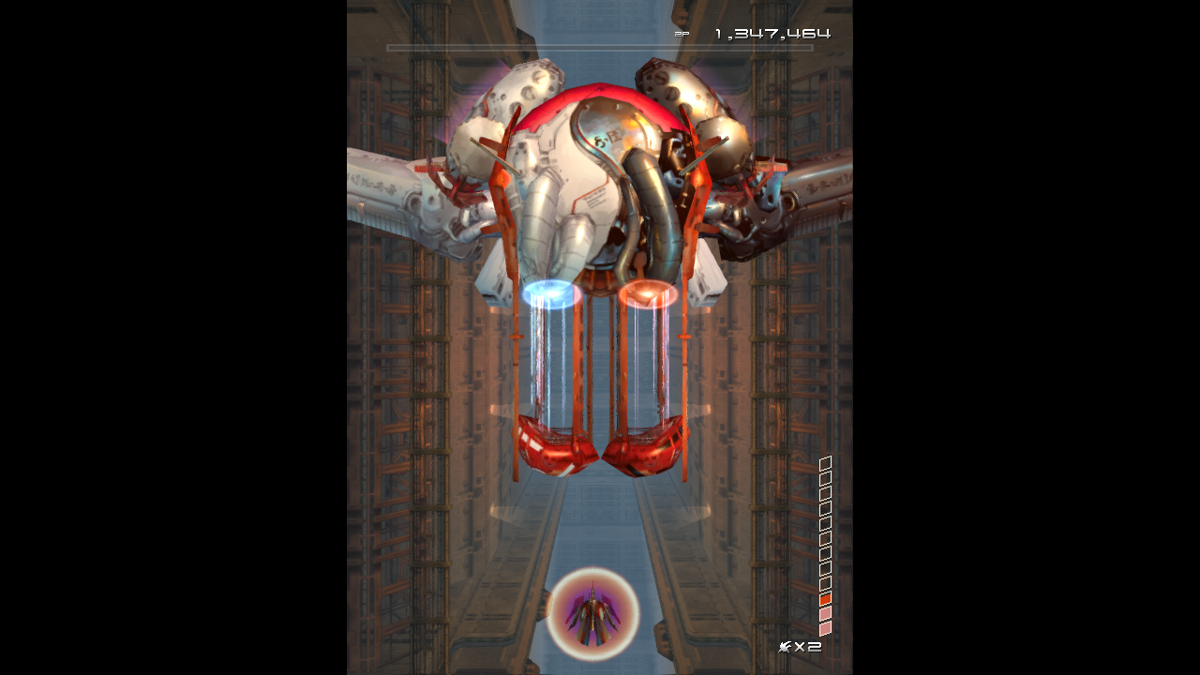
The Battle Screen
•
Time Remaining (Boss encounters only)
•
Number of Fighters Remaining
Starting the Game
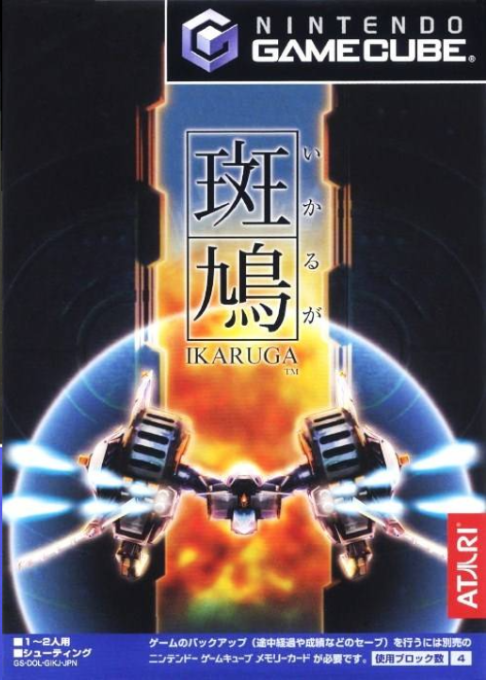
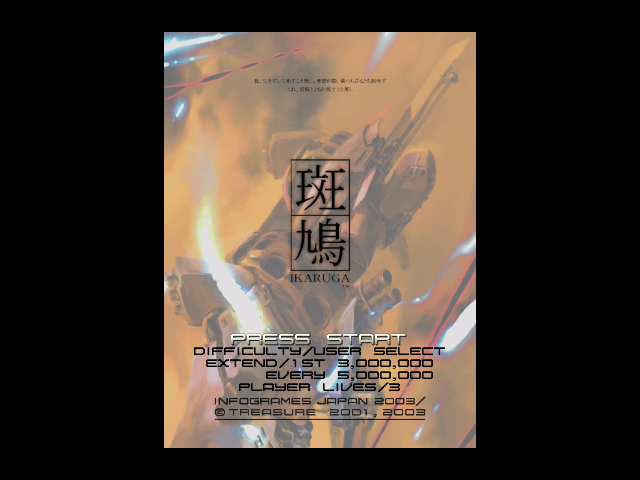
To play the basic Ikaruga game, select Game Start from the Main Menu. Select Normal difficulty and then select Normal game mode.
You can configure the Difficulty setting and Trial Game setting to bypass the Difficulty Select and Mode Select screens. You can also adjust other game settings, including the number of ships you get in a single credit and the score required to earn a new ship.
One-player and Two-player
You can play Ikaruga using a Nintendo GameCube™ Controller plugged into Controller Socket 1, Controller Socket 2, or both. The Controller in Controller Socket 1 controls the Ikaruga fighter and the Controller in Controller Socket 2 controls the Ginkei fighter. Simply use either Controller to start a game and you will automatically begin playing using the respective fighter. Two players can play Ikaruga in cooperative mode in all game types except for Challenge mode. To do this, one player must start the game normally, and the other player simply presses START / PAUSE after the game begins. Default controls are the same for both fighters, and you can customize the controls individually at the Options Menu.
Piloting the Ikaruga Fighter
Use the Control Stick or + Control Pad to move your fighter. Avoid obstacles and opposite-color enemy bullets — if you collide with either, your ship will explode.
Press the B Button to fire a single shot from the center of your ship. This is useful when you are trying to strike a particular enemy fighter. Press and hold the B Button to fire continuously.
Polarity
Press the A Button to switch the Ikaruga's polarity (color) between black and white. When your Ikaruga ship is white, you can absorb white bullets fired by your enemies. These absorbed bullets are stored until you release them as weapons of your own.
However, if your ship is white and is hit by a black bullet, it will be destroyed. The opposite is true when your fighter is black. Enemy fighters also have black and white polarities.
Energy Release
As you absorb enemy bullets, your Energy Release Power Gauge located at the bottom of the screen increases by one level for every 10 enemy bullets you absorb. Press the R Button when you have one or more power gauge levels filled to release this energy in the form of homing lasers.
Each level of your power gauge is equal to one homing laser, up to a maximum of 12 homing lasers. Homing lasers are 10 times more powerful than a standard shot.
Opposite Polarity Means Double the Power!
When exchanging fire with an enemy fighter, if the polarity of your ship is white and the enemy's ship black (or vice versa), all bullets you fire at the enemy hit for twice the damage.
Watch Out for Return Fire!
If you destroy an enemy fighter with the same polarity as your fighter, it will expel energy as it explodes. If you then change your fighter's polarity too quickly, your fighter will be showered with return fire of the opposite polarity. By keeping your polarity the same as your fallen enemies' and absorbing these bullets, you can quickly increase your Energy Release Power Gauge.
Prototype Game
If you meet certain conditions while playing, the Game Mode item will appear in the Appendix menu. You can switch to Prototype mode by changing this setting from Arcade to Prototype. This mode recreates the specifications of the Ikaruga fighter when it was in the early stages of its design.
There are no changes to the fighter's specifications concerning polarity, but the number of shots your fighter can fire is limited. The default setting for the number of shots is 500 at Easy difficulty level, 300 at Normal and 100 at Hard. You must replenish your supply of bullets by absorbing enemy bullets.
You can accumulate up to 999 bullets, and once the ammunition reserves are sufficient, you can unleash successive Energy Releases. The equivalent of 120 shots are used for each Energy Release.
Once your reserves run out, you can no longer fire normal shots. You can still, however, use your Fire Button to fire short-range blank shots, which are only effective at close range.
Bullet Eater
This highly advanced game technique requires lightning-quick reflexes and nerves of steel. There is no menu selection for a Bullet Eater game - you must simply navigate an entire level without firing a shot.
To view demonstrations of Bullet Eater successes, set your Monitor Type to Horizontal 3, then select Conquest from the Main Menu and view certain stages in Demo Play.
OPTIONS MENU
The Options Menu lets you adjust a variety of game settings. Press the Control Stick or + Control Pad UP or DOWN to highlight a menu item. Press the Control Stick or + Control Pad RIGHT or LEFT to change the setting. Press the B
.png)



.png)




_1.png)