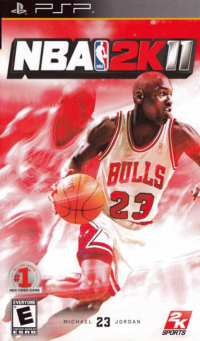
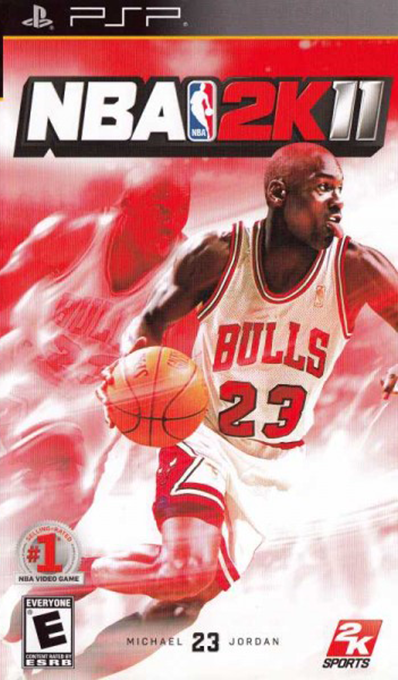
Main Menu
After starting the game, press the START button and select a profile to open the Main Menu.
•
Quick Match - Simply select your favorite team and start a game immediately.
•
Game Modes - NBA 2K11 game modes include Association, My Player, Season, Playoffs, Street, Tournament, and Tutorial.
•
Options - Manage rosters, adjust game settings, configure presentation settings, and change NBA rules.
•
Features - Configure VIP, 2K Beats, Arena Music, enter codes, and view credits.
•
Load/Save - Load and save profiles, rosters, and rules.
•
Online - Enjoy the game with friends online.
Game Modes
•
Association - A mode where you control every aspect of your team. You are the general manager, the coach, and the player on the court. Scouting players, signing free agents, looking at draft projections to find promising college players, and hiring coaches and assistants are all up to your skills. Furthermore, the battle is not limited to just one season. Use your power to build a perennial powerhouse!
•
Season - Literally a mode to play through an NBA season. Choose the season length and lead your team aiming for the NBA Finals. Now, will your team be able to capture the title of NBA Champion?
•
Playoffs - Skip the regular season and start the battle from the playoffs.
•
Street - Play full court, half court, 1 on 1, or 21-point games. In these various situations, you will challenge top NBA players.
•
Tournament - Create a tournament to enjoy alone or with friends. Create a tournament with 4 to 16 teams, select players via fantasy draft, and set the quarter length (including Sim time).
•
My Player - Develop an NBA rookie into a star player. Earn skill points in games and practices to improve your player's attributes. The better you play, the faster your player's abilities will improve.
•
Practice - Learn the details of play by completing practice modes. Now, will you be able to pull off the most difficult moves?
NBA 2K11 Features
NBA 2K11 takes this highly acclaimed series to even greater heights. Newly added features and more polished game performance deliver a new level of entertainment.
•
My Player - First, create a rookie player who will be your alter ego. You can make him a center who excels at blocking shots, or a point guard who is good at 3-pointers—it's all up to your choice. Once you create your player and get assigned to an NBA team, his career begins. Now, how will you develop your rookie player, and how many championships can you win?
•
Practice - With the expanded practice mode, you can learn a variety of moves, from basic actions to advanced dribbling, and even spectacular techniques like alley-oops.
•
Advanced Turbo System - The advanced turbo system provides a more challenging and realistic experience. However, excessive use of turbo drains player stamina. Just like real NBA players, you will need to learn the timing of when to explode and when to hold back.
•
Refreshed Roster - You can take advantage of the latest information regarding major off-season trades, free agent movements, injuries, and player ratings.
Online
Test your skills to the fullest against your friends! You can create or search for the following two types of matches from the online menu:
•
Exhibition Game - Select an opponent via Ad-Hoc mode and choose from available teams, uniforms, lineups, and courts.
•
Street Game - Engage in an intense head-to-head matchup between two players via Ad-Hoc mode. You can choose match settings such as full court, half court, 3 on 3, 4 on 4, 5 on 5, etc.
Pause Menu
By opening the pause menu, you can change options or take a short break from the game. The pause menu can be opened at any time during a game by pressing the START button, but only the player in possession of the ball can pause. Items in the pause menu can be selected by pressing the ⊗ button.
•
Resume - Returns to the game.
•
Replay - Allows you to replay spectacular dunks, passes, steals, etc., over and over again.
•
Coaching - Customize your team's strategy.
•
Timeout - Call a timeout to organize your team.
•
Options - Adjust game settings.
User Support
•
Website - www.2KSPORTS.COM/INFO/CONTACT
•
Company - Take-Two Interactive Japan G.K.
•
Address - Shinagawa Intercity Tower A 28F, 2-15-1 Konan, Minato-ku, Tokyo 108-6028
•
Hours - 10:00 - 18:00 (excluding Saturdays, Sundays, and holidays)
.png)

.png)
.png)





.png)