Console Top View
Console Front View
Setup
Set up your PlayStation game console according to its Instruction Manual. Make sure the PlayStation power is off before inserting or removing a compact disc. Insert the Assault Rigs disc and close the CD door. Insert game controllers and turn on the PlayStation. Follow on-screen instructions to start a game. Welcome to Assault Rigs
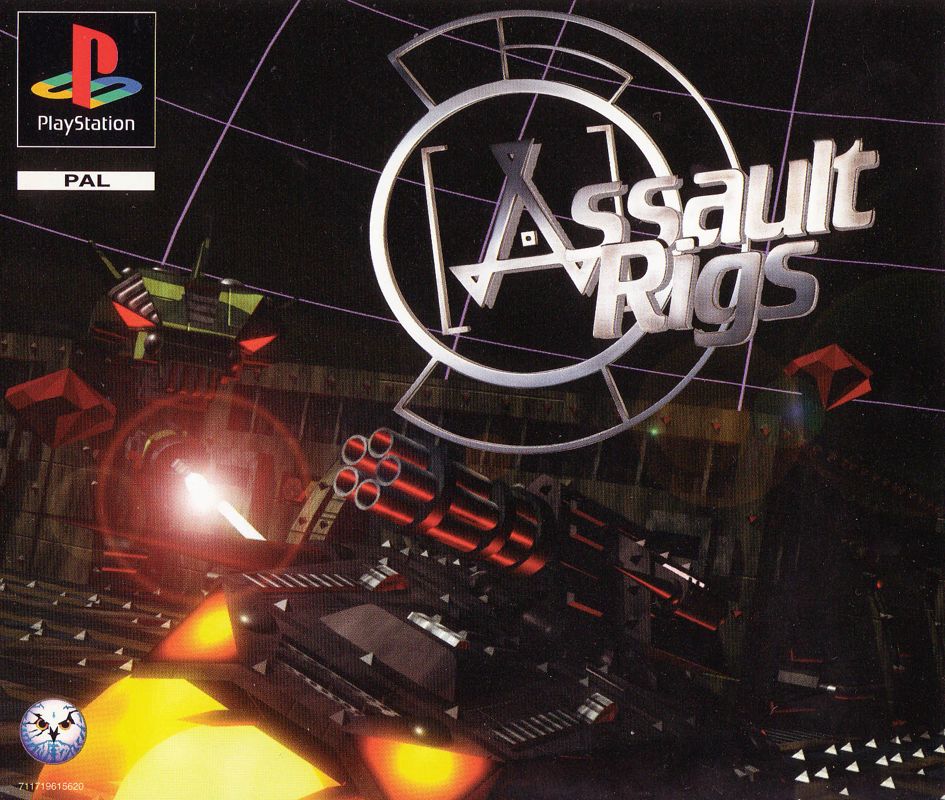
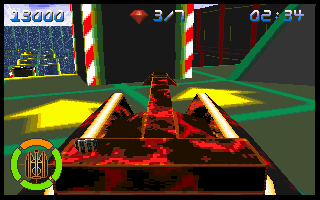
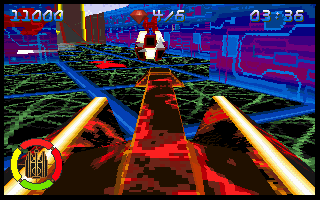
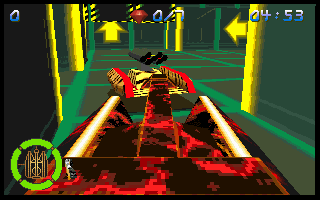
You are the champion Rig jockey on the ZamCam Assault Rigs team. Assault Rigs is the number one virtual shoot 'em up of the future and the world's best are out to knock you off your pedestal. You'll drive your Rig through maze-like arenas full of traps and enemies, and hunt down the Gems that will be your passport to the next level. And when you're there... do it all over again!
The arenas will get increasingly more difficult. Often you'll find that Gems are hidden on higher levels so you'll have to find the elevator that can get you there. And if your Rig takes too many hits? Well, you're dead.
But remember, this is the future! And in the future, death is temporary. So grip your Controller hard, pump those buttons, and get back into that Rig where you belong! Game Start
Once Assault Rigs has loaded, there will be an animated introduction sequence. You can skip this by pressing button X or the START button on the Controller.
Assault Rigs will then offer you a number of menu screens before you play the game. On each screen you highlight the various options by using the UP and DOWN arrows on the Controller and then pressing button X on the Controller to make your selection. To go back through the menus, press the A button on the Controller.
At any time while playing the game, holding down the SELECT button and then pressing and holding the START button for 2 seconds will return you to the title screen.
Menus
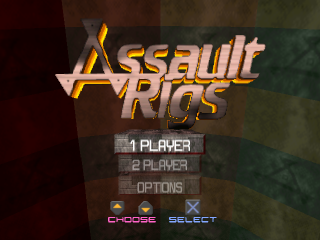
Use the UP and DOWN arrows on the Controller to highlight the option you require, then press button X on the Controller to select it. The choices are the 1 player game, the 2 player game, or the Options menu.
1 Player Game
If you choose the 1 player game, you will be taken to the Level Selection and the Rig Selection screens which are described later in the manual.
Once you play the game, you must enter each arena in turn and collect all the Gems to be found there. Once all the Gems are collected, you must travel to the arena exit in order to complete that arena and move onto the next one.
2 Player Game
To play either of the 2 player games, you will need 2 PlayStations connected by a Link Cable. Each PlayStation must be running a copy of Assault Rigs. Refer to the system instructions to make sure they are set up correctly. Both players must choose the 2 player game by using the UP and DOWN arrows on the Controller to highlight the option and then pressing button X on the Controller. One player must then choose the game type by using the UP and DOWN arrows on the Controller to highlight the option and then pressing button X on the Controller. The choices are Rig Rumble and Gem Warz.
One player must choose the level the game will be played on by using the UP and DOWN arrows on the Controller to cycle through the levels and pressing button X on the Controller to select the required level.
Rig Rumble
One player must choose Rig Rumble from the game type menu by using the UP and DOWN arrows on the Controller to highlight the option and pressing button X on the Controller to select it. One player must then choose the level the game will be played on by using the UP and DOWN arrows on the Controller to cycle through the levels and pressing button X on the Controller to select the required level.
Both players must then select a Rig by using the LEFT and RIGHT arrows on the Controller to cycle through the choices, and pressing button X on the Controller when the chosen Rig is at the front of the screen. The Rig Rumble will then begin.
The objective of Rig Rumble is to destroy your opponent's Rig more often than they destroy yours. If a player is destroyed, they will be regenerated in the arena. To return to the previous menu, press the A button on the Controller.
Gem Warz
One player must choose Gem Warz from the game type menu by using the UP and DOWN arrows on the Controller to highlight the option and pressing button X on the Controller to select it. One player must choose the level the game will be played on by using the UP and DOWN arrows on the Controller to cycle through the levels and pressing button X on the Controller to select the required level.
Both players must then select a Rig by using the LEFT and RIGHT arrows on the Controller to cycle through the choices, and pressing button X on the Controller when the chosen Rig is highlighted. Gem Warz will then begin.
The objective of Gem Warz is to collect all the Gems in the arena and reach the exit before the other player. You have a limited period of time to achieve this. If a player is carrying Gems and their Rig is destroyed, the Gems will regenerate back in their original location within the arena.
If neither player has reached the exit within the allotted time, the player carrying the most Gems is the winner. If both players are carrying the same number of Gems, the result is a draw. To return to the previous menu, press the A button on the Controller
.png)