GETTING STARTED
Set up your PlayStation® game console according to its Instruction Manual. Make sure the Power Indicator is OFF before inserting or removing a compact disc. Insert the Bio F.R.E.A.K.S™ disc and close the Disc cover. Insert game controllers and turn on the PlayStation® Game Console. Follow on-screen instructions to start a game. TOP VIEW
FRONT VIEW
MAIN MENU
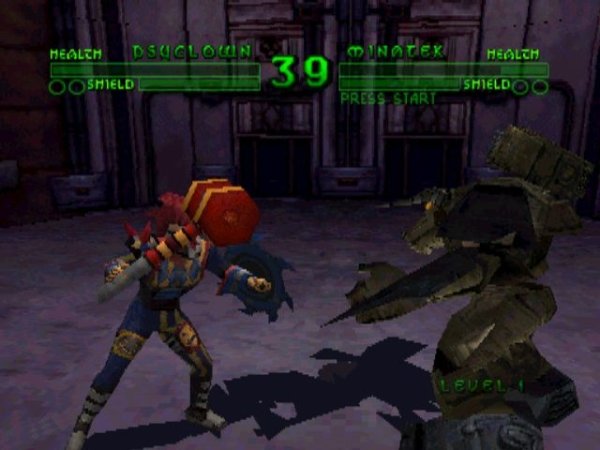
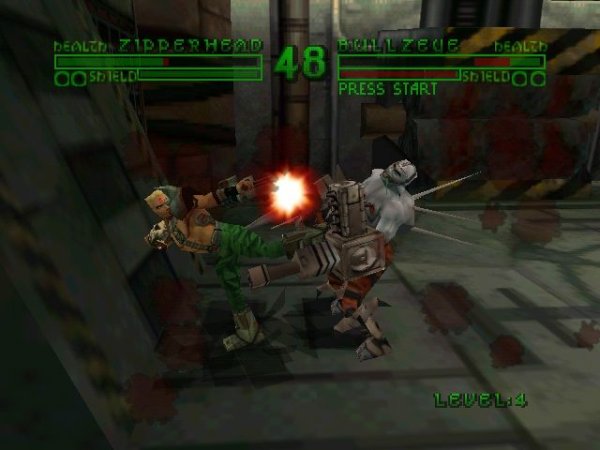
Bio F.R.E.A.K.S offers several challenging options. You can jump in the arena and take on a friend, the computer, or an opponent that you can modify to react the way you want. Read below to view the available options.
ARCADE
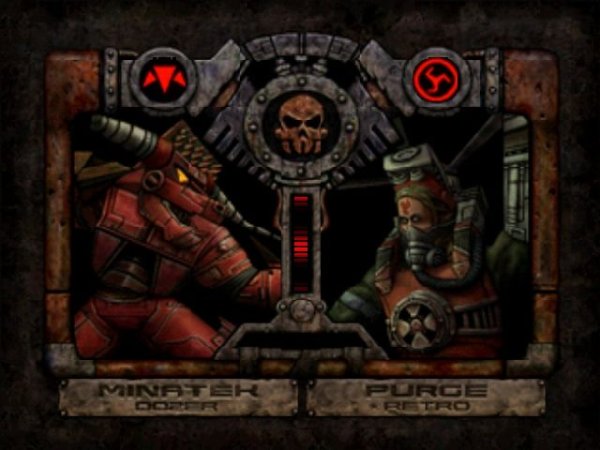
Challenge the computer to a 1 on 1 battle. You'll choose your character and fight other characters chosen by the computer.
Player 2 may press the Start Button at any time to take you on. The current game will end, and you'll go to the Character Selection Screen.
VS MODE
This is the game's 2 Player Mode. You and a friend will choose a character, then choose a Battle Pit.
TEAM BATTLE
When you select this option, press the Directional button Left or Right to choose the size of your team (between 2 and 5). Then press the X button to confirm.
You'll have that number of characters to create your team, then take on the computer or a friend. The team with the last man standing wins.
SURVIVAL
It's just you against the computer in a fight to the death. Collect as many wins as you can as you fight every player over and over until you lose.
Your Health will regenerate 20% after every round. You'll need to be lightning quick in disposing of your opponents to last in this marathon fight to the death.
PRACTICE MODE
Practice your moves and combos, then prepare yourself for battle in this extensive Practice Mode. You (and an opponent) select your character, then select a Battle Pit.
Once your practice starts, press the Start Button to view the Practice Menu and set up your practice session the way you want.
PRACTICE MENU
Highlight an option, then press the X button to cycle or select options.
ATTACK DATA
With this option ON, the Health Bar will work as a Strength Bar. As you inflict damage, it will diminish then regenerate.
Use this feature to see how much damage a particular practiced move will inflict. If you don't want to view this information, turn this option OFF.
CPU ACTIONS
You can choose how you want your opponent to react to your fighting moves. •
Select Stand to have him stand defenseless and take the punishment.
•
Select Arcade to have him fight back. •
Select Jump so you can practice hitting a jumping target.
•
Select Guard to have him block many of your attacks.
CPU LEVEL
Set the difficulty level for your CPU opponent from 1 (easiest) to Clonus (hardest).
KEY DISPLAY
With this option ON, the buttons you press to execute a move will be displayed at the bottom of the screen as you practice. This is a good method to see if you're getting your moves down.
Turn this option to OFF to not view the display.
ENDLESS FLYING
Set this option ON to have endless flying capabilities. Your Jump Jet's power will not diminish. When set to OFF, your hovering will be limited.
FEATURE DISABLES
Enable or Disable both characters' Flight, Fire or Shield capabilities.
CHARACTER MOVES
You can view all of your character's available moves. Highlight a move, then select it.
With Attack Data set to ON, the move will then appear on the bottom of the screen for you to view and practice. The option to display moves on-screen is available in Practice Mode only.
Try to execute the move over and over until you have it down. Repeat this process for any moves you feel you need to work on. Even though the moves are displayed as though you are facing to the right, the move will flip and be displayed correctly as you face left.
LIMB LOSS OPTIONS
You can decide whether or not your opponent will lose his arms during the fight.
LIMB LOSS MODE
•
Regenerate - Your opponent's limbs grow back after a short period of time.
•
Stay Off - Once cut off, they'll stay cut off.
•
Off - Your opponent will not lose limbs.
STATE OF PLAYER
You can also decide whether or not your character will have any arms throughout the practice session. This way, you can work on your limbless fighting skills. •
Select Normal, No Left Arm, No Right Arm or No Arms.
CHANGE PLAYERS
Select this option to exit the Practice Menu and return to the Character Select Screen to choose new characters. You can then start your practice over again.
EXIT TO MAIN MENU
Quit your practice and return to the Main Menu.
OPTIONS
GAME OPTIONS
Adjust the game's various game options with this option. Highlight an option, then press the X button to cycle settings.
DIFFICULTY
Change the game's difficulty setting to Novice (