GETTING STARTED
Important! Do not insert or remove peripherals or MEMORY CARDs once the power is turned ON. You will need a MEMORY CARD to save your games.
•
Set up your PlayStation game console by following the instructions in the instruction manual. •
Make sure the power is OFF before inserting (or removing) a disc.
•
Insert the Chicken Run disc and close the disc cover.
•
Insert a game controller in controller port 1.
•
If you want to save your progress as you play the game, insert a MEMORY CARD into MEMORY CARD slot 1.
•
Turn ON the power and the game will begin.
•
If you have a Chicken Run game saved on your MEMORY CARD your options will be auto loaded during boot up.
MEMORY CARDS
You will not be able to save your progress if you don't use a MEMORY CARD. Make sure there is at least one free block on your MEMORY CARD before beginning your game.
If you already have a game saved on the MEMORY CARD, you will be able to load and continue that game. Remember to save your progress in the game before you turn off the power.
THE GAME CONTROLLER
The game supports both standard controllers and the DUALSHOCK™ analog controller. Chicken Run makes use of the left and right sticks of the DUALSHOCK™ analog controller.
INTRODUCTION
Ginger is a chicken with a mission. Living in Hut 17, behind the barbed wire fences and searchlights of the Tweedy Farm, she begins to fear for the lives of all her friends. In her heart of hearts she knows there's something better out there in the big wide world.
Ginger is determined to lead the chickens in an escape to freedom (before it's too late). To do this she enlists the help of Rocky, a smooth-talking American rooster, and Nick and Fetcher, two rats who'll scrounge anything for a price (eggs!). Together they try many wild and wacky escape plans to flee the coop.
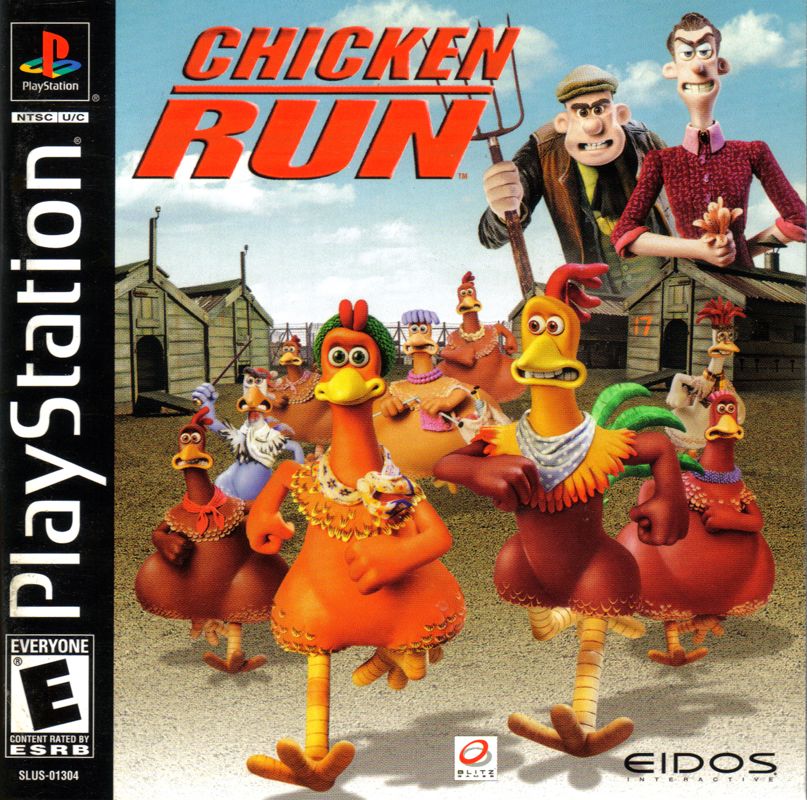
This is Chicken Run—the game based on the worldwide movie hit! This is your chance to help Ginger, Rocky, Mac and all the other chickens get away before they're turned into chicken pies.
MAIN MENU
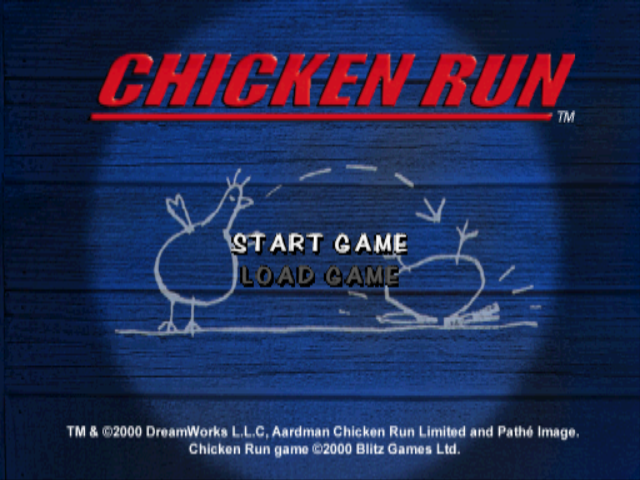
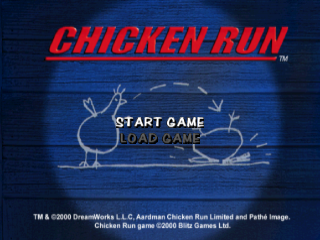
When the game begins you will see the Main Menu. This allows you to Start a New Game or Load a previously Saved Game.
START GAME
FOWLER'S HUT (GAME OPTIONS)
Select Start Game and you will go to Fowler's Hut (Hut 1). Fowler's Hut contains all the Game Options available in Chicken Run.
If this is a new game, you will begin facing The Door (ready to go outside and begin the adventure).
Game Options
Use the left or right directional buttons (or left stick of the DUALSHOCK™ analog controller) to cycle through the Options, and then press to select. If you want to cancel or leave a Game Options menu at any time, press the A button.
Begin the Game/Return to Game (The Door)
The Door allows you to go straight into a new game of Chicken Run, or to return to the game you are currently playing.
Screen Adjust (The Mirror)
The Mirror lets you adjust your screen position. Move the screen using the directional buttons (or the left stick of the DUALSHOCK™ analog controller).
Controller Setup (The Chest)
Change your Controller configuration (it will show the existing configuration with three alternatives) and allows you to switch Vibration On/Off (if applicable).
Sound (The Radio)
The Radio lets you adjust a number of sound options:
•
SFX Volume set a level for sound effects
•
Speech Volume the character speech volume
•
Music Volume set the music level
•
Stereo On/Off turn stereo effect on/off
Medals (The Display Board)
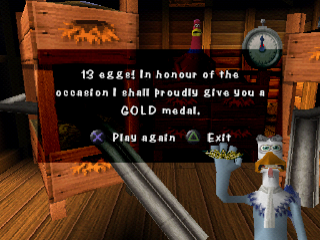
The Display Board allows you to view any medals awarded for your special efforts in sub-games throughout Chicken Run (for meritorious service to escaping chickens).
Best Times (The Clock)
This is a log of the best time achieved by you in the game. Come here to see if you can get the best times ever for completing all three Acts of the game, the Boss Levels and your shortest Total Playing Time. You can compare these times with your friends.
Load/Save Game (The Bed)
The Bed allows you to load a previously saved game or save the current game you are playing (you must have a MEMORY CARD in MEMORY CARD slot 1). Note that if ever you enter Hut 1 later, from within the game, you'll be taken straight to this option.
Level Select (Shell Canister)
Shell Canister allows you to select previously opened levels and sub-games (if they are available to you these are identified with a highlight). When you choose a level to play from this menu it will not play any part towards your success in the overall game.
Credits (The Book)
The Book lets you see who's responsible for creating the Chicken Run game.
View Pictures (The Gallery)
Hidden throughout the game are pictures from the Chicken Run movie. As you discover them you can return here to The Gallery to check out your collection. The number of pictures will increase as you work your way through the game.
View Movies (The Projector)
The Projector lets you look at
.png)