Quick Start
1. Set up your PlayStation® game console according to its Instruction Manual. 2. Make sure the power is OFF before inserting or removing a compact disc.
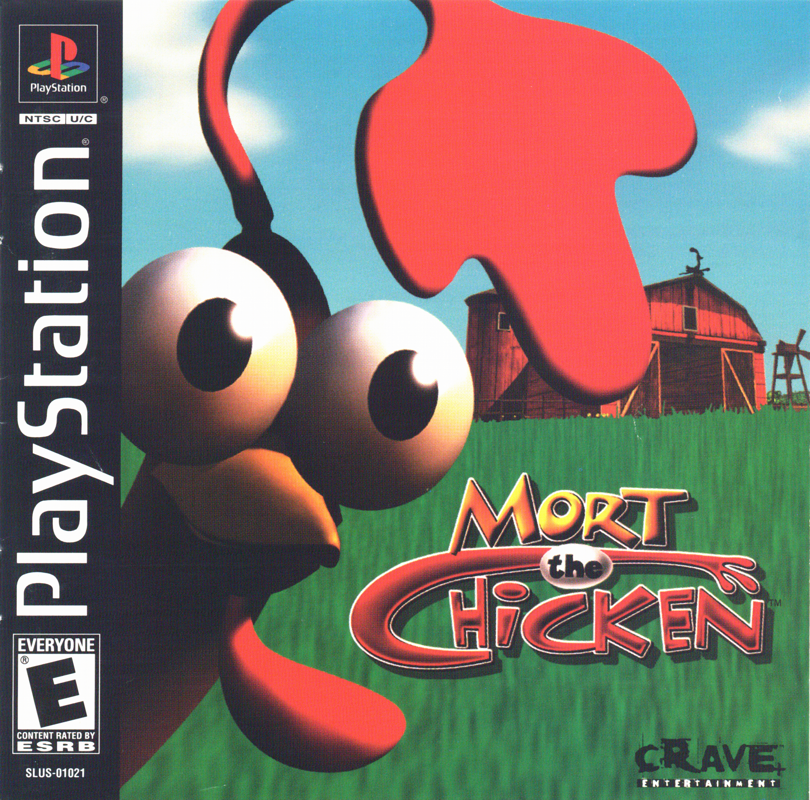
3. Insert the Mort the Chicken™ disc and close the Disc Cover.
4. Insert game controllers and turn on the PlayStation® game console. 5. Press the START button if you would like to skip any movies.
6. Press the START button again to get to the Main Menu.
7. Press the X button to begin Mort's adventure.
Saving The Chicks
To complete a level and pass to the next, Mort must rescue all the chicks and bring them back to the well. The chicks automatically follow Mort when he gets close to them.
When Mort leads a chick back to the well, the chick will fly in and return to Mort's world. Mort can bring any number of chicks back to the well.
The more chicks Mort brings at one time, the more coins will erupt from the well. Mort can collect these coins for bonus points.
Once all the chicks on any level have returned safely through the well, Mort himself can jump in and travel to the next level.
Menus
The Main Menu
Press the directional buttons up and down to rearrange the chicks into menu options. Press the X button to make a selection. Press the directional button quickly to watch the chicks dance a jig.
•
Load – loads a previously saved game
•
Options – selects the options menu
Options Menu
In the options menu, the music volume, sound effects volume, difficulty level and cheat modes can be set.
Press the directional buttons up and down to select a different option. Press the directional button left or right to change the settings for the option.
•
Set Controller - changes the controller configuration
•
Vibrate On/Off - turns vibration on or off on the DUALSHOCK™ analog controller
•
Music Volume - turns the loudness of the music up or down
•
Sound Volume - turns the loudness of the sound effects up or down
•
Easy Mode - turn easy mode on or off (when easy mode is on, if Mort is hit twice, a cube will steal a chick from him - when easy mode is off, if Mort is hit only once, a cube will steal a chick from him)
•
Cheat Mode - enter cheat codes
To exit the option menu, either select Exit or press the △ Button.
Pause Menu
Press the START button while playing the game to bring up the Pause menu. By using the directional buttons, select an option in the pause menu and press the X Button. To exit the Pause menu, either select Exit or press the △ Button.
•
Music Volume - turns the loudness of the music up or down
•
Sound Volume - turns the loudness of the sound effects up or down
•
Camera Passive or Active - changes camera behavior
•
Tally Screen - brings up the Tally Screen, with a list of all levels completed and items collected
•
Quit Game - returns the game to the Main Menu
•
Exit - exits the pause menu
Loading and Saving
To Save a Game
Between levels, select Save and press the X Button. Select a slot to save the game in and select "Enter". To exit the menu without saving, press the ▲ Button.
To Load a Game
Before powering on the PlayStation™, be sure that a PlayStation™ memory card is correctly inserted. From the main menu, select Load. From the list of saved games, select a game and press the X Button to load it. .png)


.png)
.png)




 (Es,It,Pt).png)
.png)