Top View
Starting the Game
•
Set up your PlayStation® game console according to the instructions in the Instruction Manual. •
Make sure the power is OFF before inserting or removing a disc.
•
Insert the Puzznic disc and close the Disc Cover.
•
Insert game controllers and turn on the PlayStation game console. Make sure there are enough free blocks on your Memory Card before commencing play. This game requires 1 free block to create a saved game.
Game Modes
Before the game begins you will be asked if you wish to load any saved ranking data on the MEMORY CARD.
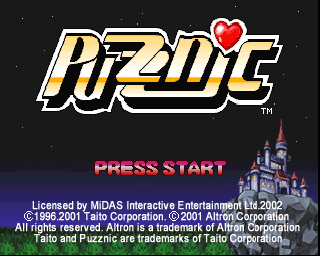
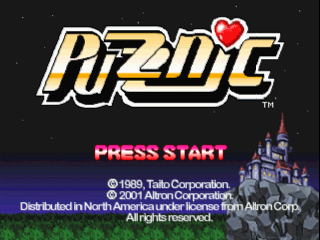
At the Title screen, if you press the START button, two options appear.
Story Mode
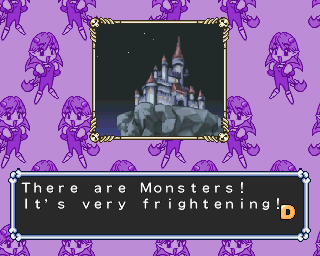
In the Story mode, each time you clear one stage a part of the story is told. Along the way you will encounter splits in the path. The story changes according to the route you have chosen.
In the Story mode you can choose to play either from the beginning, or from where you left off after saving your game to a MEMORY CARD. If you choose to play from where you left off, you can play from the point you last saved your game to a MEMORY CARD.
Please note that you can only save your game to a MEMORY CARD in MEMORY CARD slot I when playing Puzznic.
Free Mode
In the Free mode you choose which stage to play from all the ones you have previously cleared.
Blocks
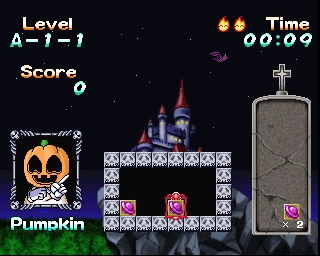
There are eight kinds of blocks. When you put two of the same blocks together they disappear. The number of blocks to be cleared is listed on the right hand side of the screen.
Conditions to Clear
If you have made all the blocks disappear the stage is cleared.
Stuck!
If only one block of a particular color is left, you cannot clear the stage. Or, if a block has been put in a position where it cannot be moved to connect with another block, then the stage cannot be cleared either.
In this case, the number of lives goes down by one until there are none left. After that, the game is over.
Game Over
If there are no lives left a Continue screen will appear. If you choose NO, then the game is over. If you choose YES, then you can continue from the last level cleared.
Save
Story Data
During the game, if you press the START button a Pause menu screen appears. If you choose Save Game, then you can save your progress.
If you clear one area, a demonstration sequence will play, after which you can choose to save your progress or not.
Ranking Data
After you have finished the game, a Ranking screen will appear. If you have ranked in, you can enter your name, after which you can save the Ranking data.
.png)






.png)




.png)
.png)
.png)





.png)


.png)