Setting Up
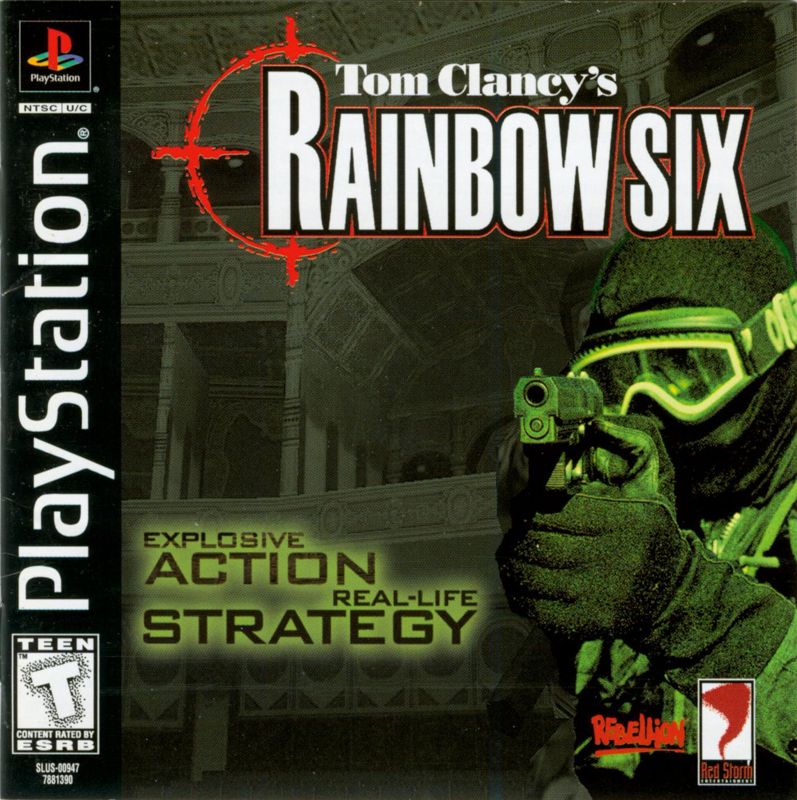
1. Set up your PlayStation® game console according to the instructions in its Instruction Manual. Make sure the power is off before inserting or removing a compact disc. 2. Insert the Rainbow Six™ Lone Wolf™ disc and close the CD door. 3. Insert game controller and turn on the PlayStation game console. 4. Follow on-screen instructions to start a game.
It is advised that you do not insert or remove peripherals or memory cards once the power is turned on. Make sure there are enough free blocks on your memory card before commencing play.
Game Data
•
Analog Control Compatible
•
Vibration Function Compatible
Getting Started
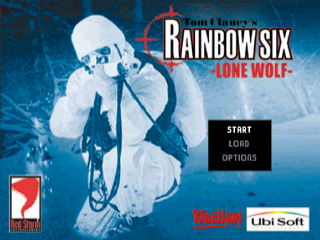
The Main Menu contains:
Lets you start a new game.
Lets you load a previously saved game. Please note that if you are in the middle of playing and wish to load another game, you must quit and return to this Main Menu.
Takes you to the Options Screen. For details see the Options section of this manual.
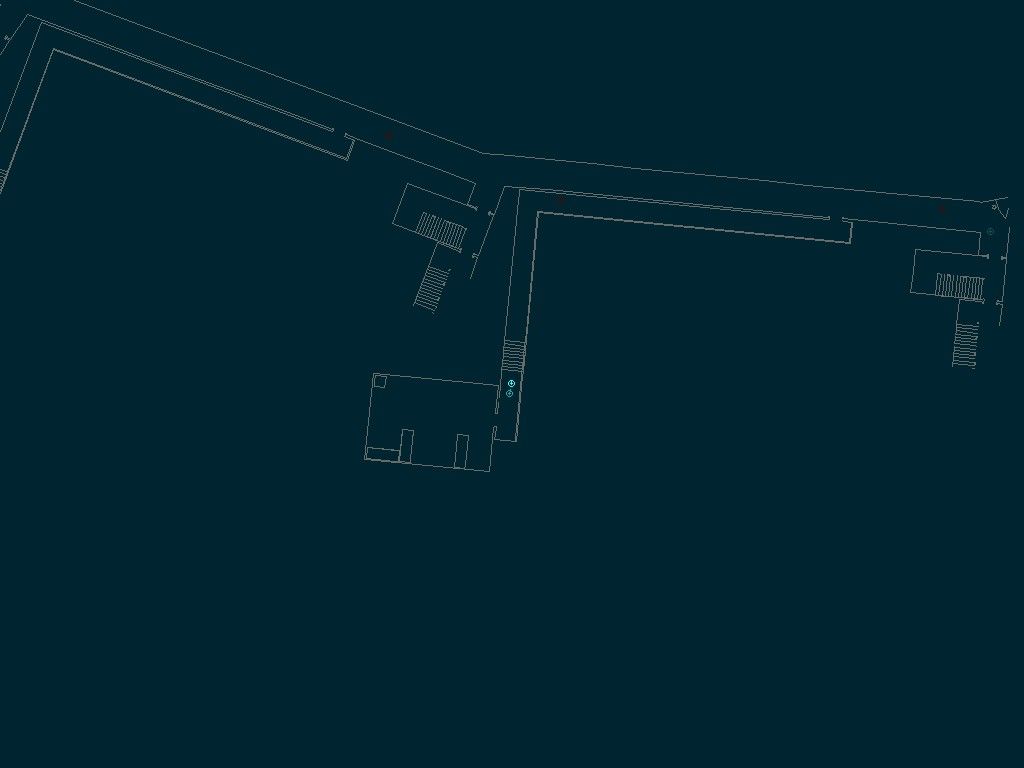
On selecting New Game the Briefing Screen appears. To start your mission you will need to select an Insertion Point on the Map Screen. Before you do this you can find out about your mission by looking at the Briefing and Intel Screens. You may also choose which of the weapons and equipment to take with you on the Kit Select Screen.
On all four planning screens, Briefing, Intel, Kit Select, and Map, you use the directional buttons to select options. Press the X Button to select the highlighted option. A shortcut for switching between the four planning screens (Briefing, Intel, Kit Select, and Map) is to use the L1 and R1 shoulder buttons. You can also use the directional and X Buttons to select these screens.
Briefing and Intel Screen
•
OPERATION ARCTIC PHOENIX - SOLHIER, NORWAY
•
OPERATION ARCTIC PHOENIX - A PREVIOUSLY CONVICTED TERRORIST, XANDER THIESSAN, CONTACTED US AT 07:00 HOURS CLAIMING TO HAVE INFORMATION ON THE RECENT WEAPON IMPORTS INTO RUSSIA. HIS CURRENT LOCATION IS SOLHIER, A SMALL MOUNTAIN RESORT TOWN.
•
INFILTRATE XANDER'S CABIN
On the Briefing Screen we recommend selecting each of the sources in turn and reading what your informants have to tell you. Then move to the Intel Screen and read everything Intel Sources have to tell you.
Kit Select Screen
•
OPERATION SILENT SHELTER-SOLMER, NORWAY
•
THIS IS A SENSITIVE CASE, AND COULD GIVE US AN IMPORTANT EDGE OF THE TERRORIST ACTIVITY 10 RUSSIA, XANGER CLAIRS THE GROUP THAT HE USED TO BE PART OF IS MONITORING HIM, ELIMIARTING THE OPTION TO SEND AN ENTIRE TEAM OUT TO SOLHIER, DINO CHAVEZ, YOU HAVE THE SROWLEDGE TO PULL THIS MISSION OFF. YOU WILL TRAVEL FLORE, AND IT IS IN PERATIVE THAT YOU GET TO RANDER WITHOUT BEING DETECTED, ENEMY RENDEZ-VOUS WITH KANDER
•
OPERATION ARCTIC PHOENIX SOLIES, DORIDAY
•
ARGURELY THE MOST ACCURATE OFF-THE-SHELF SIPER RIFLE AVAILABLE A FAVORITE OF POLICE FORCES AROUND THE WORLD, THE PSG-1 COMES STRIDARD WITH EX SIGHT BAD FIRES THE BAто 7.62 ROUND.
•
5.56mm CLASCAL 1023 SD PISTOL-FLASHBANG FRAG GRESAGE
When you have finished on the Briefing and Intel Screens, go to the Kit Select screen. There are four equipment buttons:
1.
Primary
Select your primary weapon.
2.
Secondary
Select another weapon, normally a sidearm.
3.
Slot 1
Used for miscellaneous pieces of equipment. For example, grenades may be held here.
4.
Slot 2
Same as Slot 1.
Note that a default selection of equipment is already chosen. The list at the bottom of the screen gives the currently selected equipment. You can change this if you wish.
When you select an equipment button (using the X Button) you can then use the directional buttons to choose the equipment to carry with you into the mission. Press the X Button to confirm your selection. Repeat this for all four equipment buttons.
Map Screen
•
OPERATION ARCTIC PHOENIX - SOLIT
.png)

.png)
.png)














 (Es,It,Pt).png)
.png)






_1.png)