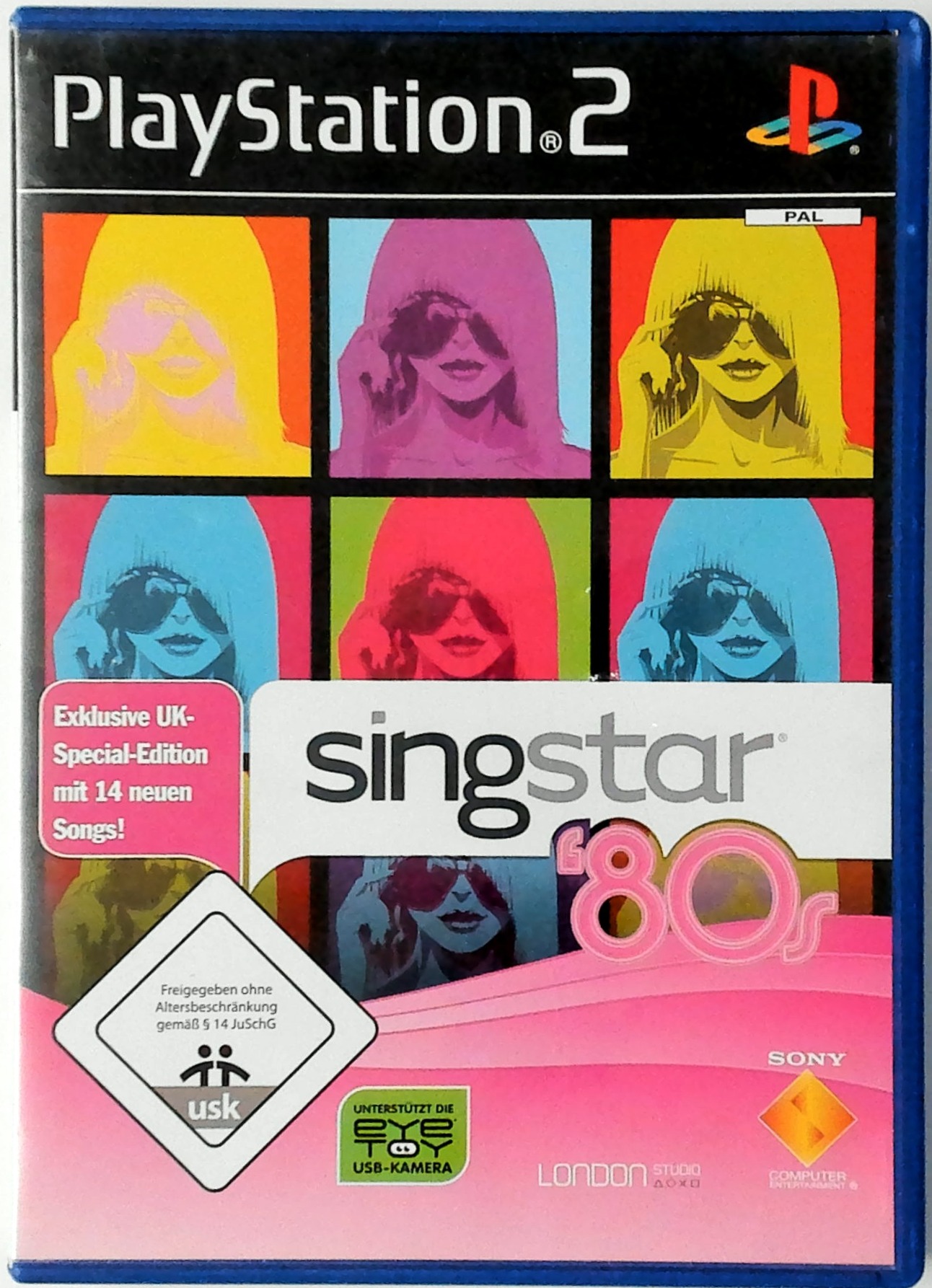
Let's Turn Back Time!
Welcome to SingStar® '80s! Get ready to belt out classic tracks from the 1980s. Whether you lived through the decade or just appreciate great music, you're sure to have fun.
New Features
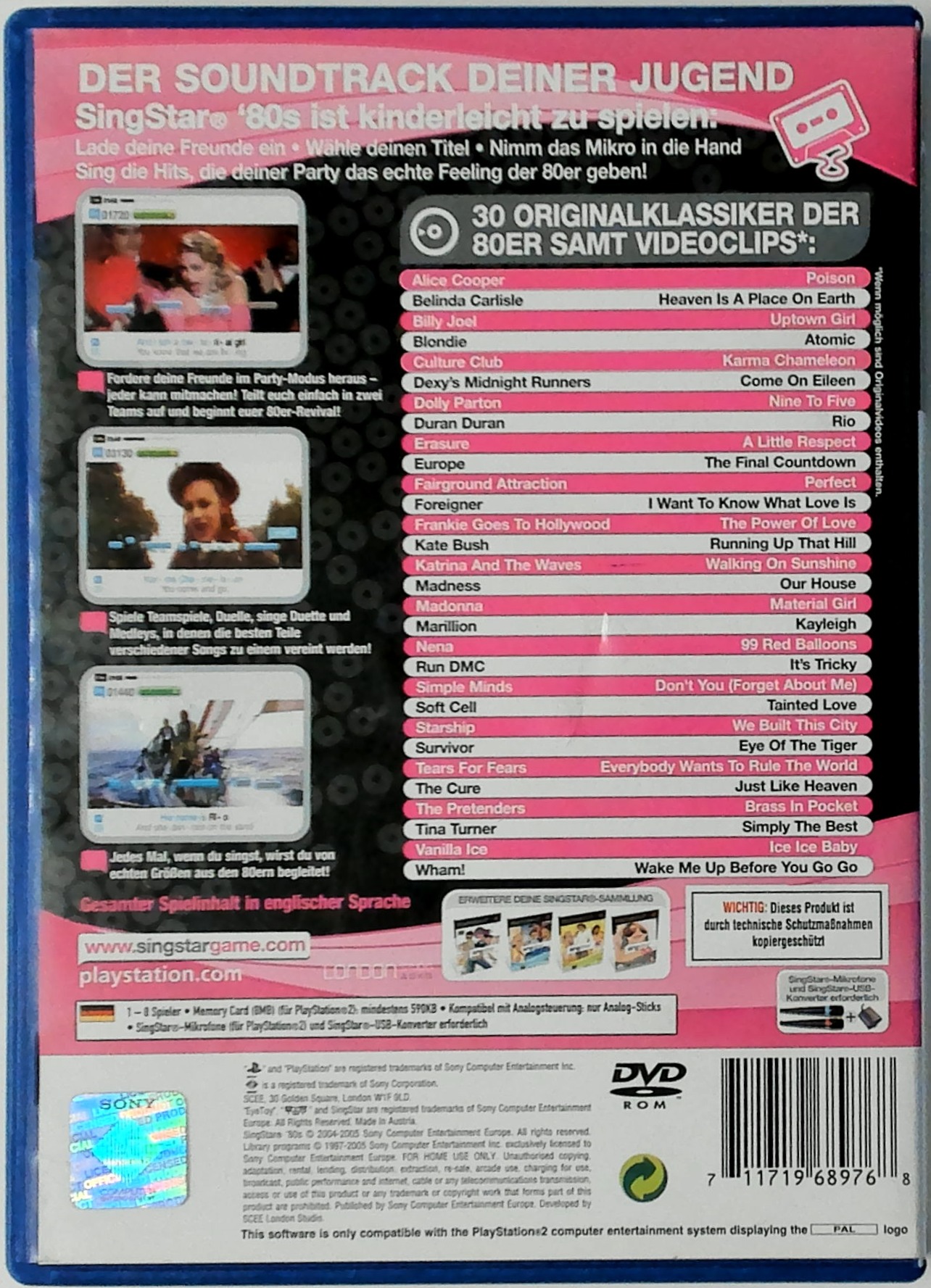
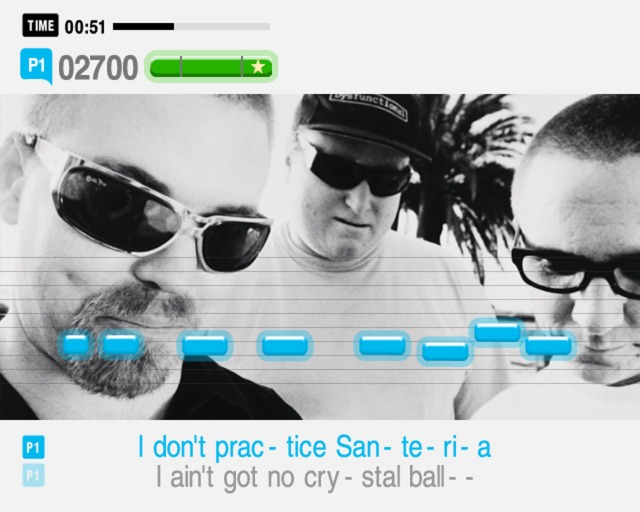
SingStar® '80s features the best tracks of the 1980s, from soft rock anthems to funky pop classics, often accompanied by original videos. You can store up to 20 different player profiles to save your achievements.
In addition to solo performances and party games, SingStar® '80s offers a unique Sing-Song Mode. Challenge a friend to an arcade-style bat-and-ball game where your microphones control the action.
Setting Up
Set up your PlayStation®2 computer entertainment system using its instruction manual. Ensure the I/ indicator on the console is red, then press the //RESET button to turn it green.
Open the disc cover by pressing the button. Place the SingStar® '80s disc label-side up and press lightly until it clicks. Close the disc cover firmly until it clicks. The game will then load.
It is advised not to insert or remove accessories while the power is on. Owners of SCPH-30000 and SCPH-50000 series consoles should refer to their console's setup instructions.
Before playing, select your preferred language from the console's System Configuration menu.
Please Note
The information in this manual was correct at the time of printing, but minor changes may have occurred during development. All screenshots are from the English version of the game and may differ slightly from the finished product.
Setting Up the Microphones
•
Plug the SingStar USB converter into one of the USB connectors on the front of the console.
•
Plug the microphones into the red and blue sockets on the front of the SingStar® USB Converter. A 'click' confirms correct insertion.
•
Once the game loads, a bright blue light on the SingStar® USB Converter indicates it is correctly inserted and working.
•
When singing, hold the microphone approximately 3-5 centimetres (1-2 inches) from your mouth. Sing directly into the top.
•
Keep some distance between yourself and the TV to avoid feedback (a loud, high-pitched sound).
Microphone Compatibility
Only official SingStar® red and blue microphones can be used. Ordinary microphones will not be detected by the game. If incompatible microphones are inserted, the game will run, but singing will not be detected or displayed.
Memory Card (8MB) (for PlayStation®2)
Throughout this manual, 'Memory Card' refers to the Memory Card (8MB) (for PlayStation®2) - (SCPH-10020 E). Memory Cards (SCPH-1020 E) for PlayStation® format software are not compatible.
To save game settings and progress, insert a Memory Card into MEMORY CARD slot 1. Ensure sufficient free space. Any saved SingStar® '80s options data will autoload on boot-up.
Warning
This title uses an autosave feature. Inserting a Memory Card after boot-up may result in data being overwritten.
Directional Buttons
•
↑, ↓, ←, → denote directional buttons on Analog Controller (DUALSHOCK®2), Analog Controller (DUALSHOCK®), or Digital Controller.
Remembering Users
SingStar® '80s can store up to 20 player names and photos on a Memory Card. You can assign these 'player profiles' to teams when setting up games.
The maximum number of players at one time is eight. You can assign eight player profiles (two teams of four) for an eight-player game.
Setting Up Teams
Select a player slot and press the button. Use the or directional buttons to scroll through saved player profiles, or select "New Player" to enter a new name using the virtual keyboard.
In Pass the Mic, if eight player profiles are displayed, press the button to randomly assign players to teams.
Managing Player Profiles
Once 20 player names are inserted, any new player will replace the player who has played least recently. You can manually delete a player by highlighting their name and pressing the button.
Note
See the 'Using The Virtual Keyboard' section for instructions on inputting player names.
Song Selection
Songs are displayed on a carousel. Press or to scroll and hear a sample. Hold R1 to speed up the carousel. Select a song and press to confirm. Press to select a song randomly.
Change Disc
When playing Sing Solo, Battle, Duet, or Freestyle, you can access more tracks by inserting other SingStar® discs.
When the song selection carousel is displayed in these modes, press the button and follow on-screen instructions. You can move freely between these game modes and most option screens with other SingStar® discs inserted.
Master Disc
For certain cases, like playing Pass the Mic, you will need to re-insert the 'master' SingStar® '80s disc. Helpful on-screen instructions will guide you. The 'master' disc is the SingStar® disc you originally loaded.
Duets
Duets can be sung by two players or a single player with the original artist. After selecting a duet song and length, you can specify which part each player will sing. Press ↑ or to switch vocal parts and to confirm.
Pass the Mic Song Selection
In Pass the Mic, SingStar® '80
.png)

.png)
.png)
.png)
.png)