GETTING STARTED
Set up your PlayStation®2 computer entertainment system according to the instructions in its Instruction Manual. Make sure the MAIN POWER switch (located on the back of the console) is turned on.
Press the RESET button. When the power indicator lights up, press the open button and the disc tray will open. Place the disc on the disc tray with the label side facing up. Press the open button again and the disc tray will close.
Attach game controllers and other peripherals, as appropriate. Follow on-screen instructions and refer to this manual for information on using the software.
•
multitap connector (for PlayStation®2)
Shot Strength
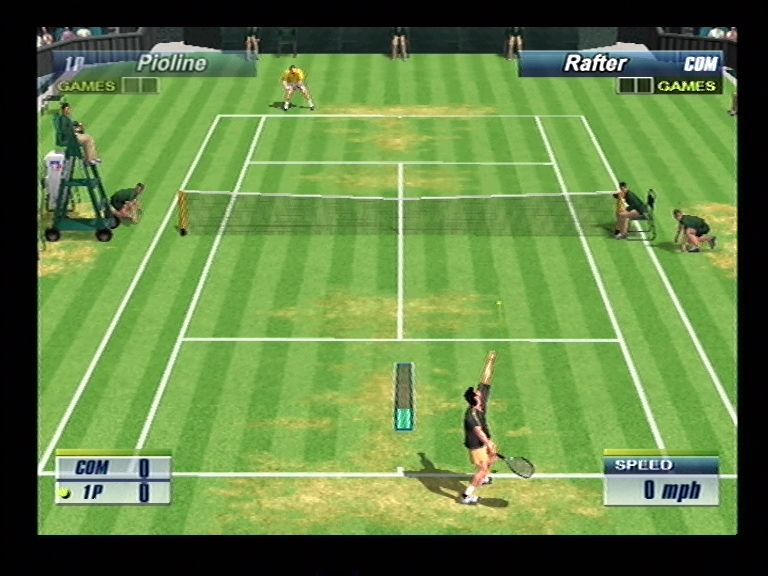
You can hit the ball harder (faster) if you run to the ball fast enough to get ready for the shot. If you barely catch up to the ball and are not ready for the shot, you will not hit it hard.
The strength of the shot changes with the height you hit the ball at (shot point). It is difficult to hit the ball back hard if the ball has a low shot point, for example right after it bounced. The higher the shot point, the harder the shot becomes.
Smash
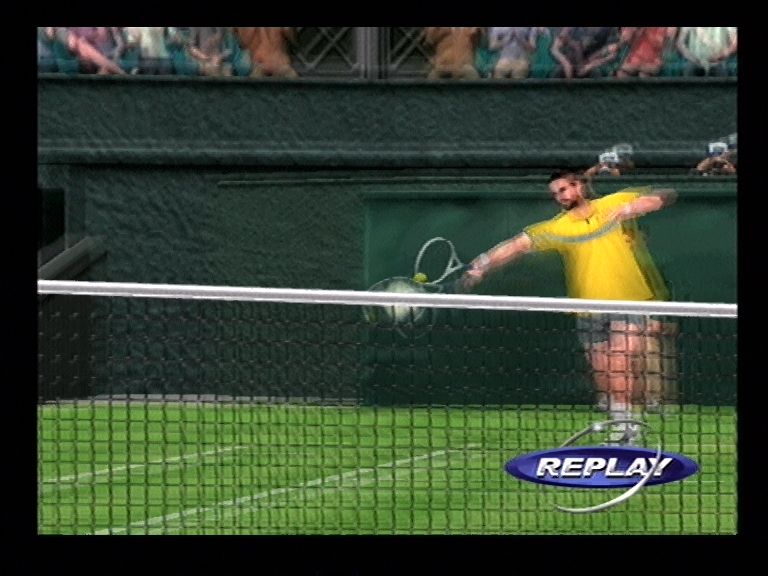
Wait for a high-trajectory ball to come down, and press */ button to hit a smash. Press to control the ball path in the same way as regular shots.
Drop Shot
Press after pressing button to aim at an area near the net. You can make a drop shot that falls near the net. It is effective when the opponent is at the baseline.
Instruction to COM partner
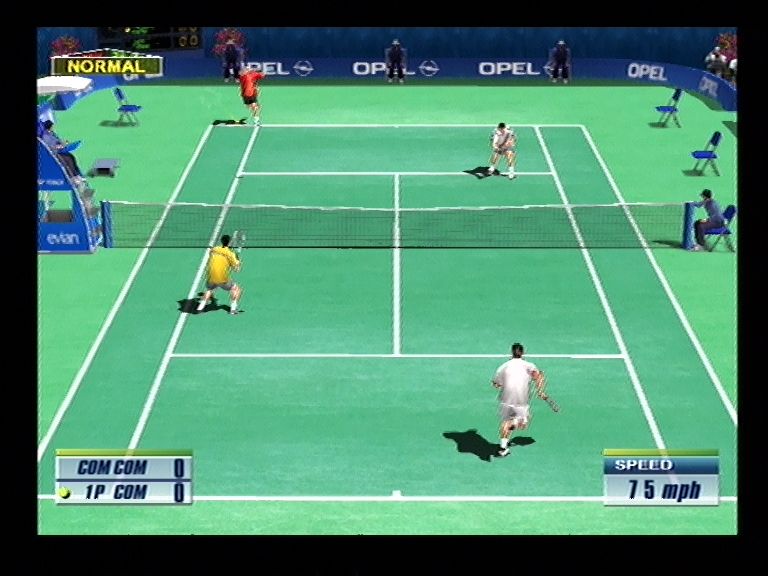
Give a position instruction to your COM partner in doubles matches. Press R1/L1 button to switch instructions between the BASELINE/ NORMAL/NET PLAY displayed at the top of the screen.
•
BASELINE: Back of the court (defensive)
•
NORMAL: Regular position
•
NET PLAY: Front of the court (offensive)
STARTING THE GAME
Selecting a mode
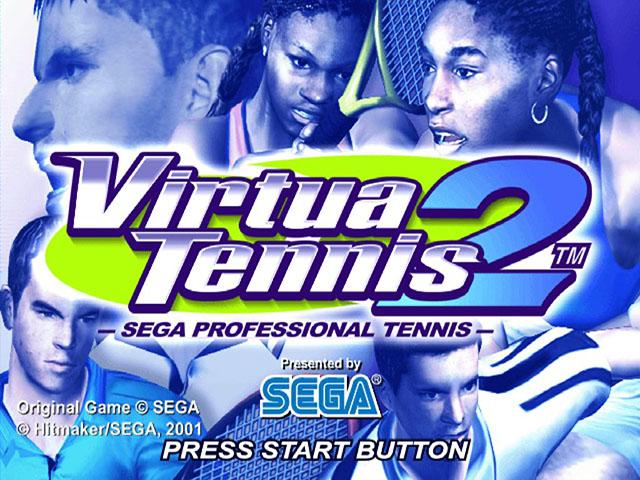
Press the START button in the Title Screen to display the MENU Screen. Select a mode from 4 choices here with of the directional button and confirm with button.
•
TOURNAMENT: Try to win all 5 stages of singles matches and 3 stages of doubles matches.
•
EXHIBITION: Customize game settings and play various singles matches.
•
WORLD TOUR: Create an original player to enter competitions all around the world. 1 player only.
•
OPTIONS: Change various settings.
Auto-Save Game
This is an auto-save game. The game saves to the memory card (8MB) (for PlayStation® 2) when there is a change in the game. This happens frequently, for example, upon the completion of an action, such as completing a Mini-Game or Resting in World Tour Mode, or changing an Option in the Options Screen.
It is strongly recommended you do not remove the memory card (8MB) (for PlayStation® 2) once you've said "YES" to the auto-save feature. Doing so may result in data corruption on the memory card (8MB) (for PlayStation® 2) if the game is saving during this time.
GAME MODES
There are 4 modes to choose from. This section explains the contents and operations of the "TOURNAMENT," "EXHIBITION," "WORLD TOUR," and "OPTIONS" modes.
TOURNAMENT [for 1 to 4 players]
Try to win all 5 stages of singles matches and 3 stages of doubles matches. Press the START button of another controller during the game to jump into the game (P.9).
1 Selecting a match system
Select "TOURNAMENT" in the Menu Screen to display the "SINGLES / DOUBLES" menu.
2 Selecting a player
Select a player from the 16 featured male and female players. Select with the directional button, and confirm with button. To use a player created/trained in WORLD TOUR mode, select "World Tour" shown on the right.
"World Tour" can only be selected when a player was created in WORLD TOUR mode and the memory card is inserted. Since the non-1P controller can also use a customized player if a memory card with WORLD TOUR data is inserted into the memory card slot of that controller, you can play your customized player with or against your friend's.
3 Starting the match
The match starts after selecting and confirming the player and the opponent. Try to win the series of matches. Press the START button during the game to display the Pause Menu (P.7). To continue the game after losing, select "CONTINUE" and press button. To return to the Menu Screen, select and confirm "END."
"Jumping Into the Game"
In both "TOURNAMENT" and "EXHIBITION" modes, other players can "jump into the game" by pressing the START button of an unused controller. The START button can be pressed during player selection or during the game.
It works as follows:
•
Select Player: First, select a player. Although a male player cannot play














.png)


.png)
.png)


.png)