Introduction
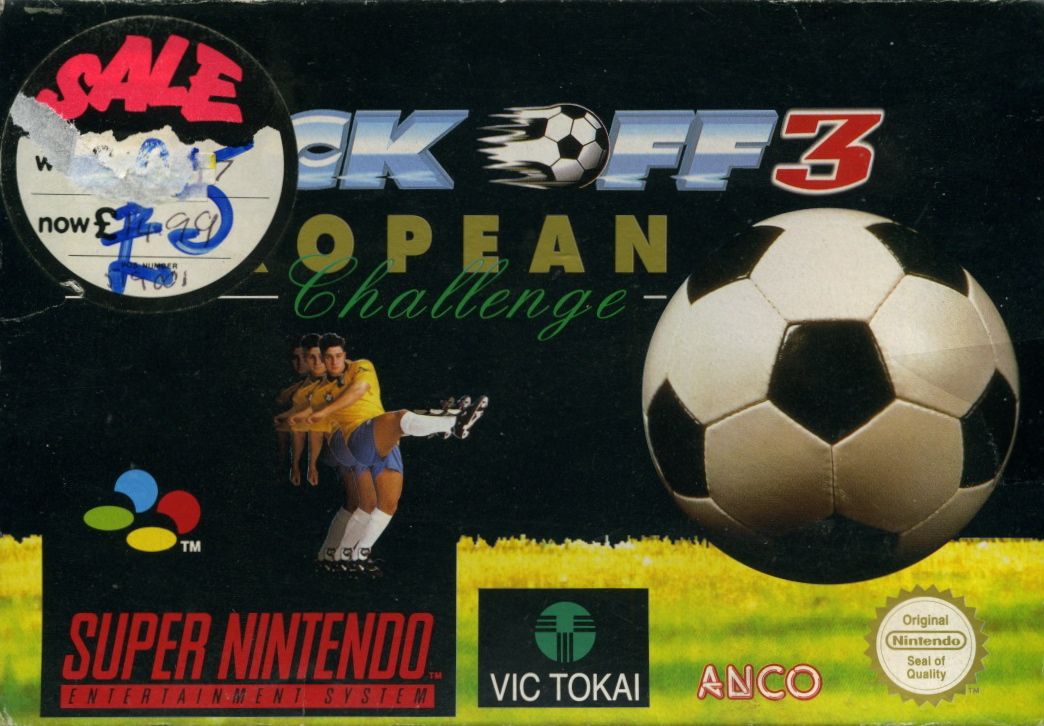
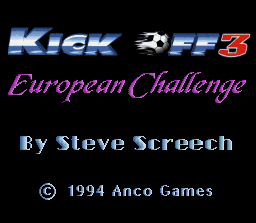
KICK OFF 3 - The European Challenge is unlike any other computer game. The teams use the whole of the pitch. The action on the pitch reflects the style of game that a team generally plays.
Each team has a certain number of key players and the quality of these players is reflected in the strength of the teams. The key players include Wingers who can take the ball to the byline before crossing to the centre and Playmakers who can put the ball into space to break the defence. These features give a totally new dimension to the game.
A choice of three settings each for Ball Control, Skill Level and Game Speed in the OPTIONS Menu ensure that the game is instantly playable and enjoyed by a novice or a master gamer alike.
General Controls
•
MENUS: Press START button to go to the next menu. There is a provision on some menus to go back to the previous menu by pressing the SELECT button.
•
JOYPADS: If you are using any joypad other than Nintendo, ensure that the joypad is working as normal. Set to NORMAL any TURBO, AUTO, QUICKFIRE, SLOWMO etc. switches as otherwise it may crash the game.
Options Menu
OPTIONS set the game environment. The comfort level is also set so that a novice or a master gamer can enjoy the game equally against the computer or each other. The default settings for the options are printed in bold.
•
FOULS - OFFSIDE - INJURIES: Yes or NO. The default option of NO gives you a knock-about game without any interruption from a referee. For a serious game with full soccer rules, set these options to Yes.
•
EXTRA TIME: Yes or NO option for a friendly game only. If you select Yes, there is a sudden death penalty shoot out if there is no result at the end of Extra Time.
•
DURATION: 2 x 3, 2 x 5, 2 x 10 and 2 x 15 minutes for a Friendly game only. Choice of 2 x 3 and 2 x 5 minutes for the competitions.
•
PITCH: Normal, Wet, Muddy and Hard. The pitch selection affects the bounce and the skid of the ball. The Int. teams use a striped pitch.
•
BALL CONTROL: Novice, Medium and Hard. At the Novice level, the ball is very easy to control. The Hard level is ONE TOUCH football.
•
SKILL LEVEL: Novice, Medium and Int.. The skill level of both players is set independently. A novice playing at novice skill level setting can play well against an experienced player at Int. skill level setting.
Set Plays & Kick Off
•
SET PLAYS: When a Corner or Set Piece Free Kick is awarded, you have a choice of Set Plays available. To select a Set Play, hold down button X, use D PAD to select one of the EIGHT Set Plays. Each direction of the D PAD corresponds to a different Set Play. The ensuing moves are automatic except for the last move which is controlled by you. The Set Plays have to be practised to be effective.
•
KICK OFF: When you go onto the pitch, the teams are introduced. Starting from the goal keeper, the ball travels to each player who shows some of his skills. The player's name appears at the bottom. The home team is introduced first. You can terminate this presentation at any time by pressing button B.
Team Mode
Two players team up against the computer.
•
Use L or R buttons to transfer control to the player nearest to the ball. The player will become a controlled player.
•
If a controlled player is already nearest to the ball, you will control the second nearest player.
•
Player 1 controls all the menus.
•
CORNERS: Both players can select the players to control.
•
SET PIECE FREE KICK: Player 1 takes the Free Kick. Player 2 controls the player standing next to the player taking the kick.
•
Set Plays are not available.
Main Menu
•
FRIENDLY: EURO or INT. (INTERNATIONAL). All the options in OPTION Menu are available. You can play against the Computer or against a friend or team up with a friend against the Computer. Remember to set the ball control and skill level to suit you. As your skills and control improve with experience, change the settings to a higher level.
•
EURO FRIENDLY: You can select any two teams from 96 teams. 16 English teams are displayed. Two teams are pre-selected. To de-select or select any team, move the highlight on the team and press button B. To display other teams e.g. Italian team, move the highlight to Italian using D PAD and press button B. You can select a German team to play a French team. Remember to de-select the pre-selected teams first.
•
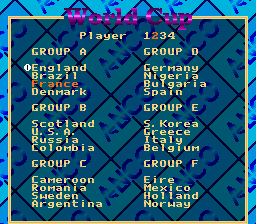
INTERNATIONAL FRIENDLY: 24 of the World's best teams are available. The International teams are of much higher calibre than the European teams.
Competitions
There is a choice of 5 League and 7 Cup competitions. Each competition has its own rules. 1 to 4 players can play. In all competitions, four options are available:
•
PLAY: You can play the game on the pitch.
•
PREDICT: The computer predicts the result.
•
WATCH: You can watch the game. If your team is on the pitch, you can give your team a Team Talk, make substitutions etc.
•
QUIT: You can quit the competition and return to the OPTIONS Menu.
Leagues & Cups
•
LEAGUES: There are five national league competitions. Each league
 (En,Fr,De,Es,It).png)


_1.png)
 (En,Fr,De,Es,It).png)



 (En,Fr,De,It).png)
.png)


.png)