Sound Test
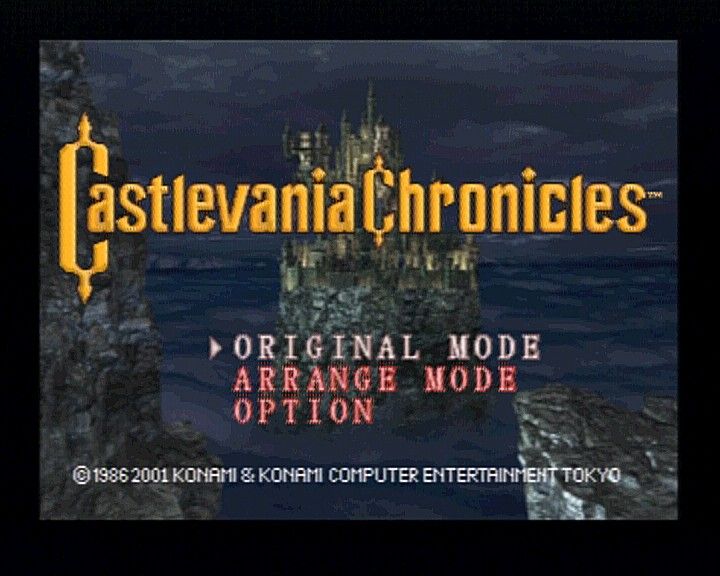
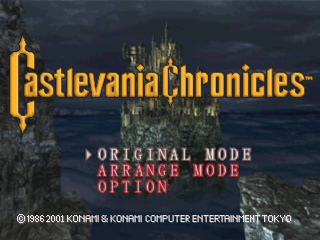
You can only access the Sound Test in Original Mode. When the title menu is displayed, choose "Sound Mode" using the directional buttons and press the button to enter Sound Test Mode.
•
Select the tune with the Left and Right directional buttons.
•
Press the button to play your selection.
•
Select Exit to return to the game.
Game Play
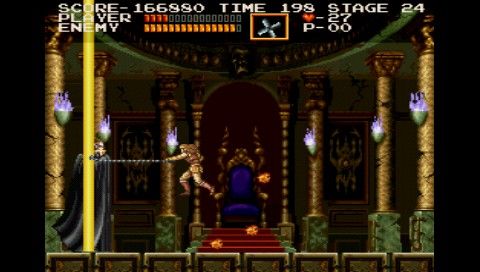
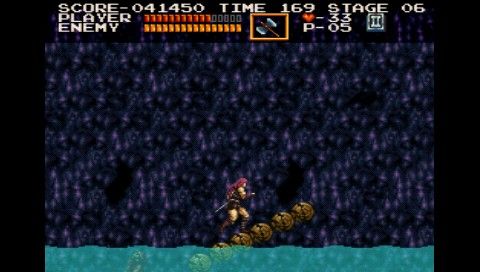
The game is divided into 8 blocks. Each block consists of 3 stages. A boss enemy awaits at the end of each block.
When you defeat a boss, a magical energy sphere will appear. Grab it to advance to the next block.
When you receive damage, your life will decrease. If you lose all your life, fall into a pit, come into contact with a lethal trap, or fail to finish the block within the time limit, you will lose a life.
The game ends when you lose all your lives. However, you may use the Continue option to start again from the beginning of the current block.
When you use your whip or an attack item to defeat an enemy or destroy a candle, an item will often appear. Collecting these items will give you bonuses such as power-ups or special attacks.
The number of times you can use a special attack is limited by the number of hearts you possess.
Save/Load
Using the "Save" option on the Game Over screen, you can save your game data, including how far in the game you've progressed and how many times you've played.
•
Insert a memory card into Memory Card Slot 1.
•
Memory Card Slot 2 cannot be used with this game.
Save
When your game is over, you can select "Continue" or "Save". Choosing "Save" will save your game data.
Choosing "Continue" will allow you to continue your game from the beginning of the current block.
•
Please do not remove the memory card or turn off the power while saving data.
Load
If there is saved game data present, the saved game name(s) will appear when you enter the Mode Select screen from the Title Screen.
Selecting a game name will allow you to continue the game from the block where you left off.
Options
This allows you to change various game settings.
Change the background music setting between Off, Mono, and Stereo.
Turn the sound effects On/Off.
Load game data.
Save game data.
Arrange Options
Change various settings in Arrange Mode.
•
GAME LEVEL (EASY / NORMAL / HARD)
Adjust the level of difficulty in the game.
Change the maximum number of lives.
Turn the time limit On/Off.
Adjust the game screen's display position.
.png)



.png)

.png)

.png)

.png)

.png)