STARTING UP
Set up your PlayStation® game Console according to its Instruction Manual. Ensure the power is off before inserting or removing a compact disc. Insert either Command & Conquer Red Alert Retaliation PlayStation® disc and close the Disc cover. Insert the game Controller into Controller Port 1 and turn on the PlayStation®. Follow on-screen instructions to start a game. It is advised that you do not insert or remove peripherals or Memory cards once the power is turned on.
Console Top View
Console Front View
Mouse
PLAYING THE GAME
CHOOSING YOUR SIDE: ALLIES OR SOVIETS
Red Alert Retaliation offers the PlayStation recruit the choice of controlling the mighty Soviet Empire or the European Allies in a battle for the free world. After the conflict in Command & Conquer Red Alert, the Allies and Soviets have consolidated their forces, re-tooled their armies with powerful new technologies, and developed devastating strategies to finish off the other side, forever. This time, there are new weapons and new techniques to be mastered – the old rules do not apply! You must learn the strengths and weaknesses of your new enemy - and of your own armies - to survive.
When brought into the battle, you will immediately face four campaigns, or Theaters of War - each one containing several missions (ranging from intense to insane) to be mastered. As you gain experience, your rank will increase, and you will gain access to the more challenging Theaters. Complete all Theaters of War and you may bring a bloody peace to the world, once and for all.
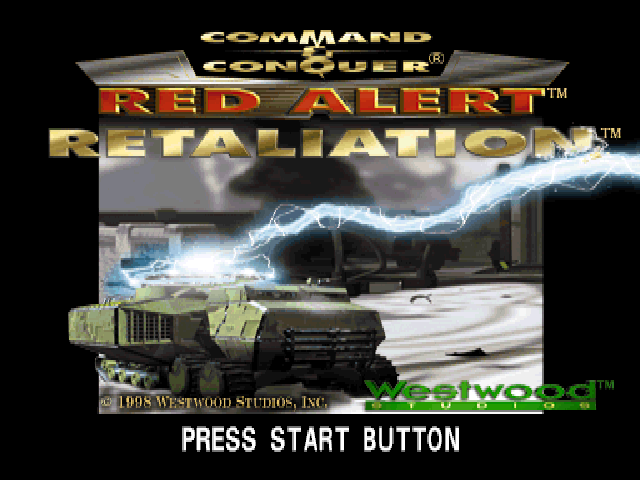
If you insert the Soviet CD, you will face the Soviet Theaters. If you insert the Allied CD, you will begin combat in the Allied Theaters. When you load the disc you will see a brief introductory sequence. When the sequence has finished, you will be taken to the Title Screen.
Press the Start button to go to the Main Menu Screen.
MAIN MENU SCREEN
The MAIN MENU SCREEN contains the following 5 menu items. Use the DIRECTIONAL UP and DOWN buttons to move between the menu items and press the 5 button to select a menu item. Pressing the s button will always return you to the previous menu screen.
Where appropriate, use the DIRECTIONAL LEFT and RIGHT buttons to change the setting (Mouse users Left Click on the settings to cycle through them).
CAMPAIGNS
Selecting CAMPAIGNS from the MAIN MENU SCREEN will take you to either the Allied or Soviet CAMPAIGN screen, depending on which disc you have loaded. The CAMPAIGN screen shows the four Campaigns, each one corresponding to a country or geographic region - for example, Greece, Italy, Poland, Spain, etc.
When you begin the game, you start out at the rank of Sergeant, and only have access to the first Campaign on each side. To gain access to the other theaters, you must first be promoted to a higher rank. You increase in rank by completing missions.
When you select the first Campaign, you will see a list of missions. You can cycle through the missions in the Campaign using the D-pad. You may play the missions within a Campaign in any order - this way if you get stumped on one mission, you can try another one in the same Campaign.
After selecting your first mission in a new Campaign, you will be briefed on the Campaign and the side you are playing, as well as the nature of the conflict in that area. You will then receive information directly relating to your selected mission via a more detailed mission briefing.
After completing a certain number of missions, you will be rewarded by your superiors with an increase in rank and an opportunity to enter into more advanced Campaigns. Complete all the Campaigns, and receive even greater rewards!
OPTIONS
MUSIC VOLUME
•
Alters the volume of ingame music. This setting can also be adjusted from the INGAME OPTIONS MENU (page 44).
EFFECTS VOLUME
•
Affects the volume of ingame sound effects only. This setting can also be adjusted from the INGAME OPTIONS MENU (page 44).
TRACK
•
Changes the first music track to be played in the next mission you play. This setting can also be adjusted from the INGAME OPTIONS MENU (page 44).
TRACK LOOP
•
If set to YES, the TRACK selection will constantly loop during the ingame missions. This setting can also be adjusted from the INGAME OPTIONS MENU (page 44).
HELP TEXT
•
Turns ingame unit and structure description help text on or off.
INGAME SIDEBAR
•
Turns transparency on or off for the ingame SIDEBAR. OPAQUE makes the SIDEBAR more visible without having to first select it; TRANSLUCENT makes the battlefield more visible when the SIDEBAR is not selected.
GAME SPEED


_1.png)