GETTING STARTED
Set up your Console according to the instructions in its Instruction Manual. Make sure the Power Indicator is OFF before inserting or removing a compact disc.
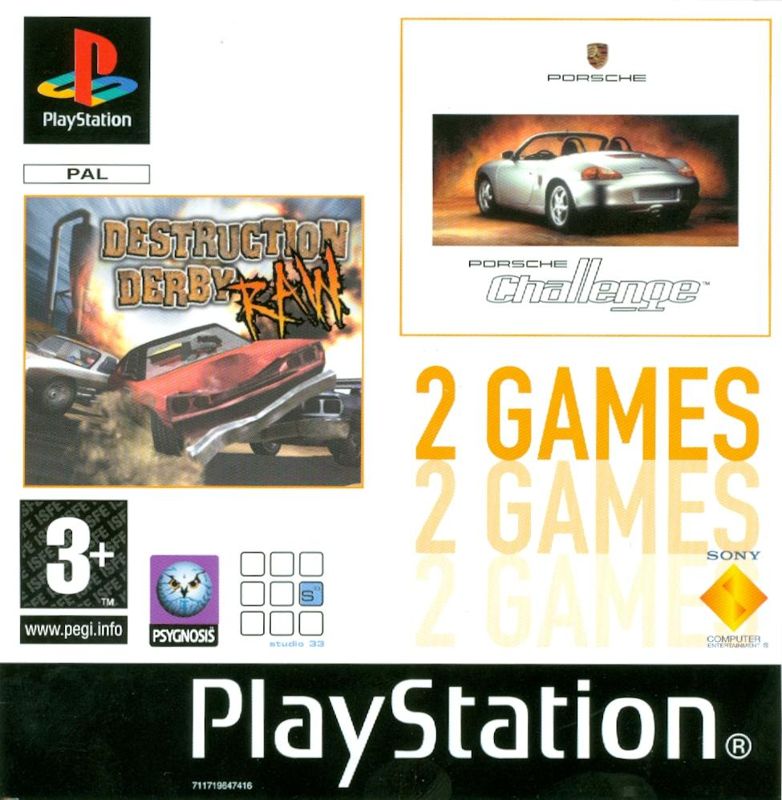
Insert the Destruction Derby Raw disc and close the Disc cover. Insert game controllers and turn on the Playstation® game console. Follow on-screen instructions to start a game. Press Start to pause the game. To quit a game in progress, press Start. The Quit Menu will appear. Select "Yes", then select "Yes" again to confirm and exit the game, or select "NO" to return to your game.
STARTING A GAME
After the game is started, an opening cinematic will play, followed by the Title screen. Press START to advance to the Main Menu.
MAIN MENU
Press your Directional button Left or Right to select an option, then press to make a selection. Each selection will take you to its own menu screen.
Your choices in the Main Menu are:
•
WRECKIN' RACING (Pages 11-13)
IN-GAME PAUSE MENU
This is accessed during a game by pressing the Start button. The following options will appear:
•
EXTERNAL, FIXED or BONNET cam.
•
ON, OFF or AUTO. (Note: Radar is defaulted to AUTO each race)
•
Press LEFT to decrease or RIGHT to increase the volume.
•
Press LEFT to decrease or RIGHT to increase the volume.
•
Press the button, then press DOWN and the button to restart the race.
•
Press, then press DOWN and then to return to the Main Menu. You are quitting the current race when you select this.
DAMAGE
The Damage Indicator is displayed in the bottom left hand corner of the screen. Six green lights surround the Damage Indicator. As you take hits, the green lights will turn to amber, then red, and finally black.
Once a light turns to black, the corresponding area of your vehicle will undergo handling problems - you may get flat tires, damaged transmissions, faulty brakes or other difficulties. When the damage exceeds the limit, your race is over. So keep an eye on this meter!
THE POINTS SYSTEM
In Destruction Derby Raw, you score points by hitting other cars and making them spin, crash and explode. The lowest single score is 10 points for a minor bump, but you can create combo carnage for up to 1000 points. Each devastating move name is displayed at the bottom of the screen after it happens. The complete list of moves and their point values are on pages 21-22.
GAMEPLAY MODES
WRECKIN' RACING
Welcome to Wreckin' Racing. Twenty-five of the world's toughest, most gruelling racetracks await your driving prowess, so get ready to grind the opposition into the dust.
To the right of the Wreckin' Racing Menu screen, the name of the course will be displayed. Beneath the rotating course map, the Difficulty Rating will be shown. One star circuits are easy and reserved for rookies (and little sisters); 5 star courses guarantee a ride that'll test every shred of your skill.
To heat things up, there is a track Points requirement that you must meet in order to advance. It's displayed below the rotating course map. Not only must you meet or exceed the points requirement, you must complete the race!
The Points Counter in the top left of the gamescreen will display your current race points tally. Pile up the points by ramming other vehicles and making them spin, flip, crash and burn in new and artistic ways. Get extra points by finishing higher. So don't count yourself out until you cross the finish line!
To the left of the Wreckin' Racing Menu screen, you will see the Track Stack. This is an angular arrangement of boxes. In each box you will see a question mark. Each question mark represents a race circuit and as you complete each track, more will become unlocked.
The circuits down the left side of the Track Stack are easier than those down the right side. The lower you go the harder they become, right down to the hardest in the bottom right. Use the directional buttons to highlight a racetrack then hit the button to access the Player Car Menu.
PLAYER CAR MENU
Here's where you get to choose your vehicle, change its color and study its attributes. Press LEFT and RIGHT to toggle between the currently available cars. Beneath the car's name you will see Attribute Icons and to the left of each icon you will see its power bar.
The Attribute Icons act as a quick-reference to your car's vital statistics:
•
Acceleration: Rate of change of velocity.
•
Top speed: The highest speed that the car can attain.
•
Grip: The tires' ability to grasp the track surface.
•
Brakes: The ability to slow down.
•
Strength: Overall resistance to crashes.
When you are satisfied with your choices, press the button to exit this menu.
.png)

 (En,Fr,De,Es,It).png)
.png)
 (En,Fr,De,Es,It).png)



_1.png)

.png)
.png)