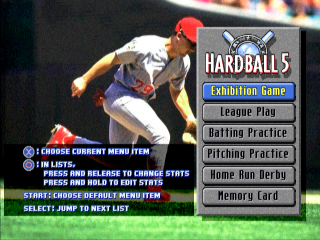
On-Screen Menus
Pitching and batting menus appear on the left and right sides of the screen. The count appears on the bottom right corner of the screen.
Pitching
Select a pitch by pressing the corresponding spot on the d-pad and the >< button.
If you select strategy, you will have the option of watching a replay of the last play, walking the batter, or adjusting your infield (IF) and outfield (OF).
Press the >< button to begin your pitch. As the pitcher winds up, a trajectory cursor will appear over home plate. Move the + on the trajectory cursor to aim your pitch. Once the pitcher has commenced his windup, he will automatically release the ball.
Pick-Offs
If a runner is on base, you may attempt to pick the runner off by designating the base and then pressing the () button. You cannot attempt a pick-off until both the pitcher and the batter have locked in play selections.
Batting
Select your desired swing or strategy. Position your batter in the batter's box. Once the ball is pitched, press the >< button to swing.
Base Running
If you are a base runner, you may attempt to steal a base after the ball has been pitched.
•
Designate the base then press the () button to steal the base or return to the previous base.
Fielding
Move a fielder into close proximity of the ball to attempt to catch a fly ball or recover a grounder.
Once the player has possession of the ball, use the d-pad to designate a player then press the >< button to throw the ball to the designated base.
Game View
The game can be viewed from a number of perspectives (see options menu).
Calling Time
Press the select button at anytime to call time and make revisions in your team lineup.