GETTING STARTED
1. Set up your PlayStation® game console according to the instructions in its Instruction Manual. Make sure the power is OFF before inserting or removing a compact disc. 2. Insert the NASCAR Thunder™ 2004 disc and close the disc cover.
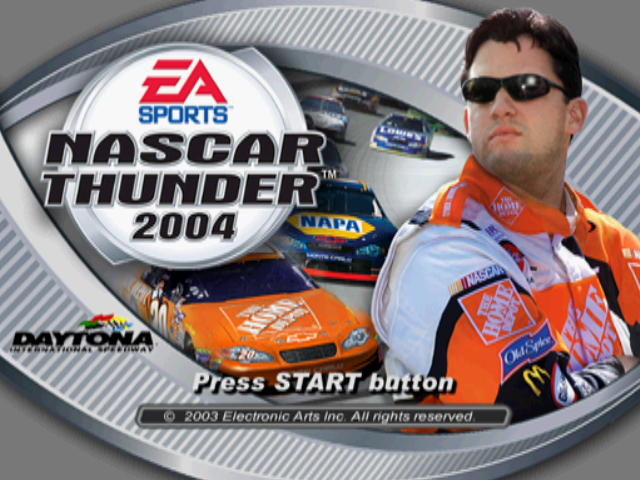
3. Insert game controllers and turn on the PlayStation game console. 4. After the introductory screen, press START to advance to the Main menu.
SETTING UP THE GAME
Whether you're playing a 1 or 2 player game, reading this section can get you to the track quickly and ready to race.
MAIN MENU
From the Main menu, start a Quick Race, run an entire Season, race against a friend, and set your game options.
QUICK RACE
Race with a random car, in a random position, on a random track.
1 PLAYER
Run a Single Race against the field, create and race for a Season of your design, access your Thunder Plates, take a peek at the Hall of Fame, or view Records by track.
2 PLAYER
Run a Single Race or Season with two players.
GAME OPTIONS
Set Audio Options, Driving Aids, Controller Configuration settings, and access your memory card. WHITE FLAG
The white flag indicates that the lead driver has started the final lap of the race. If you're in front, the pack makes a last-ditch effort to chase you down.
CHECKERED FLAG
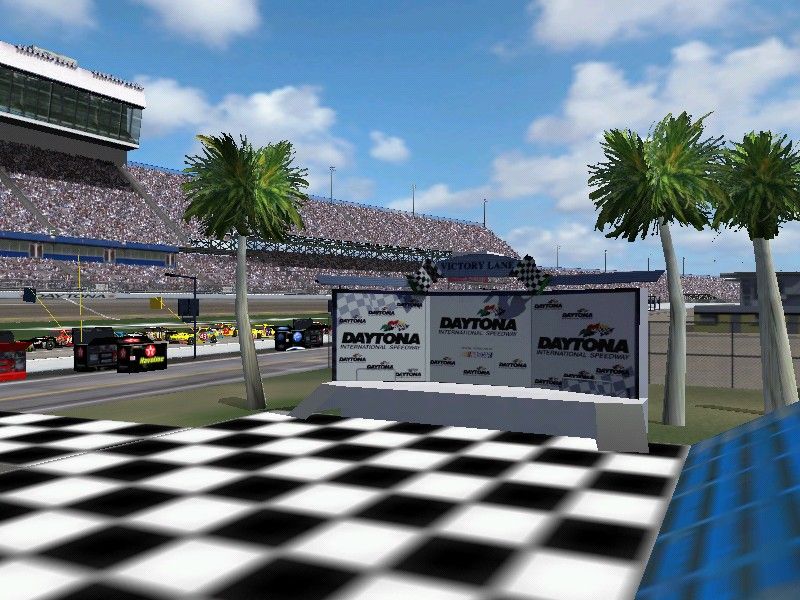
The checkered flag indicates that the lead driver has crossed the finish line and won the race.
PIT STOPS
You should make a pit stop in the following four situations: low fuel, worn tires, poor handling, and damage.
Some races do not have pit stops. You can set the frequency of pit stops in the NASCAR options menu.
•
Press the button for a left tire change
•
Press the button for a right tire change
•
Press the button to repair damage
•
Press the button to abort the pit stop
•
Press the D-button to increase or decrease the wedge
•
Press and hold the L1 button for fuel
TO MAKE A SUCCESSFUL PIT STOP
1. Decide which services you want before you enter the pits, which cuts down on your pit time.
2. Enter pit road. The Pit Service menu appears.
3. Select the needed services before your car comes to a stop.
4. When the pit stop is complete, your car pulls out of its stall. Hit the gas as you exit pit road.
TIP
For a splash-and-go pit stop, select no services. In the pits, press and hold the L1 button until you think you have taken enough fuel. Release the L1 button, and then press the button to get back on the track.
PAUSE MENU
To bring up the Pause menu, press the START button at any time during the race.
NOTE: Options that are self-explanatory have been omitted here.
NASCAR® TIMING
Displays your split times for the race.
DRIVING AIDS
Turn Stability Control ON to improve traction. Turn Auto Braking ON to improve your performance through turns.
SINGLE RACE
Go straight to the racetrack to get a quick fix of NASCAR Thunder 2004.
SINGLE RACE SETUP MENU
Choose your car, select a track, and adjust your race options.
GO RACIN'
Begin the Race Weekend.
DRIVER
Cycle through available cars and drivers.
TRACK
Cycle through tracks and time of day settings.
NASCAR® OPTIONS
Adjust your racing options. To begin racing, select your driver and track. Then, highlight GO RACIN' and press the ✖ button. The Race Weekend menu appears. RACE WEEKEND MENU
On race day, there are a lot of things to test and tweak to get to Victory Lane. Modify your car in the Garage, take a few Practice laps by yourself to get the hang of the track, or go straight to the starting grid and drop the hammer.
GARAGE
Fine-tune your car to squeeze out every drop of performance.
PRACTICE
Take a few solo laps around the track to practice.
QUALIFY
If you don't qualify before a race, you automatically start at the back of the field.
HAPPY HOUR
Work out the kinks against other drivers before the race.
START RACE
Go to the track for the start of the race.
LEAVE WEEKEND
Return to the Single Race menu.
SEASON MODE
Race an entire season for the NASCAR championship as your own created driver, in your own created car, and set to your season specifics.
From the 1 or 2 Player menu, choose SEASON MODE and press the button. The Season menu appears.
NASCAR THUNDER 2004 CHAMPIONSHIP POINTS SYSTEM
The winner of each race receives 175 points. For each subsequent finishing spot, the driver receives a lower point total. Five bonus points are awarded for each lap that a driver leads during the race. The driver who leads the most laps during a race receives an additional five points.
LOAD SEASON
Load a created season from your memory card.
DRIVER
Choose your car and driver.
SEASON TYPE
Select
.png)

.png)



_1.png)

.png)
.png)



.png)


_1.png)
.png)
.png)
_1.png)



_1.jpg)