PLAYSTATION CONSOLE SETUP
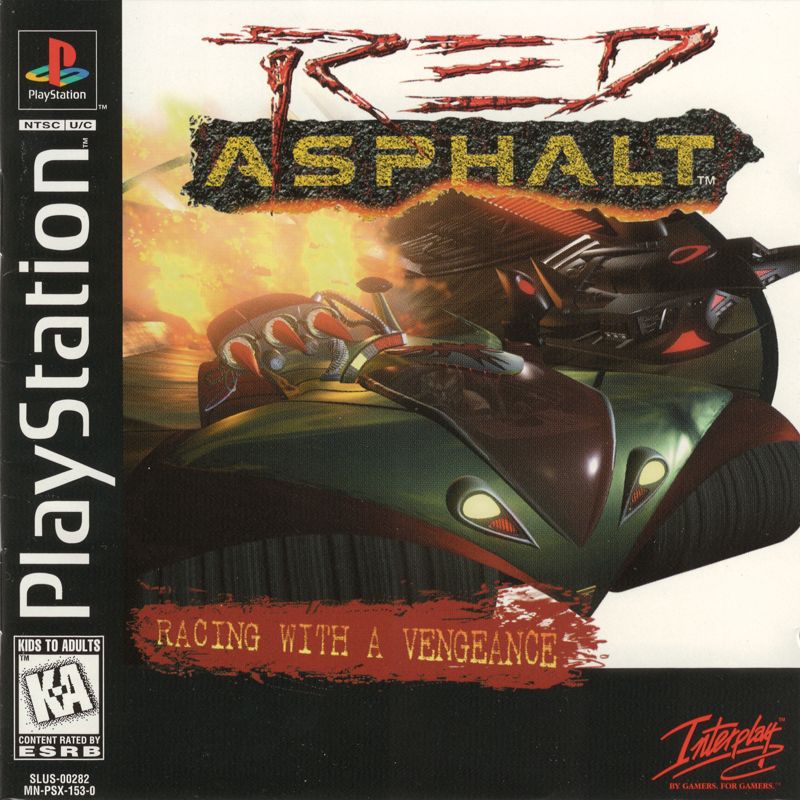
Set up your PlayStation™ game console according to its Instruction Manual. Make sure the power is off before inserting or removing a compact disc. Insert the Red Asphalt™ disc and close the disc cover. Insert game controllers and turn on the PlayStation™ game console. Follow on-screen instructions to start a game. WELCOME TO THE PRISON BARGE...
Red Asphalt is a racing combat game. You need to be good at both racing and combat to survive. Your racing skills and weapon skills will get you to the big showdown with Draenek in the Arena of Death. Your first step is choosing a Character and a Car. You can choose one of six characters, each with different abilities. Your car choices are limited because you're broke, so choose wisely.
As you race, you'll get Chaos Points, Cash, and Experience Points based on your performance. Your early decisions are important.
Chaos Points
Chaos Points determine whether the IRC (InterGalactic Race Council) allows you to advance through the circuit. There are five different Worlds, including the Arena of Death. You need 2 million Chaos Points per world to move between them.
You must place 1st, 2nd, or 3rd in races to get Chaos or Experience Points. If you haven't accumulated enough Chaos Points by the sixth race of any given World, the IRC sends you back to the first and takes all your winnings.
Cash
Any Cash you earn can be spent on your car. Spend it wisely, whether for new toys on your current vehicle or buying a whole new one.
Experience Points
You can use your Experience Points to upgrade your Character's abilities between races.
Bosses
Each World has a Boss. Most of these bosses are Draenek's puppets and want to see you lose. Keep them off your backside and try not to get emotional on the track.
General Advice
Grab Powerups on the track and spend your Cash and Experience Points. Only a few make it to the Arena. Draenek is a tough opponent, and you'll only get one chance to defeat him.
OPENING MENU
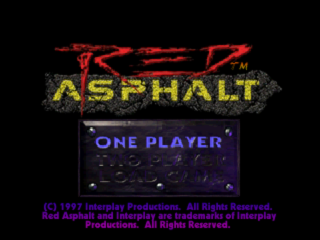
When you first start Red Asphalt, the first menu allows you to decide what kind of game you wish to play. Move the D-pad UP and DOWN to move through your choices and press X to select.
Starts a single player game. You choose a character and begin your war against Draenek.
Begins a 2-player game via link cable. You can play Cooperative or Total Chaos.
This will take you to the memory card screen, allowing you to load a game previously saved to the memory card.
MAIN MENU
You will need a car and a character to begin. The Cube is your interface to get both of these, as well as set up your options for the game.
•
Use the D-PAD to move around in the Cube.
•
Press X to select a highlighted item.
•
RIGHT and LEFT will rotate the sub menu on the left side of the screen.
•
UP and DOWN will move between other selections.
•
Press the Δ button to reset to the title screen.
•
Rotate to get to: CARS, CHARACTERS, OPTIONS and EQUIPMENT.
Shows what world you are currently racing on. Select this when you have enough Total Chaos Points and want to skip ahead. Prepare for the next track by racing it without opponents. When your car is ready, your equipment bought, and your character primed, select RACE to begin.
•
NOTE: Press the O button in any menu for quick reference control info.
CAR SELECTION
Your car is your tool of destruction. Upgrading it or buying a new model is crucial to staying competitive. The Car Selection screen only allows you to buy new cars. The Equipment screen is where you buy upgrades.
The general rule of thumb is that the more a car costs, the better it is. Factor in speed, brute force, and durability when you pick your vehicle. You have to give up your old car, so pick wisely.
View the commercial for the current car.
How much money you have.
The name of the car.
The company that makes the car.
The car's normal top speed. Engine upgrades, nitro, and gravity will increase this. Type of offensive weapons package.
$$$
•
NOTE: The D-Pad moves the highlight between areas on the cube. Use UP and DOWN to toggle the submenu.
Put your money on the table.
Go back to the Main Menu.
OPTIONS
Move around to the different options using UP and DOWN on the D-pad. Press X to make a selection or use LEFT and RIGHT to toggle through or adjust a setting.
Adjusts the volume level of the music.
.png)


.png)

.png)
.png)
.png)
.png)



.png)









.png)