Console Ports
Console Buttons
Getting Started
Set up your PlayStation®2 computer entertainment system according to its Instruction Manual. Ensure the MAIN POWER switch (located on the back of the console) is ON.
Press the RESET button. When the power indicator lights up, press the OPEN button to open the disc tray.
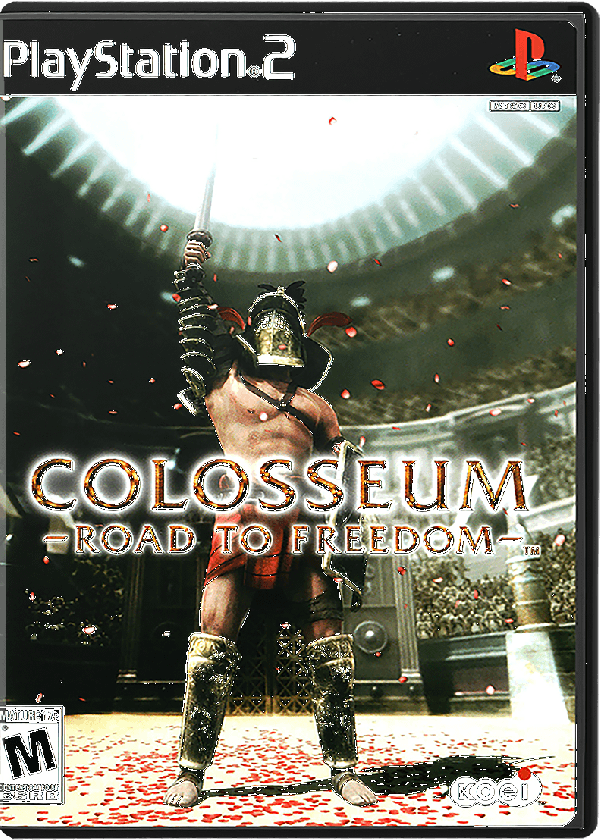
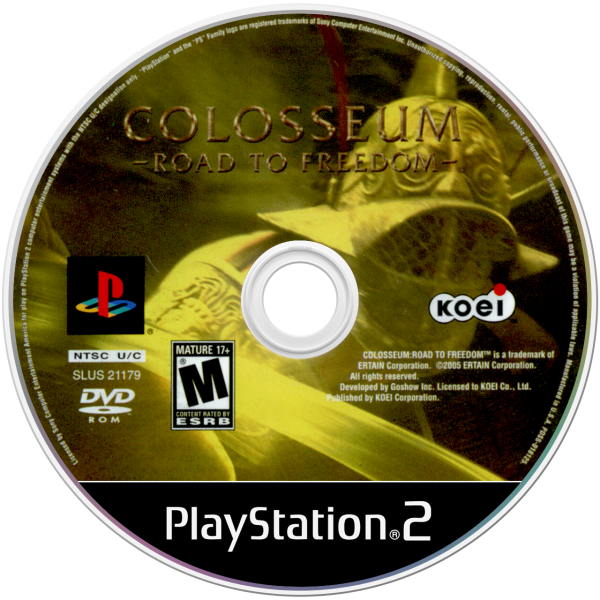
Place the "COLOSSEUM:ROAD TO FREEDOM" disc on the disc tray with the label side facing up. Press the OPEN button again to close the disc tray.
Attach game controllers and other peripherals as appropriate. Follow on-screen instructions and refer to this manual for information on using the software.
Note
Illustration may not match all PlayStation 2 console types. For owners of SCPH-70000 series PlayStation 2 systems, refer to the setup instructions supplied with your system. Action Overview
High Attack
Press this button to attack your opponent's head. If you don't have a weapon, press it for a high punch.
Left Attack
Press this button to attack your opponent's upper body from left to right. If you don't have a weapon, press it for a left-side punch.
Right Attack
Press this button to slash your opponent's upper body from right to left. If you don't have a weapon, press it for a right-side punch.
Low Attack
Press this button to attack your opponent's legs with a sword. If you don't have a weapon, press it for a low kick.
Jab Attack
•
Move the left analog stick and tap the, and buttons.
Move the left analog stick in the direction you want to make a light strike, then tap one of the attack buttons. This move cannot be done without weapons.
Turn Attack
•
Move the left analog stick and press the.. and buttons.
Move the left analog stick in the direction you want to turn and attack, then press one of the attack buttons. This move cannot be done without weapons.
Parry (deflecting attack)
•
Hold the R1 button and press the buttons.
Depending on the opponent's attack, you can parry [deflect the attack] by pressing the R1 button and one of the attack buttons. The opponent will be defenseless for a brief moment after this action.
Dodge
In order to dodge your opponent's attack, tap the R1 button in time. Dodging the offense depends on the kind of attack your opponent uses.
Slide
•
R1 button and left analog stick
Move the left analog stick left and right to make slow, parallel left and right movements. Move the left analog stick up and down to move back and forth slowly.
Side Step
•
R1 button and tap the left analog stick
Quickly move the left analog stick to make a fast parallel move. If you move the left analog stick up and down, you will make a quick back and forth movement.
Roll
•
R2 button + left analog stick
Press the R2 button to make the gladiator squat down. He will roll in the direction you move the left analog stick. You can do this action even if you are moving.
Guard
You can guard yourself by pressing the R1 button when you have a shield or two swords. When you are guarding, you can guard yourself from an attack coming in front of you, but it will not guard you from the side or behind.
Using and Throwing Weapons and Items
•
You can pick up items with the L1 button. This only works if your hands or head are free.
•
You can also equip using the L1 button + A buttons.
•
You can throw equipped items using the L1 button buttons.
•
Finally, use the L1 button + button to pick up and send items to your item box.
Equipment
•
Head gear: L1 + A button
•
Right Hand Equipment: L1 + button
•
Left Hand Equipment: L1 + button
Adrenaline Mode
•
Press L2 button while pressing R1 button
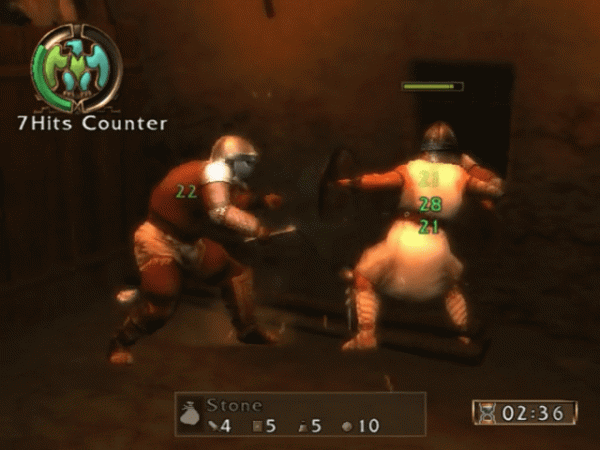
With the adrenaline gauge at MAX, press the R1 and L2 simultaneously to enter Adrenaline mode. In adrenaline mode, stamina recovers while time passes slowly until the adrenaline gauge reaches zero.
What to do when you are down
When you are on your back, you have the ability to attack in various directions by pressing the different attack buttons. You can also attack while you are getting up by using various attack buttons and the left analog stick.
When you are on your stomach, you can move the left analog stick to tumble and get up. You can also attack while you are getting up from your stomach by using various attack buttons and the left analog stick.
To turn over onto your back, press the [R1] button.
Main Mode
COLOSSEUM: ROAD TO FREEDOM
©2005 ERTAIN Corporation. All rights reserved. Licensed to KOEI Co., Ltd. Published by KOEI CORPORATION.
After turning on the game, select [NEW GAME] from the title screen, and start Main mode. In this mode, the player is bought by Magerius and becomes his slave fighter. The player has a maximum