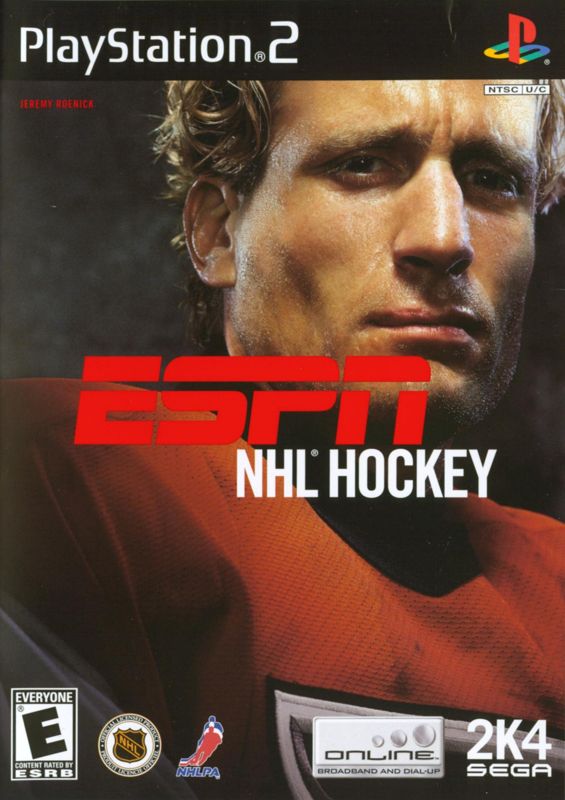
GETTING STARTED
Set up your PlayStation®2 computer entertainment system according to the instructions in its Instruction Manual. Make sure the MAIN POWER switch (located on the back of the console) is turned on.
Press the RESET button. When the power indicator lights up, press the open button and the disc tray will open. Place the ESPN NHL® Hockey disc on the disc tray with the label side facing up.
Press the open button again and the disc tray will close. Attach game controllers and other peripherals, as appropriate. Follow on-screen instructions and refer to this manual for information on using the software.
NETWORK PLAY
Select Network Play from the Main Menu to experience a whole new level of competition with ESPN NHL Hockey online!
Creating a Network Configuration
•
On the Network Configurations Screen, select CONFIG MANAGER.
•
On the Network Setting Screen, select ADD SETTING.
•
Follow onscreen instructions.
•
Press the ✖ button when complete to save your settings.
•
On the Confirm Overlay, to test your connection, highlight YES and press the ✖ button.
•
Press the Circle button to restart the game.
Logging On
•
On the Network Configurations Screen, select a saved Internet service provider setting and press the ✖ button to log on.
•
If you've already created a User Account, enter your User Name and Password and press the START button to advance. (If not, see Creating a New Account below).
Creating a New Account
•
On the Online Authentication Screen, select NEW ACCOUNT.
•
On the Create Account Screen, enter account information using the Virtual Keyboard.
•
Press the START button to advance.
ONLINE MENU
Play
On the Online Lobbies Screen, you select the game lobby you wish to enter.
•
Press the R1 or L1 button to cycle forward or backward through the available modes (Exhibition, Amateur, Rookie, Pro, All-Star, Hall of Famer, Mini-Rink, and Skills).
To set your game options, first select Options from the Online Menu.
Exhibition
Select Exhibition to play an unranked game.
•
Highlight a user and press the button. An overlay will appear.
•
Select CHALLENGE. If the user accepts, the Team Select Screen will appear.
In the Team Select Screen, and thereafter in gameplay, if you and your competitor each own a USB headset, you can talk to one another as you play. Voice chat is not supported on dial-up modem connections.
Amateur, Rookie, Pro, All-Star, and Hall of Famer
These lobbies work the same as the Exhibition lobby. However, wins and losses in these lobbies count towards the Leader Boards. Also, the lobby you select will determine the game's difficulty setting.
Mini-Rink
Mini-Rink is a fast-paced outdoor game with two skaters on each side.
Skills
Challenge another player to a sequence of tests to see whose skills are the best. The cumulative score from the six events is compiled to arrive at the overall winner.
•
1 on 1: Each starting skater on each team gets two chances to score on the opposing goalie. The team with the most goals wins.
•
Hardest Shot: Fire the puck into an empty net as hard as you can. Each starting player gets two shots.
•
Breakaway Relay: Just like 1 on 1, except that after shooting, each player has to skate back to the blue line to let the next player go.
•
Accuracy: 4 targets, 9 pucks, and 25 seconds per player. Break the targets as quickly as you can, using the least amount of pucks that you can.
•
Puck Control: Navigate the cones as quickly as possible without losing control of the puck.
•
Fastest Skater: Try to get the fastest overall time skating around the rink. Each starting skater gets a chance.
Latest News
The Latest News Screen gives you all the latest news pertaining to ESPN Hockey Online.
Leader Boards
The Online Leader Board Screen displays the online player rankings for each mode except Exhibition.
Downloads
The Roster Downloads Screen allows you to download the latest NHL rosters, making it quick and easy to keep ESPN NHL Hockey current with trades and other roster movement.
Options
The Game Settings Screen allows you to set the game options for the games that you create.
Sign Out
Select Sign Out to log off from the network.
.png)

_1.png)
.png)