GETTING STARTED
PlayStation 2 Setup
Set up your PlayStation®2 computer entertainment system according to its Instruction Manual. Ensure the MAIN POWER switch (on the back of the console) is ON.
Press the RESET button. When the power indicator lights up, press the OPEN button to open the disc tray.
Place the OBSCURE disc on the disc tray with the label side facing up. Press the OPEN button again to close the disc tray. Attach game controllers and other peripherals as appropriate. Follow on-screen instructions and refer to this manual for software information.
*Note: Illustration may not match all PlayStation 2 console types. For owners of SCPH-70000 series PlayStation 2 systems, refer to the setup instructions supplied with your system.* Memory Card
To save game settings and progress, insert a memory card (8MB) (for PlayStation®2) into MEMORY CARD slot 1 of your PlayStation®2 system.
You can load saved game data from the same memory card or any memory card (8MB) (for PlayStation®2) containing previously saved games.
MAIN MENU
Menu Navigation
•
The directional buttons or the left analog stick enables you to select a line.
•
The ✖ button confirms your choice.
•
The △ button takes you back to the previous menu.
Language Selection
Select your preferred language from the console's internal system configuration. OBSCURE supports English, French, and Spanish languages.
1 - New Game
To start a new game. Before you start, a new screen display asks you to choose the level of difficulty: easy or normal.
The difficult mode, shaded in grey, can only be activated once the game in one of the two other modes is over.
2 - Game Load
To resume a game which was previously saved.
3 - Options
To modify certain parameters of the game:
Use this option for setting the light contrast parameters, so as to obtain the most comfortable position on your monitor. You should not be able to distinguish anything situated to the left of the red line on the light panel.
Displays the buttons settings
Select the desired mode (mono/Dolby® Prologic II)
Switches the vibration function of the DUALSHOCK®2 analog controller ON or OFF
Switches the subtitles function ON or OFF
When you quit the options menu (using the △ button), you will be asked if you want to save your settings. These will be re-loaded automatically from your Memory Card (8MB) (for PlayStation®2) when you run Obscure.
If you have a Memory Card (8MB) (for PlayStation®2) containing these settings but you have run Obscure without inserting it beforehand, your settings will not be loaded automatically. However, you can re-load the settings later by inserting your Memory Card (8MB) (for PlayStation®2) and using the option "LOAD OPTIONS".
4 - Bonus
Enables you to listen to the original soundtracks taken out of the Obscure game, progressively audible only as you advance in the game.
There are some surprises in store for those who can finish the game...
Launches the Obscure Trailer
TARGETS, FIGHTS, DEATH
1 - Targets
To find their lost friend and unveil the mystery in which Leafmore High is shrouded, our five heroes must solve puzzles, collect clues, and survive the assaults of the many creatures they will come across.
In the course of their quest some of them might possibly die. To complete their adventure, at least one of the survivors should discover and eradicate the evil corrupting their school.
2 - Fights
The school is filled with all sorts of creatures, some weak and some strong, which the team must confront and defeat. To that effect they must use various weapons and ammunitions, which they will collect in the course of the game.
*Note: think of using your teammate strategically in order to terminate the most resilient creatures.*
3 - Death
A character may die from the wounds inflicted upon him by the monsters. The other members of the group may then retrieve his weapons and ammunitions and continue the game.
When all the characters are dead the game is over. You have lost the game. In this case, you can either load one of your saved games or start a new game.
PLAYING THE GAME: MAIN FUNCTIONS
1 - Moving Characters
Use the left analog stick to move the active character.
2 - Fight Against Creatures
When the heroes meet creatures they can kill them thanks to the weapons at their disposal. To select a weapon press and hold the R2 button and use the right analog stick to browse the different weapons possessed by the active character. Release the R2 button in order to use the selected weapon.
To Get Rid of an Enemy
Lock the enemy by pressing the R1 button then press the ✖ button in order to shoot or hit.
The Black Halo
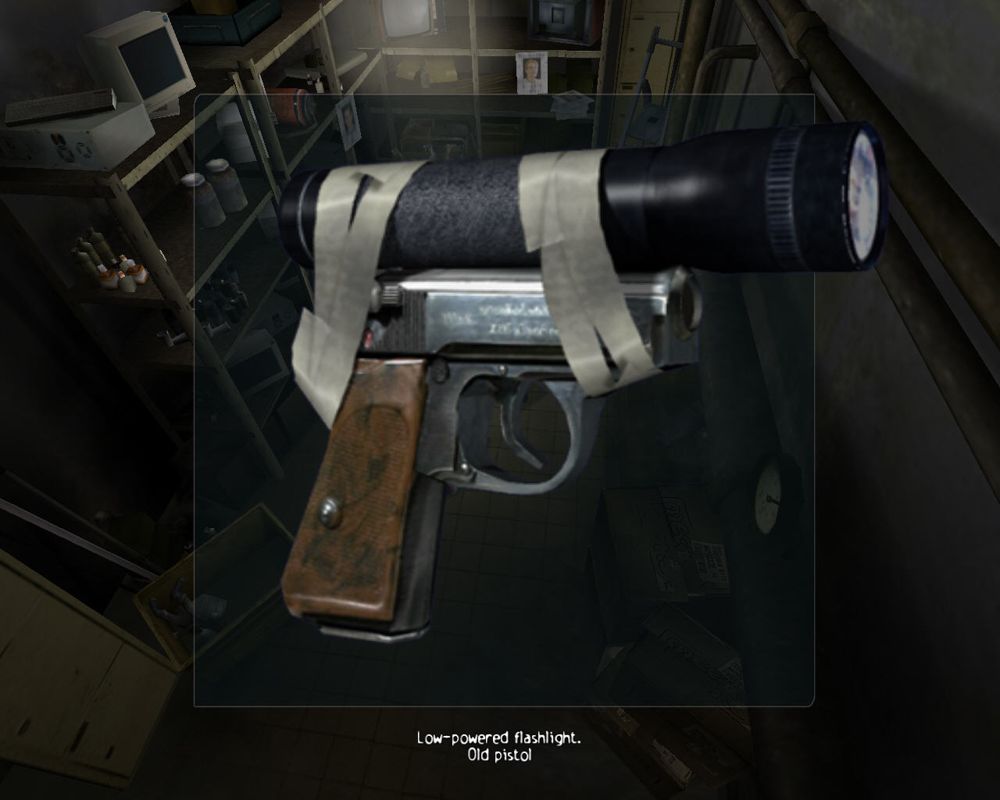
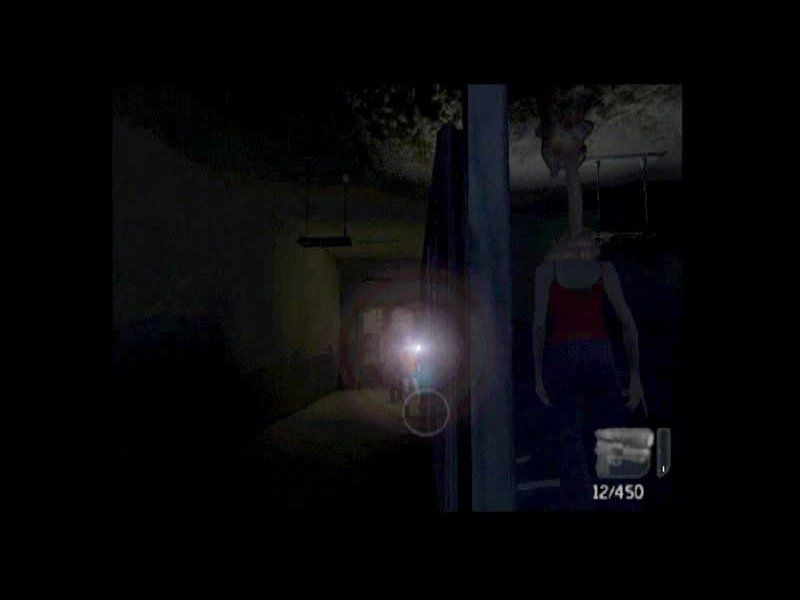
The majority of the creatures are surrounded by a black halo that protects them. Students can use light sources to dispel this halo and kill the enemy
.png)

.png)
.png)
.png)
